


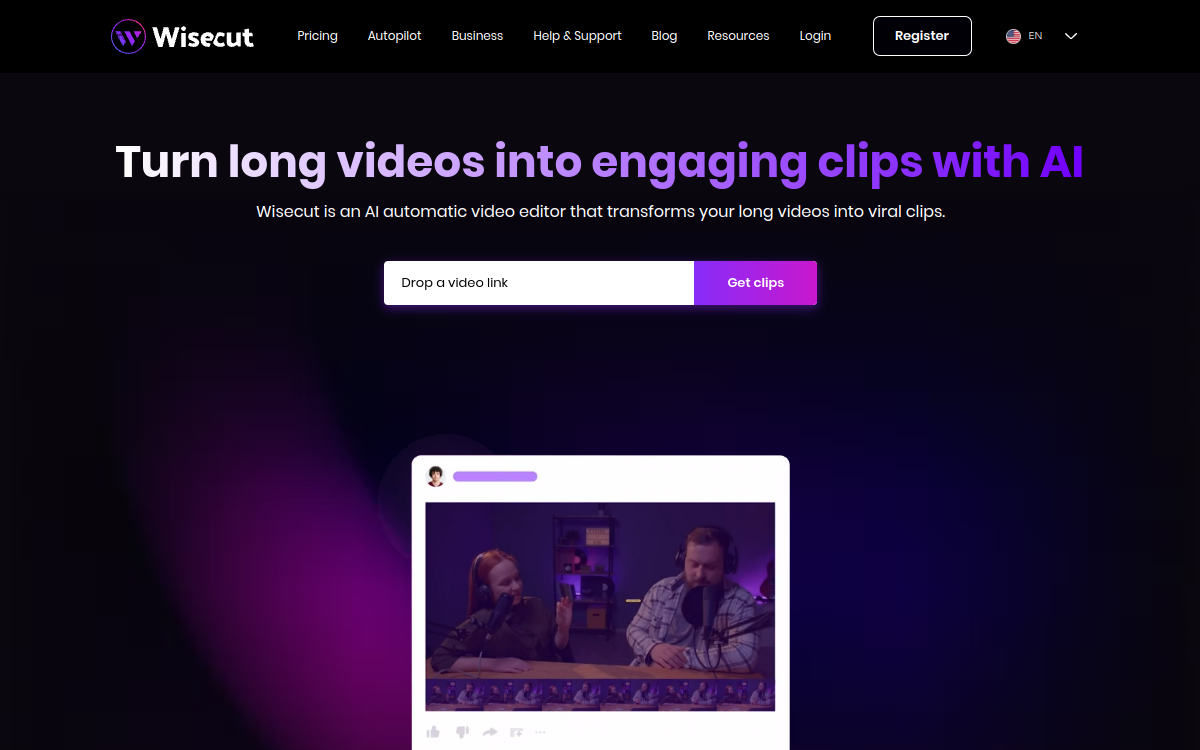
Wisecut is an automated video editing tool that analyzes your videos to remove silences, intelligently crop, and add dynamic captions. Designed for creators, trainers, and video podcasters, it transforms raw footage into rhythmic content ready for YouTube or social networks. The tool targets those who want to optimize post-production without using complex software, while maintaining clean and pleasant-to-watch output.
What is Wisecut?
In practice, Wisecut is used as an online service where you import raw videos. AI analyzes the audio to detect spoken passages and silent periods, then removes the latter to make the video more fluid. It can also automatically crop the frame to follow the subject and generate captions from transcription. The user retains control to refine results, but most tedious work is already done. The goal is to make post-production accessible to those lacking time or skills to use traditional editing software.
Main Features
Wisecut’s features include automatic silence removal, intelligent cropping, caption generation, background music addition, and sometimes audio volume adjustments. The interface allows previewing the AI-proposed edit and correcting certain cuts if needed. Some plans integrate advanced options like custom caption styles or export in different resolutions. The tool integrates easily into a workflow where you record videos in one take, then entrust Wisecut to “clean up” and energize the content.
Use Cases
Typical Wisecut use cases involve educational videos, tutorials, face-to-camera vlogs, interviews, and video podcasts. Creators who regularly shoot long-form content can save considerable time by automating repetitive tasks. Online trainers can produce cleaner modules from recorded sessions. Entrepreneurs using video for communication can also find a way to improve their image without a dedicated editor.
Advantages
Wisecut’s main advantage is time savings, but also improved viewing experience. Videos without unnecessary silences and with clear captions are more pleasant to watch, especially on online platforms where attention is limited. For creators hesitant to learn full editing software, Wisecut is a reassuring entry point. It allows producing more content with reduced effort, which can directly impact visibility and engagement.
Pricing
Wisecut generally adopts a freemium model, with a free or trial offer allowing processing a certain video volume with limitations. Paid plans offer more minutes, additional features, and better export flexibility. Pricing remains reasonable for creators and small businesses using video as a regular communication channel.
Conclusion
In summary, Wisecut doesn’t claim to replace professional editing software, but excels at simplifying post-production of simple videos. For creators, trainers, and entrepreneurs who often record one-shot content, it’s a tool to seriously consider. On Comparateur-IA.com, it finds its place in the practical AI video category, designed to make editing faster and more accessible to everyone.