


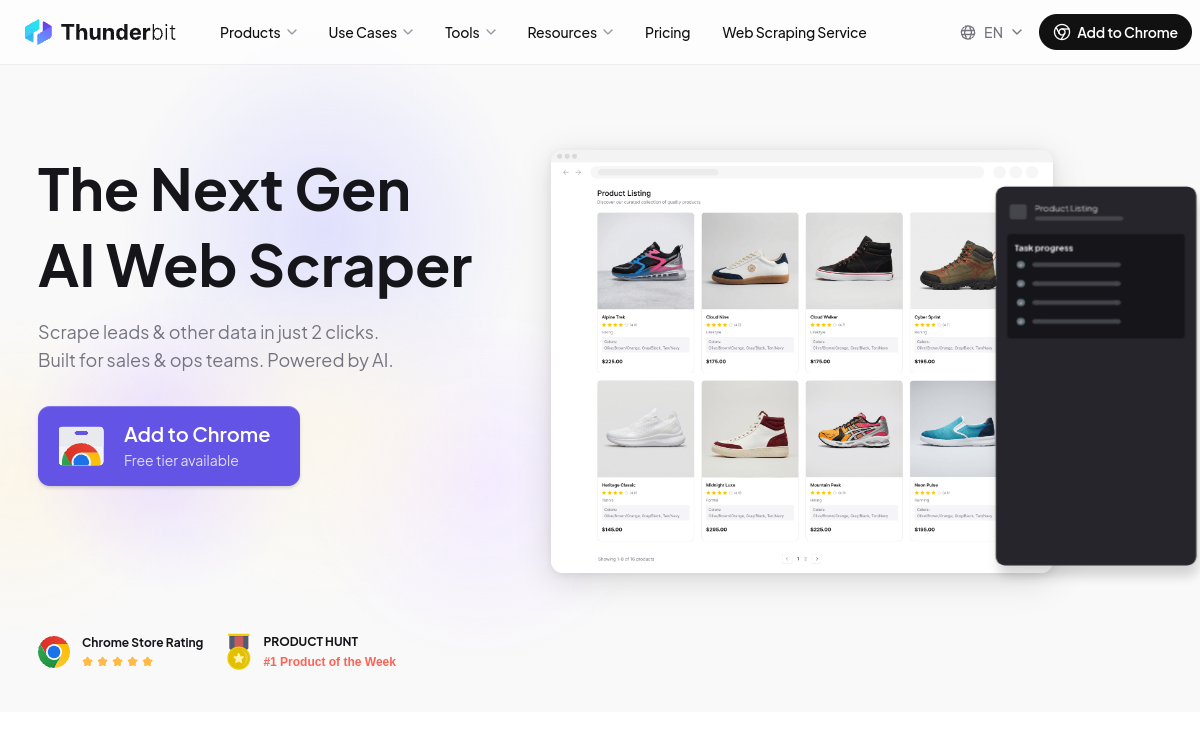
Thunderbit is a __Chrome extension no-code__ powered by AI (ChatGPT, Claude, Gemini) that lets you extract data from any website in two clicks. The user simply describes the desired columns in natural language, and Thunderbit automatically configures the scraper. It supports __sub-page scraping__, extraction from __PDFs and images__, and free export to Excel, Google Sheets, Airtable, and Notion. Accessible to __non-developers__, it is the ideal tool for marketing, sales, and operational teams looking to automate their __web data collection__.
What is Thunderbit?
Thunderbit is a no-code web scraping Chrome extension powered by artificial intelligence. The user visits a page, describes the columns they want to extract in natural language, and Thunderbit analyzes the page structure to automatically configure the scraper. The AI identifies relevant data, extracts it, and presents it in a structured table ready for export. The tool supports not only standard web page scraping, but also sub-page scraping (by following links), extraction from PDFs—even scanned ones—and from images.
Key Features
Thunderbit relies on a multi-model AI engine combining ChatGPT, Gemini, and Claude to interpret natural language instructions and analyze page structure. Among its key features: sub-page scraping that automatically follows links to compile a consolidated dataset, batch URL scraping to process hundreds of pages in a single operation, scheduling of recurring scrapers up to 5-minute frequency, and built-in data enrichment. Export is free to Excel, Google Sheets, Airtable, and Notion. Specialized extractors for emails, phone numbers, and images are available free on all plans.
Use Cases
Thunderbit is particularly useful for sales teams extracting leads from LinkedIn, directories, and industry websites. Marketers use it to monitor competitor prices, collect customer reviews, or aggregate content for their monitoring. Analysts without programming skills use it to feed dashboards. HR teams can extract job postings for market studies, and researchers use the tool to build corpora of data from public web sources.
Advantages
The primary advantage of Thunderbit is its accessibility: no technical skill required to get started. Setting up a scraper takes less than two minutes compared to several hours with traditional tools. Free export to existing tools (Sheets, Notion, Airtable) without extra fees reduces integration friction. The combination of multiple AI models improves extraction accuracy on complex pages.
Pricing
Thunderbit offers a free plan with 6 pages per month (30 credits per page). The Starter plan is available at $9/month (annual billing), including 5,000 credits per year, sub-page scraping, and basic scheduling. The Pro plan at $16.50/month (annual) offers 30,000 credits, unlimited data retention, and 25 scheduled scrapers. A Business plan with custom credits and priority support is also available for large teams.
Conclusion
Thunderbit occupies a specific niche and fills it brilliantly: making web scraping accessible to non-developers through AI. For teams that need to collect web data without investing in development, it is an effective, affordable, and easy-to-learn solution. Its limitations (no API, moderate volumes) are acceptable for its target audience.