


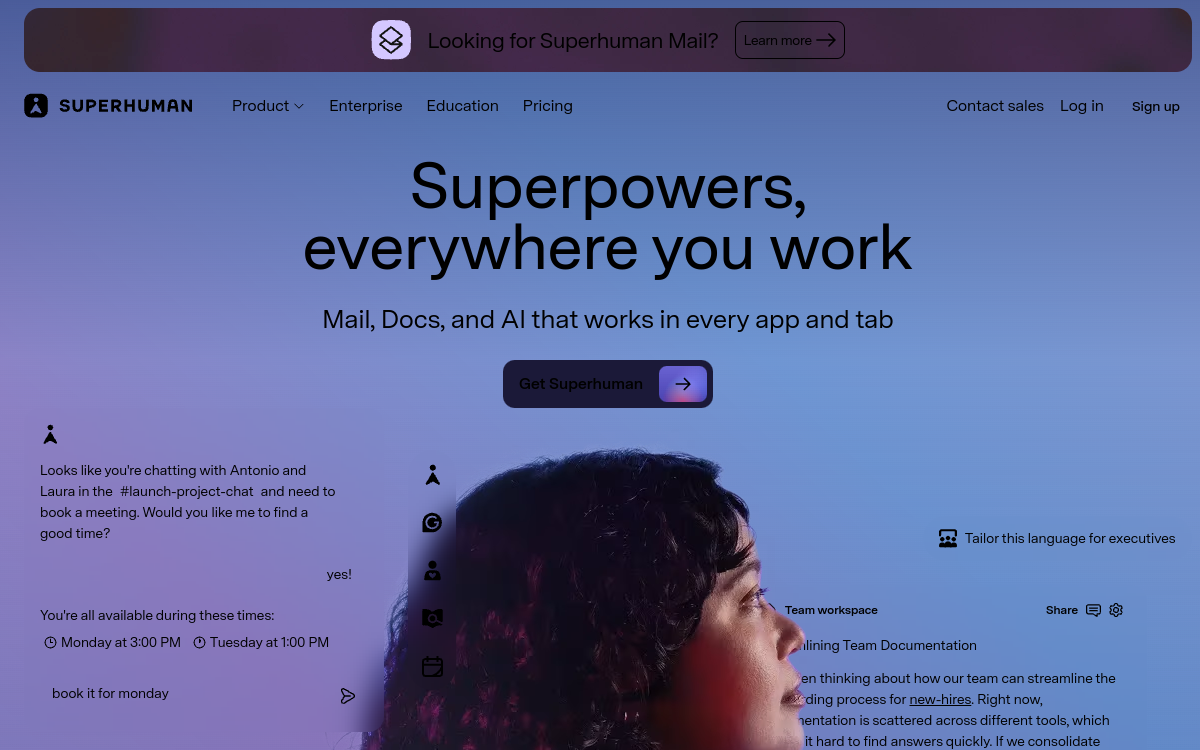
Superhuman is an AI-powered premium email client designed for professionals who want to regain control of their inbox. The solution combines ultra-fast keyboard shortcuts, Gmail and Outlook integration, generative AI for writing and summarizing, meeting scheduling, and auto-labels to intelligently sort messages. With its promise to double email processing speed, Superhuman targets executives, managers, salespeople and founders who spend several hours a day in their inbox.
What is Superhuman?
Superhuman is a premium email client available on macOS, Windows, iOS and Android, designed for professionals who want to process their inbox twice as fast. The solution relies on three pillars: an ultra-fast keyboard-optimized interface, native integration with Gmail and Outlook, and a generative AI layer that assists the user with writing, summarizing and sorting. Superhuman mainly targets executives, managers, salespeople, founders and investors who handle dozens or even hundreds of emails per day. The platform stands out for its personalized onboarding (a Superhuman coach guides you) and for a product experience constantly refined to reduce the friction of every email action.
Main features
Superhuman is built around several flagship features. The keyboard-first interface lets you navigate, reply, archive and sort without touching the mouse, with shortcuts designed for maximum speed. AI Replies generates complete, contextual reply drafts, drawing on the thread, the calendar and your history with the recipient. Instant Reply offers short one-click responses to acknowledge receipt or confirm. Auto Labels automatically categorizes incoming emails (important, requests, invoices, newsletters) to prioritize the inbox. Summarize collapses a long thread into a few scannable lines. Snippets lets you reuse template messages via shortcuts. The built-in meeting scheduler lets you propose slots and manage your calendar directly from email. Finally, Superhuman offers team collaboration features (shared comments on emails), read tracking and automatic reminders on unanswered emails.
Use cases
Superhuman is used by many profiles. Executives manage their strategic inbox with maximum focus, delegating first-level sorting and drafting to AI. Salespeople in intensive outbound process their prospect replies quickly with AI drafts and snippets. Account Executives juggle dozens of client accounts by relying on the contextual history generated by AI. Founders switch between investor, client, team and partner conversations without losing the thread. Investors handle a massive flow of deals and pitches using summaries and automatic sorting. Managers optimize their daily productivity by saving 30 to 60 minutes a day on email. All these uses share a common logic: making email a productivity tool rather than a source of friction.
Advantages
Superhuman’s main benefit is measurable time savings: regular users save 30 to 60 minutes a day on email, that is several hours a week. The second benefit is reply quality: thanks to contextual AI, drafts are more accurate and faster to produce than those written manually. The third benefit is reduced stress from an overloaded inbox, thanks to automatic sorting and an accessible Inbox Zero system. The fourth benefit is the premium user experience, particularly appreciated by demanding profiles. Finally, the personalized onboarding and coaching included in the subscription durably transform email habits, which largely offsets the monthly cost.
Pricing
Superhuman offers several tiers. The Starter plan at $30/month includes more than 28 features across seven categories: 11 AI capabilities, full calendar integration, team collaboration tools and SOC II compliance. The Business plan at $40/month adds advanced features such as CRM integrations, particularly useful for salespeople. An Enterprise plan (custom quote) adds SSO, security controls, audit logs and a dedicated account manager. Annual billing offers a 17% discount, that is $25/month for Starter and $33/month for Business. Note: for new users, Superhuman is now integrated into the Grammarly offering, which changes the subscription terms.
Conclusion
In 2026, Superhuman establishes itself as the reference premium email client for professionals who view their inbox as a critical productivity tool. The keyboard-first experience remains unmatched, and the integration of generative AI reinforces an already solid promise. The premium price remains a barrier for profiles handling few emails or with tight budgets, but for executives, salespeople and founders who want to save an hour a day, it is very clearly one of the best possible software investments. In 2026, Superhuman remains one of the few SaaS products that fully justifies its premium positioning through consistent execution quality.