


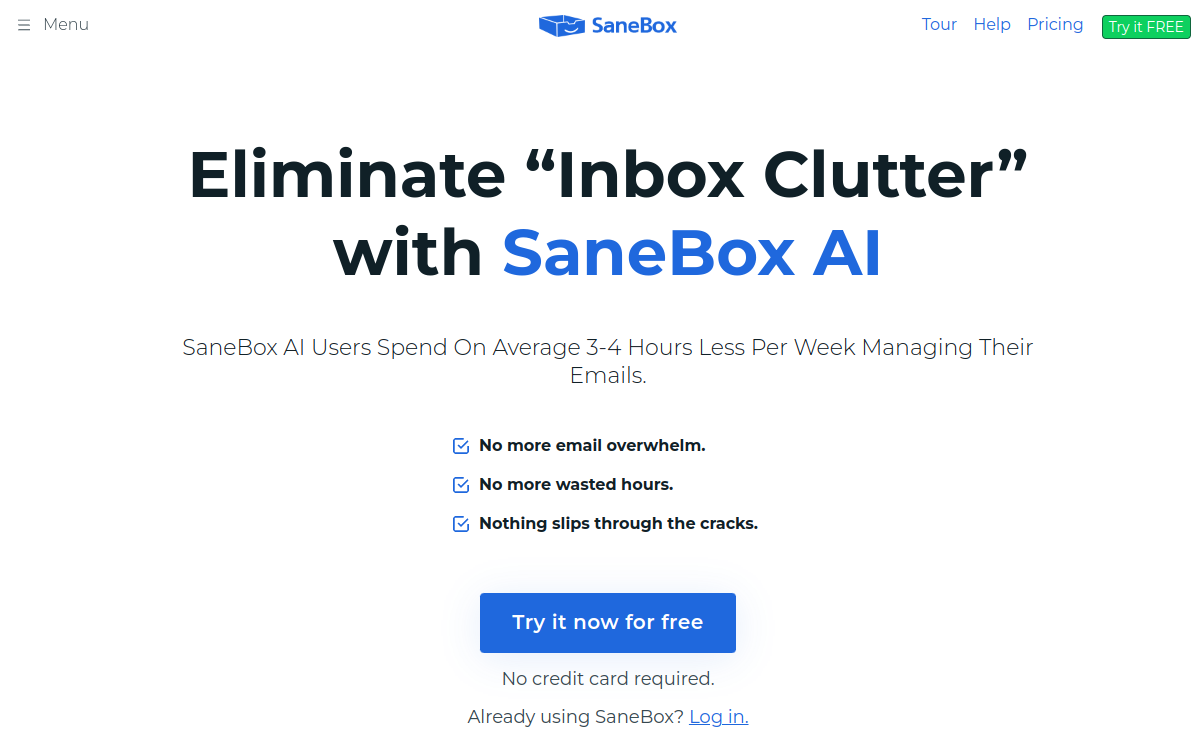
SaneBox is an email assistant that integrates with Gmail, Outlook or any IMAP to automatically sort your messages. It pushes non-urgent emails into folders (newsletters, notifications), prioritizes important messages and creates smart rules as you use it. With features like unsubscribe, snooze and reminders, it improves personal organization and productivity without changing tools.
What is SaneBox?
SaneBox is a productivity assistant for email. It analyzes how you manage your messages (senders, subjects, reading and reply behaviors) to determine what matters to you. Then it automatically moves less urgent emails into folders like SaneLater or SaneNews, while keeping priority messages in your inbox. The tool doesn’t require changing your email client: you continue using Gmail, Outlook or Apple Mail. SaneBox works “behind” your email by creating folders and applying sorting rules. This makes it a simple solution to adopt, particularly suited for users who want better organization without overhauling their habits.
Main Features
SaneBox’s signature feature is automatic email sorting. Messages deemed non-urgent are moved to dedicated folders, which immediately lightens your inbox. Newsletters can be grouped in a specific folder and reviewed all at once, rather than disrupting your day. SaneBox also offers options to regain control of your flows: snooze to make an email reappear at the right time, digests to receive a summary of filtered messages, and a blocking function to permanently eliminate certain senders. On the follow-up side, follow-up reminders help you not forget important conversations. You can be notified if an email hasn’t received a reply within a given timeframe. Finally, SaneBox typically offers cleanup tools (unsubscribe, attachment management, noise reduction) to maintain a stable mailbox over time.
Use Cases
SaneBox is particularly useful for professionals who receive many messages and want to protect their focus. Automatic sorting allows you to handle essentials first, then review the rest in bulk at a time of your choosing. For freelancers and consultants, follow-up reminders reduce oversights and secure business or client follow-ups. Managers find a way to avoid missing critical information amid notifications. In an SME, the tool helps standardize email hygiene without imposing heavy technical changes. Finally, for users aiming to reach inbox zero, folders and digests structure a simple routine: priority, then secondary sorting, then progressive cleanup.
Advantages
The main benefit of SaneBox is reducing noise and interruptions. By decreasing the mental load related to email, it improves productivity and promotes more intentional message handling. Automatic sorting avoids spending time manually organizing, while digests allow you to group the viewing of secondary messages. Snooze and reminder functions strengthen organization: you handle an email at the right time and avoid follow-up oversights. Over time, SaneBox contributes to better response quality, better priority management and a sense of control over messaging. It’s concrete gains for profiles who live in their inbox.
Pricing
SaneBox works by subscription, with several plans based on the number of connected email accounts and the number of features activated. The entry-level offer starts around $4.13 per month with annual billing. Higher plans increase the number of accounts and provide access to more features. A free trial is offered to test the tool before committing. To properly size your budget, you mainly need to evaluate the number of mailboxes to connect and the features needed daily. For regular professional use, the subscription is generally worthwhile if the tool lets you recover just one or two hours per week.
Conclusion
SaneBox is a simple and effective solution to reduce email overload without changing your email service. Its automatic sorting, smart folders and follow-up functions address very concrete needs: better prioritization, limiting distractions and avoiding oversights. The tool is particularly relevant for freelancers, managers and SMEs who want to improve their organization quickly. With a bit of learning time, productivity gains become tangible and lasting. If your mailbox is a daily friction point, SaneBox is a solid option to integrate into your stack.