Audio Cut

Trim, cut and export audio in seconds, without installation and without quality loss.

Audio Productivity
#Content Creation #Nettoyage audio #Podcasts #Voice-over

Overview of Audio Cut

https://audiocut.io/
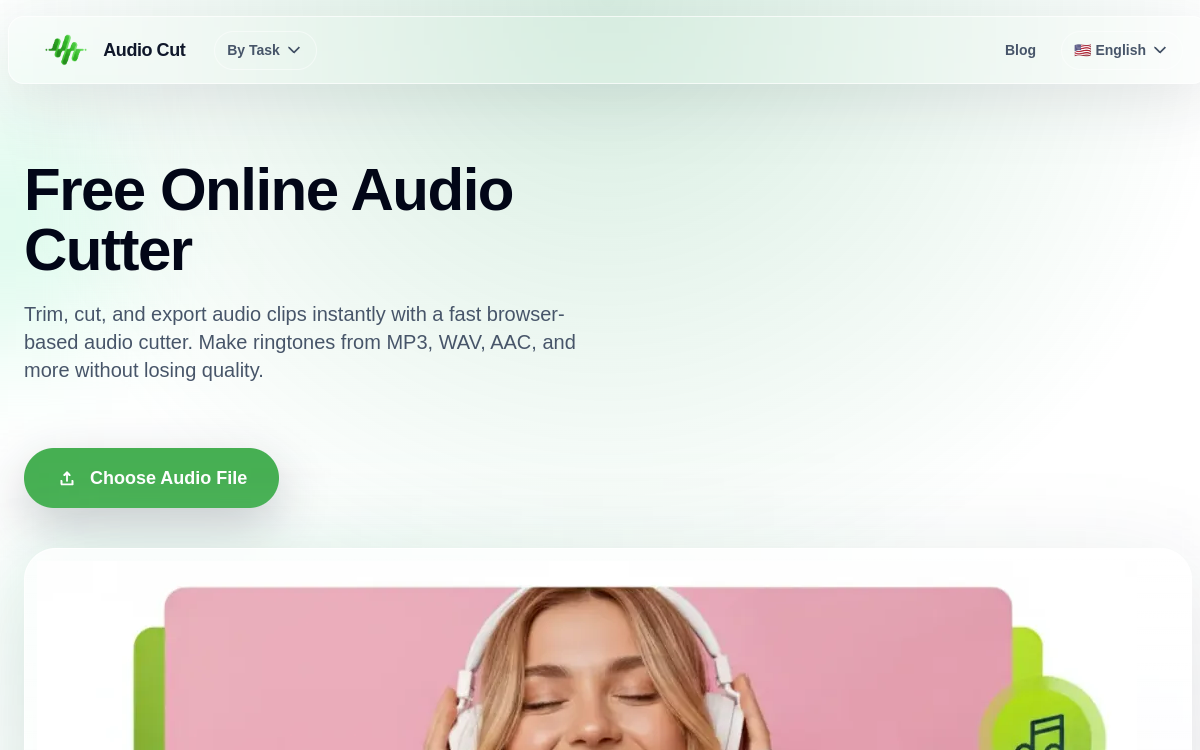
Screenshot of Audio Cut
Visit Audio Cut →

Présentation détaillée

Audio Cut is a web tool for __cutting__ and __trimming__ audio files in seconds, without installation. It supports __MP3, WAV, AAC, FLAC, M4A__ formats and guarantees export __without quality loss__. Its real-time processing directly in the browser preserves __privacy__: files are not sent to remote servers. Ideal for making __ringtones__, shortening songs, isolating a podcast excerpt or cleaning silence before publishing.

What is Audio Cut?

Audio Cut is a specialized web service for audio trimming. The user drops an MP3, WAV, AAC, FLAC or M4A file, selects the portion to keep and exports. Processing happens in the browser thanks to modern technologies (Web Audio API, WebAssembly), ensuring files never leave the machine. Audio Cut fits into a By Task tools logic designed for targeted and quick actions rather than a complete software suite.

Main Features

The heart of Audio Cut is the audio trimmer. The user defines a start and end point on the waveform and exports the desired segment. Format compatibility is broad: MP3 and AAC for streaming and compression, WAV for studio quality, FLAC for lossless, M4A for iPhones and podcasts. The export preserves original quality when possible, without destructive re-encoding. Real-time processing in the browser avoids uploads and preserves privacy, a point often decisive for podcasters and journalists. The interface is deliberately minimalist to allow getting to the essentials without any learning curve.

Use Cases

Audio Cut covers a wide variety of daily needs. Podcasters use it to clean silence at the beginning or end of a take before publishing. Music creators isolate a song’s chorus to prepare a sample or teaser. Individuals create ringtones from their favorite songs. Students edit interviews or recorded lessons to keep only the useful part. Marketers adjust voiceover before video editing. Teachers prepare audio excerpts for their educational materials. Every time, the same promise: go fast, keep quality and don’t depend on the cloud.

Advantages

The main benefit is privacy: no file sent to a server, which reassures for sensitive content. The second is quality: no destructive re-encoding. The third is speed: opening, cutting, exporting usually takes less than a minute. The fourth is format coverage: MP3, WAV, AAC, FLAC, M4A cover the essentials. The last is total friction-free: no pop-ups, no sign-up, no hidden promises.

Pricing

Audio Cut is a free service. The homepage doesn’t mention paid plans, making it an ideal tool for occasional use as well as regular usage. More advanced features (effects, multi-track) are not offered for now: Audio Cut embraces its philosophy of a targeted tool.

Conclusion

Audio Cut is exactly what you expect from an online audio trimmer: fast, clean, privacy-respecting and free. It’s a tool worth bookmarking for occasional needs as well as regular audio content production.

✅ Strengths

  • Compatible with MP3, WAV, AAC, FLAC, M4A
  • Processing in the browser to preserve privacy
  • Export without quality loss
  • Minimalist and instant interface
  • Ideal for creating ringtones and shortening songs
  • No sign-up required to get started

⚠️ Limits

  • No (yet) advanced multi-track editing
  • No AI features (transcription, noise removal)
  • Lack of sound effects (fade, EQ, compression)
  • Size limits depending on browser memory
  • No batch export for multiple files at once
👤 GOOD CHOICE?

Audio Cut est-il fait pour vous ?

✓ Ideal if you…

  • Podcasteurs voulant nettoyer un blanc rapidement
  • Créateurs musique qui isolent un refrain
  • Particuliers créant des ringtones
  • Étudiants éditant des interviews ou des cours
  • Marketeurs qui ajustent une voix off

✗ To avoid if you…

  • Ingénieurs son cherchant une vraie DAW
  • Pros nécessitant mixage et mastering
  • Workflows nécessitant des effets avancés
  • Productions broadcast ou studios pro

🎯 Our verdict

Audio Cut fits the lineage of minimalist online tools that do one thing well. Its promise is clear: trim an audio file in seconds, without installation, without loss and without sign-up. Local processing in the browser preserves privacy, which appeals to podcasters and creators who don’t want to send their masters to third-party servers. Format coverage (MP3, WAV, AAC, FLAC, M4A) is complete for common uses. Of course, the tool doesn’t claim to replace a real DAW like Audacity or Pro Tools: no multi-track editing, no effects, no AI. But that’s not its role. For podcasters, audio content creators and individuals looking to make a ringtone or shorten audio, it’s one of the most effective and most respectful tools available.

❓ FREQUENT QUESTIONS

FAQ — Audio Cut

What formats does Audio Cut support?
MP3, WAV, AAC, FLAC, M4A and most standard audio formats for both upload and export.
Are my files sent to a server?
No. Audio Cut processes files directly in the browser, which preserves the privacy of your audio.
Is the export lossless?
Yes. The export preserves the original quality of the file, without destructive re-encoding when possible.
Can I create a ringtone?
Yes. It’s one of the typical use cases: cut the desired excerpt from an MP3 or WAV song and export it in the right format.
Is the tool really free?
Yes. Audio Cut is a free tool, accessible without sign-up from any recent browser.
★★★★½ 4.6/5 (61 avis)
✅ Verified by Comparateur-IA
Audio Productivity

Trim, cut and export audio in seconds, without installation and without quality loss.

💰 Rate Free
🆓 Free trial Yes
🌐 Languages ANGLAIS, MULTILINGUE
Visit the site →
This site is registered on wpml.org as a development site. Switch to a production site key to remove this banner.