



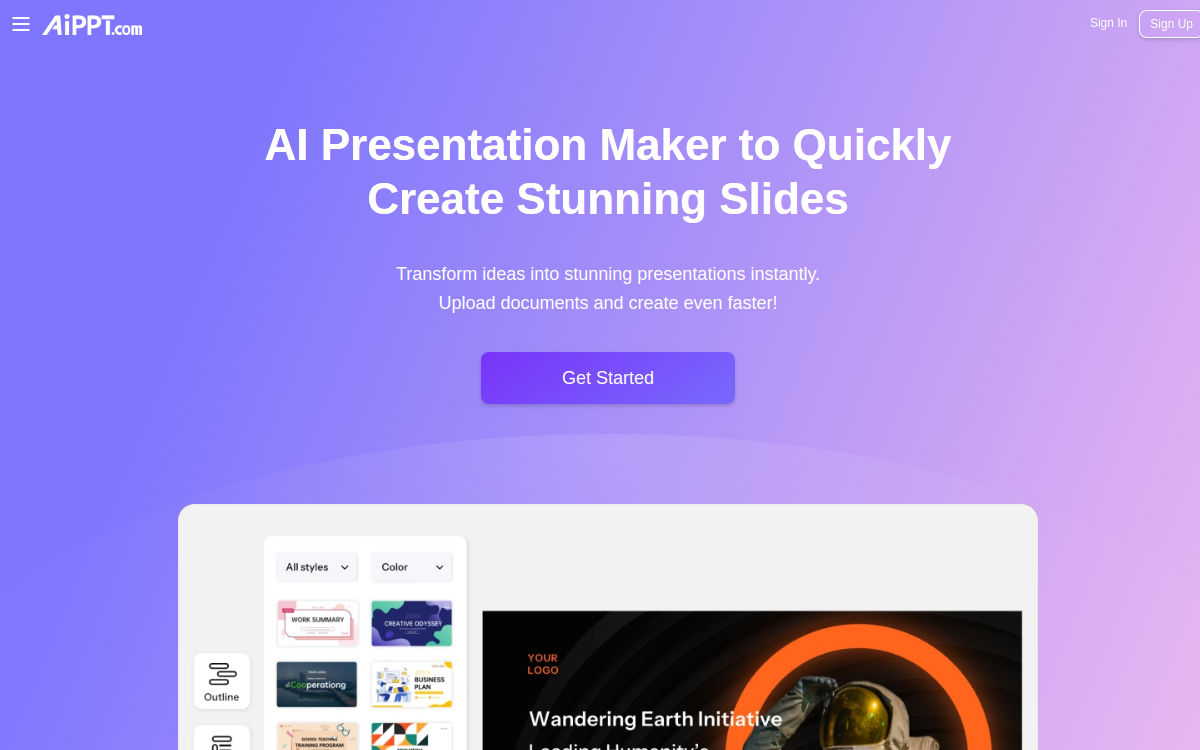
AiPPT is a presentation generation tool that transforms a topic, outline or document into structured slides. AI proposes a clear framework, writes content, applies coherent design and adjusts layout automatically. Ideal for quickly producing meeting decks, courses, pitches or reports, with easy exports and customizable themes.
What is AiPPT?
AiPPT is an AI-assisted presentation creation platform. The user provides a topic, outline, or source text, and the tool automatically generates a slide structure with titles, sections and content. AiPPT then applies consistent layout using themes and templates to achieve a professional render quickly. The tool mainly aims to accelerate the first version of a deck, which can then be refined and completed according to context.
Main Features
AiPPT stands out for its ability to produce a complete deck from a simple brief. Generation typically includes logical structure (introduction, main points, conclusion), relevant slide titles and ready-to-use text. Themes and templates allow for visual consistency without spending time on each layout. The tool also facilitates iteration: you can adjust the outline, regenerate certain slides, or improve content slide by slide. For professional uses, the ability to export and rework the presentation in a standard tool is essential, particularly to finalize storytelling, integrate figures, product screenshots or brand visuals.
Use Cases
AiPPT is useful in many contexts. Freelancers can quickly generate business proposals and client pitches. SMEs can standardize recurring decks: reporting, offer presentations, monthly updates. Trainers create course materials faster, focusing on content and pedagogy rather than layout. Sales and marketing teams can produce product presentation drafts, then refine them with proof, case studies and key messages. Finally, agencies use it to prototype decks before a more refined final version.
Advantages
The main benefit is time savings on the startup phase. Instead of building an outline and layout by hand, the user starts from a structured and visually coherent base. This also improves consistency, particularly for teams wanting to standardize their presentations. AiPPT helps reduce friction between idea and final support: test multiple angles, iterate faster and arrive more quickly at a deck ready to share. Finally, the tool can improve overall quality by imposing clear structure, often more readable than presentations built in a rush.
Pricing
AiPPT generally offers a freemium model or trial to discover slide generation. Paid plans unlock more creations, more complete exports, additional templates and customization features. The right choice depends mainly on frequency of use: if you produce decks every week, the subscription quickly pays for itself. For occasional use, the free plan or trial may be enough to validate render quality and suitability with your needs.
Conclusion
AiPPT is an excellent tool for speeding up the creation of professional presentations. It is particularly suitable for users who want to save time, standardize their decks and avoid blank pages. The best strategy is to generate a first version, then refine the message, strengthen evidence and adapt the design to your brand. For very creative needs or complete graphic control, you will need to complement with more advanced design tools. But for producing quickly and well, AiPPT checks all the essential boxes.