


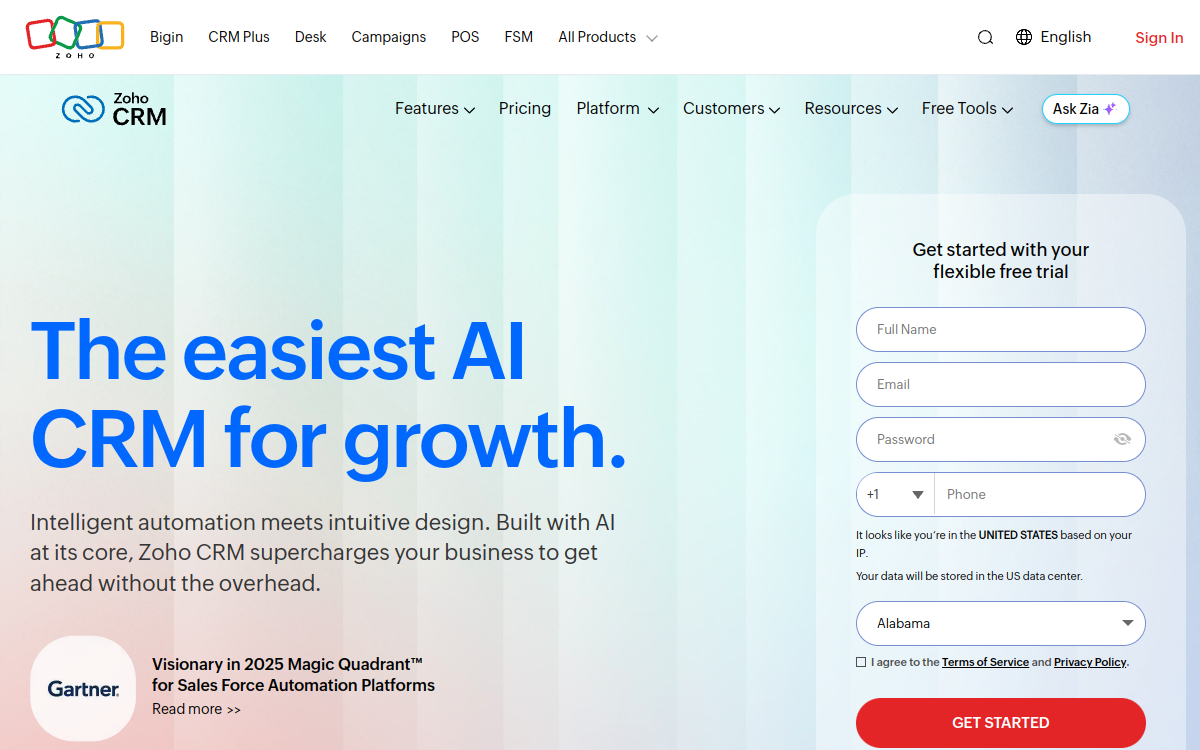
Zoho CRM is a comprehensive cloud CRM for driving prospecting, pipeline and customer relationships, with AI Zia (scoring, predictions, suggestions, email analysis). It combines automation, 360° views, dashboards, mobile and integrations (Zoho suite + third-party apps) to standardize sales tracking. Ideal for SMEs and sales teams wanting a flexible and cost-effective CRM, without the cost of an enterprise CRM. Also suitable for organizations looking for an alternative to HubSpot/Salesforce with strong customization.
What is Zoho CRM?
The essentials
Zoho CRM is a cloud-based CRM software (SaaS) that allows you to manage the entire sales cycle: lead generation, qualification, opportunity tracking, follow-ups and reporting. It organizes customer data (contacts, companies, interaction histories) and associates tasks, appointments, emails and calls to each record. The tool stands out for its customization: you can adapt modules, fields, views and business rules to your process. Zia, Zoho’s AI assistant, adds scoring, prediction and recommendation capabilities to help teams focus on the right actions at the right time. Zoho CRM can be used alone or connected to other Zoho applications (support, marketing, finance) to build a unified environment. For a business, the objective is twofold: save time through automation and improve management visibility through reliable dashboards. The platform is accessible via browser and mobile, with permissions and profiles to control data access.
Key features
Zoho CRM covers the fundamentals of a modern CRM: lead and contact management, customizable pipelines, activity tracking and team collaboration. Automations are a strong point: workflow rules, assignments, notifications, scoring, follow-up sequences and Blueprints to enforce a standardized sales path (stages, validations, mandatory actions). On the communication side, the platform handles email, web forms, appointment scheduling and, depending on configuration, phone integration. For management, you have dashboards, reports and forecasts, with metrics by team, pipeline or lead source.Zia brings several useful AI features: suggestions for the best time/channel to contact a prospect, sentiment and intent analysis in emails, action recommendations, anomaly alerts, and forecasting help through activity signals. Zoho CRM also offers an integration catalog: Zoho applications (Campaigns, Desk, Analytics, Books, etc.) and connectors to many third-party tools. Finally, customization is deep: fields, layouts, custom modules, validation rules, conditional automations, roles and permissions. For advanced teams, the API and webhooks enable you to orchestrate flows between the CRM and a data warehouse, an email tool or a billing system. Segmentation, scoring and filtered view features also facilitate daily routines (pipeline review, prioritization, follow-ups). Depending on the package chosen, certain AI and customization functions are more or less extensive.
Use cases
Zoho CRM is particularly suited to B2B sales teams wanting to structure their prospecting and ensure reliable tracking. Examples of frequent use cases: centralize incoming leads (forms, campaigns, trade shows), qualify with scoring rules, then trigger automatic tasks and follow-up sequences. For an agency or consulting firm, it serves to track multiple pipelines (new business, upsell, renewals) with dashboards by consultant. For a SaaS, it helps connect marketing and sales: source attribution, stage tracking, alerts on “hot” prospects and reporting by channel. Finally, teams receiving many emails can benefit from sentiment/intent analysis to prioritize and reduce churn risks. In multi-site organizations, the platform enables standardizing processes via Blueprints while keeping variants by team or region. It also suits managers wanting more consistent forecasts thanks to common rules and better data entry hygiene.
Advantages
The first benefit is centralization: a single source of truth for contacts, opportunities and interactions, which reduces information loss and forgotten follow-ups. Next, automation saves time: assignments, reminders, status updates and sequences limit repetitive tasks. Zia adds appreciated decision support for prioritizing and better forecasting, especially when lead volume increases. Zoho CRM also improves visibility: dashboards and reports facilitate management, comparison between teams and identification of bottlenecks. Finally, integration with the Zoho ecosystem and third-party tools avoids data fragmentation and simplifies building a coherent stack. For SMEs, the features-to-price ratio is often an advantage, with the ability to start small (free plan or trial) then extend modules as you grow. Customization allows adapting the CRM to varied industries without changing tools.
Pricing
Zoho CRM offers a free version (up to 3 users) and a free trial of approximately 15 days without a credit card. Paid plans generally start around $14/user/month (annual billing) and increase based on needs (advanced automations, reporting, customization and AI functions). Higher tiers unlock more Zia capabilities and enterprise-oriented options (governance, forecasting, complex configurations). Since pricing varies by currency and region, it’s recommended to check exact prices on the official page before purchase. Note: Zoho also sells bundles (e.g. CRM Plus) if you want to group sales, support and campaigns in one suite. The right choice depends on the level of automation expected and the number of pipelines/modules to manage.
Conclusion
Zoho CRM is for teams wanting to adopt a robust, customizable and automation-focused CRM without moving to an enterprise budget. Its ecosystem and AI Zia make it an interesting solution for gaining productivity and improving sales tracking quality. However, functional richness implies minimum setup: for success, you must define your pipeline, rules and dashboards. If you accept this setup phase, Zoho CRM becomes a solid foundation for standardizing processes, tracking performance and supporting growth. It’s particularly relevant for SMEs, agencies and SaaS looking for a credible alternative to HubSpot or Salesforce.