



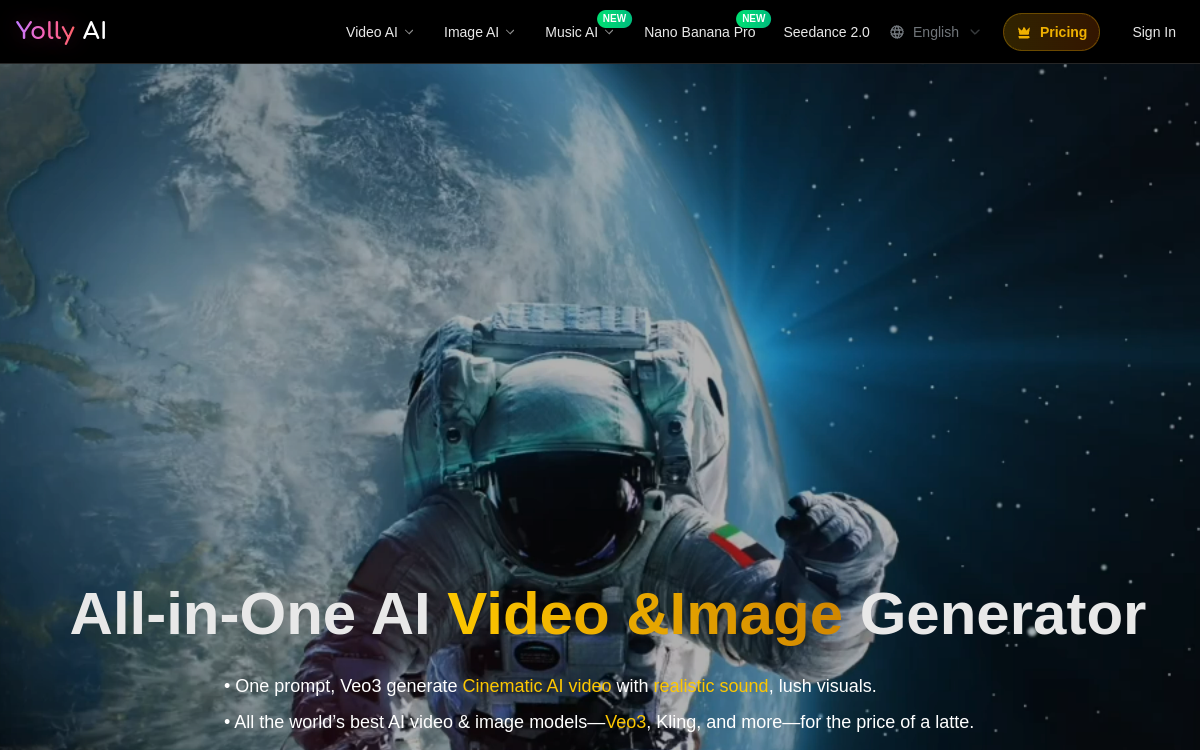
Yolly AI is an all-in-one platform for creating videos and images with the best models available. You go from text to video, animate a photo (image→video) and generate high-resolution visuals, all in a single interface. The tool aims for “viral-ready” creation: social formats, templates, fast exports, and audio options depending on models. Ideal for producing more content faster without multiplying subscriptions.
What is Yolly AI?
The essentials
Yolly AI is a media generation platform that centralizes multiple AI models in a single interface. It allows you to produce videos from text, animate images, and generate images from prompts or references, depending on available options.Unlike a single-model tool, Yolly AI emphasizes variety: users can test different generation engines without subscribing to multiple separate services. This facilitates comparison and render optimization (realism, style, movement, coherence) depending on the project.The platform primarily addresses creators, marketing teams and agencies looking to accelerate visual content production and quickly create variations tailored to social networks.
Key features
Yolly AI covers several creative functions. On the video side, you’ll find generation from a prompt (text to video) as well as image-based variants (image to video) to animate a visual, character or product. The goal is to quickly get short clips, suitable for marketing or creative uses.On the image side, Yolly AI offers high-resolution generation, useful for producing campaign visuals, thumbnails, illustrations or design assets. Depending on the model chosen, you can get very different styles, from photorealistic to graphic.The platform also offers “ready to publish” templates and practical settings (format, render, export options) that simplify production for TikTok, Reels, Shorts or ads. Finally, the credits system allows you to control consumption: you choose a plan, then spend credits on each generation depending on media and model.
Use cases
Yolly AI is particularly relevant for creating short, iterative content. The first use case is social video production: turning an idea into a clip, testing multiple angles, then publishing the best version. Marketing teams also use it to create ad variations: scene changes, style shifts, and quick iterations to improve performance.Second use case: animating visuals. From a product image, brand visual or character, the tool can generate movements and produce an exploitable clip for a sales page, post or story.Third use: bulk image generation to create design assets (backgrounds, illustrations, concepts) and feed a visual library. Finally, agencies appreciate the multi-model approach to quickly offer creative options to a client without multiplying tools.
Advantages
The main benefit of Yolly AI is centralization. Instead of stacking multiple services, you group video and image generation in one space, reducing friction and speeding up production. The diversity of models also offers a creative advantage: you can compare renders, choose the most suited to your style, then standardize your workflow.Iteration speed is a second asset. For social or advertising content, the ability to produce 5 to 10 variations quickly is often more important than perfecting a single render. Yolly AI facilitates these iterations through templates and exports.Finally, credit-based pricing can be interesting to start: you control consumption and can adjust your plan based on actual volume, rather than paying multiple fixed subscriptions.
Pricing
Yolly AI generally operates with a free trial, then monthly subscriptions based on credits. Each generation consumes a certain number of credits, with higher consumption for video than for image. Higher plans increase credit volume and provide access to more models, watermark-free exports and better quality options.To choose, first estimate your volume: number of videos per week, number of variations per concept, and need for images in parallel. If you produce little but regularly, a basic plan may be sufficient. If you do a lot of video iteration, you need to anticipate credit consumption and verify that the overall cost remains profitable compared to your production and performance objectives.
Conclusion
Yolly AI is a convenient platform for creating videos and images quickly by testing multiple models from one place. It responds particularly well to the needs of creators, marketing teams and agencies working on social content and advertising variations.Its main point of attention is cost at volume, especially in video: the more you iterate, the more credit consumption increases. For an agile workflow focused on iterations and social formats, Yolly AI is a solid option; for very demanding productions requiring fine creative control, it benefits from being used as an accelerator, complementing professional video tools.