



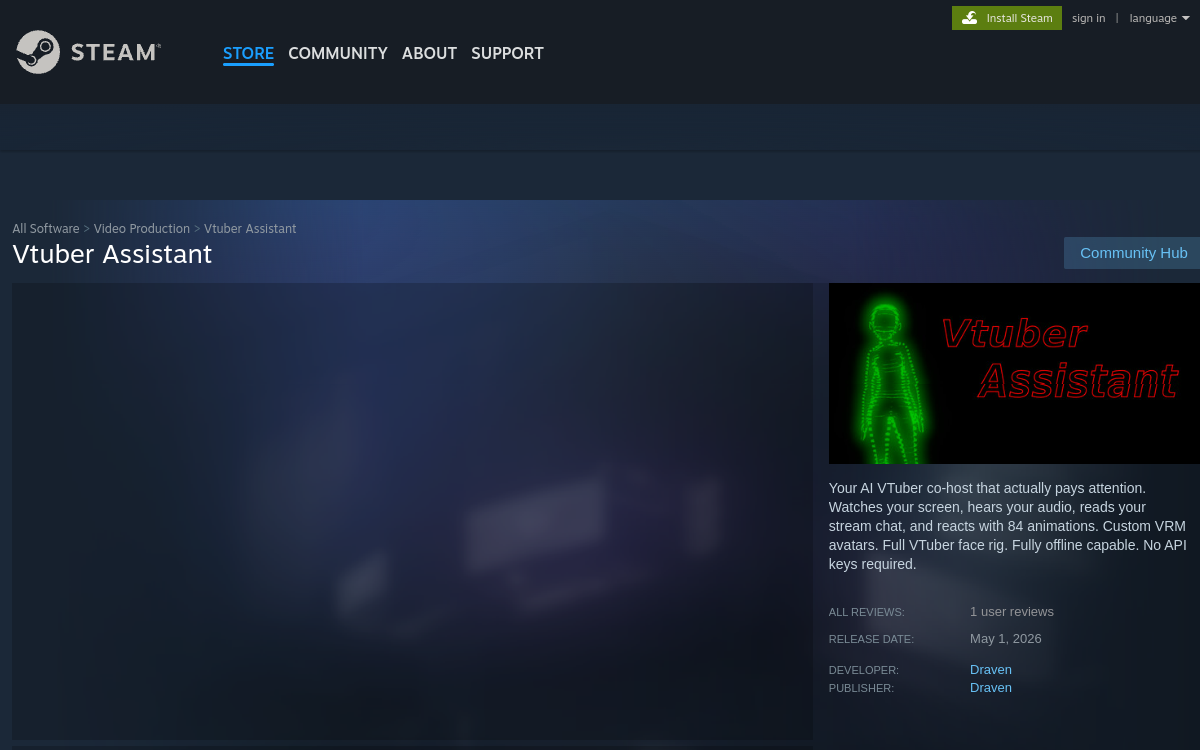
VTubing has become a cornerstone of live video creation, and the arrival of generative artificial intelligence is profoundly changing the way virtual avatars are designed. Vtuber Assistant fits into this trend with an original approach: offering an AI co-host capable of running locally on the streamer’s machine, without relying entirely on a cloud service. Distributed on Steam, the software primarily targets Twitch streamers and beginner VTubers who want to enrich their live streams without managing a complex infrastructure. It combines screen analysis, game audio listening, and Twitch chat reading to synchronize an expressive and responsive VRM avatar. This article reviews what Vtuber Assistant offers, its technical operation, its strengths, and its limitations, to help creators judge whether this virtual companion deserves a place in their streaming setup.
What is Vtuber Assistant?
The essentials
Vtuber Assistant is software sold on Steam that acts as a virtual co-host for streamers. Its role is to come to life alongside the creator in the form of a fully customizable VRM avatar, capable of reacting to game content, the streamer’s voice, and viewers’ messages. Unlike classic VTuber tools that are limited to reproducing the creator’s facial expressions via a camera, this product adds a conversational AI layer. The software analyzes the displayed image, captured audio, and Twitch chat in real time to decide which animations to play and any lines to generate. The publisher emphasizes the idea of essentially local processing, with cloud calls only when necessary, for example for speech synthesis or advanced text models.
Key features
The core of Vtuber Assistant relies on a rich animation engine: 84 pre-designed animations cover reactions of joy, surprise, frustration, dancing, applause, and many other typical live stream situations. Added to this is a complete facial rig allowing the modulation of gaze, mouth, and eyebrows depending on the context. The tool supports importing custom VRM avatars, the standard format for VTubing, which allows great aesthetic freedom. On the perception side, the software continuously observes the screen and listens to the audio to understand what is happening in the game, while a dedicated module reads the Twitch chat to react to viewers’ messages. Grok and ElevenLabs integrations, via a secure proxy, enrich interactions with intelligent text responses and a convincing synthetic voice. An offline mode is also offered to work without a connection, which is valuable during physical events or in the event of a network outage. Setup is designed to be accessible: the user downloads the tool on Steam, imports their VRM avatar, links their Twitch accounts and AI services, and then adjusts the settings via a dedicated interface. The whole package aims to offer an experience close to a real co-host, with prompts and animations that pace the live stream.
Use cases
Typical use cases for Vtuber Assistant revolve around game streaming. A solo streamer can use it as a virtual partner to break the monotony of a long live stream, benefiting from animations that punctuate the highlights of a game. Beginner VTubers find it a simple way to professionalize without having to hire an animator or a dedicated chat community manager. Just Chatting creators can use it to react to viewers’ messages and bring life to their screen. Beyond gaming, the tool also interests online event organizers, who can use it as an interactive mascot during Q&A sessions, presentations, or tournaments. Some creators also use it as a stage assistant on video podcasts or live coworking sessions, where the avatar acts as an additional presence on screen. Its ability to run locally ultimately makes it a relevant choice for privacy-conscious creators.
Advantages
The first benefit of Vtuber Assistant is the simplicity of setup: a one-time purchase on Steam, an imported VRM avatar, and the configuration is underway. Local processing then guarantees reduced latency and better data control, a point often overlooked by cloud solutions. The 84 animations and full facial rig offer a lifelike rendering that far exceeds traditional static avatars. Integration with Grok and ElevenLabs via a secure proxy brings a conversational dimension without requiring API key management. The offline mode secures live streams in case of network outages and allows on-the-go use. Finally, the one-time purchase business model avoids the subscription effect that often weighs on creators’ budgets, while leaving the door open to optional AI credits for advanced features.
Pricing
Vtuber Assistant adopts a clear model for streamers. The software is purchased once on Steam, which gives access to the entire animation engine, support for VRM avatars, and modules for reading Twitch chat, audio, and screen. Cloud AI features, such as generating lines with Grok or ElevenLabs speech synthesis, rely on a system of AI credits purchased separately via microtransactions. This setup allows the cost to be adapted to actual usage: a less active streamer will only buy a few credits, while a regular VTuber can buy more. The exact price may vary depending on Steam promotions and the account’s region. This approach avoids monthly commitment and remains compatible with the tight budgets of beginner creators.
Conclusion
Vtuber Assistant presents itself as a relevant AI VTuber solution for Twitch creators who want a responsive co-host without diving into a heavy cloud infrastructure. Its local processing, 84 animations, complete facial rig, and one-time purchase model on Steam make it an accessible and privacy-friendly companion. Current limitations include the lack of a French interface, CPU dependency, and a heavy focus on Twitch, but for the targeted audience, the value for money remains one of the most interesting in the AI VTubing segment.