


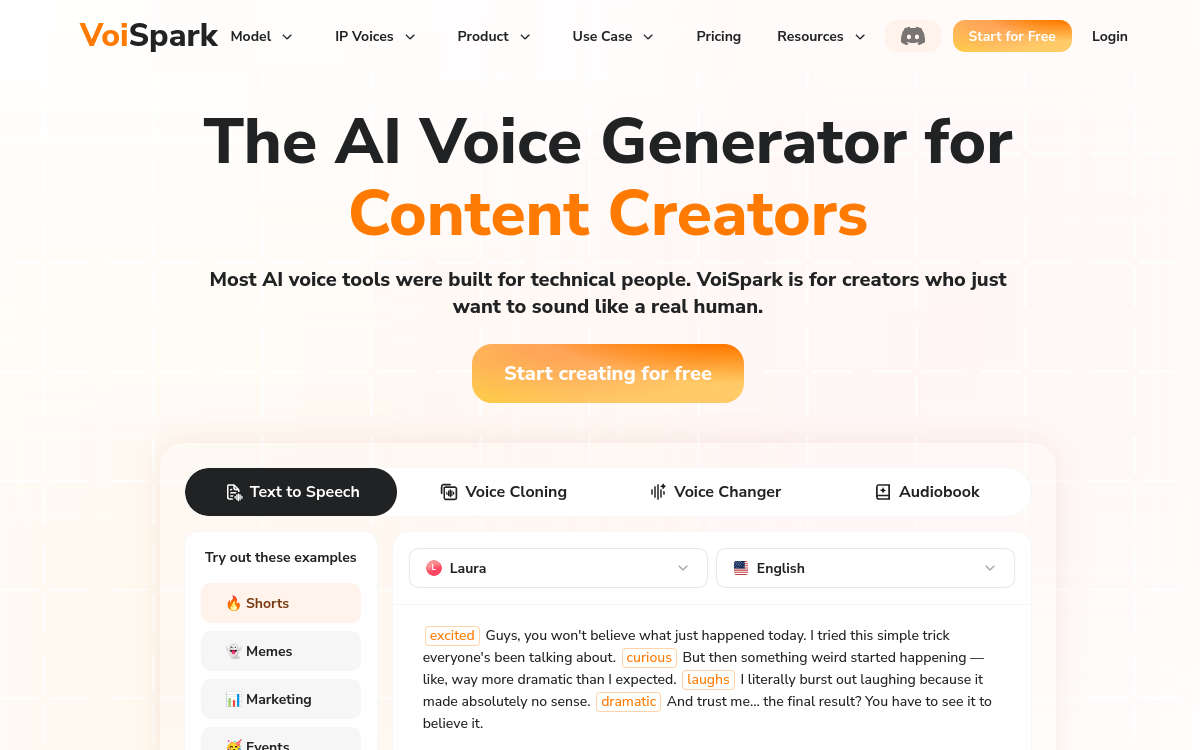
VoiSpark is a voice AI studio that brings together 11 leading voice engines (TTS, cloning, voice changer) within a single interface. You’ll find hundreds of voices in many languages, the ability to clone your own voice with minimal data and the ability to adjust emotion, rhythm, timbre or intensity. Creators, podcasters, trainers and marketing teams can thus produce voiceovers, dubbing and narration without juggling between platforms.
Overview of VoiSpark
Detailed overview
✅ Strengths
- Centralized access to multiple AI voice engines
- Extensive library of multilingual natural voices
- Voice cloning simple for creators and brands
- Suitable for podcasts, e-learning and YouTube videos
- Allows you to test quality/price of engines in one place
⚠️ Limits
- Questions of rights and consent to manage on user side
- Interface mainly in English for now
- Can be oversized for very occasional uses
- Requires a clear framework for ethical use of voices
❓ FREQUENT QUESTIONS
FAQ — VoiSpark
Does VoiSpark allow cloning any voice?
Technically, cloning engines are powerful, but legal use requires explicit consent from the person. Any use without authorization can be illegal or contrary to terms of service.
Does the tool handle French well?
Several integrated engines offer good quality French voices. It is recommended to test multiple models to find the timbre best suited to each project.
Can VoiSpark be used for video dubbing?
Yes, the platform is well suited for dubbing tutorial, marketing or training videos, with the ability to adjust tone and pace to match the images.
Is VoiSpark suitable for a beginner podcaster?
Yes, but the richness of the tool will mainly be useful in the medium term. For a first test, a simpler solution may suffice before moving to a multi-engine hub like VoiSpark.
How to manage GDPR compliance with VoiSpark?
You must ensure that the voices used are consented, that source files are managed securely and that service contracts mention the use of synthetic voices if necessary.

Audio
Allows access to multiple premium voice AI models without changing tools.
💰 Rate
Freemium, usage-based billing beyond quota
🆓 Free trial
Yes
🌐 Languages
🇬🇧 English
Visit the site →