


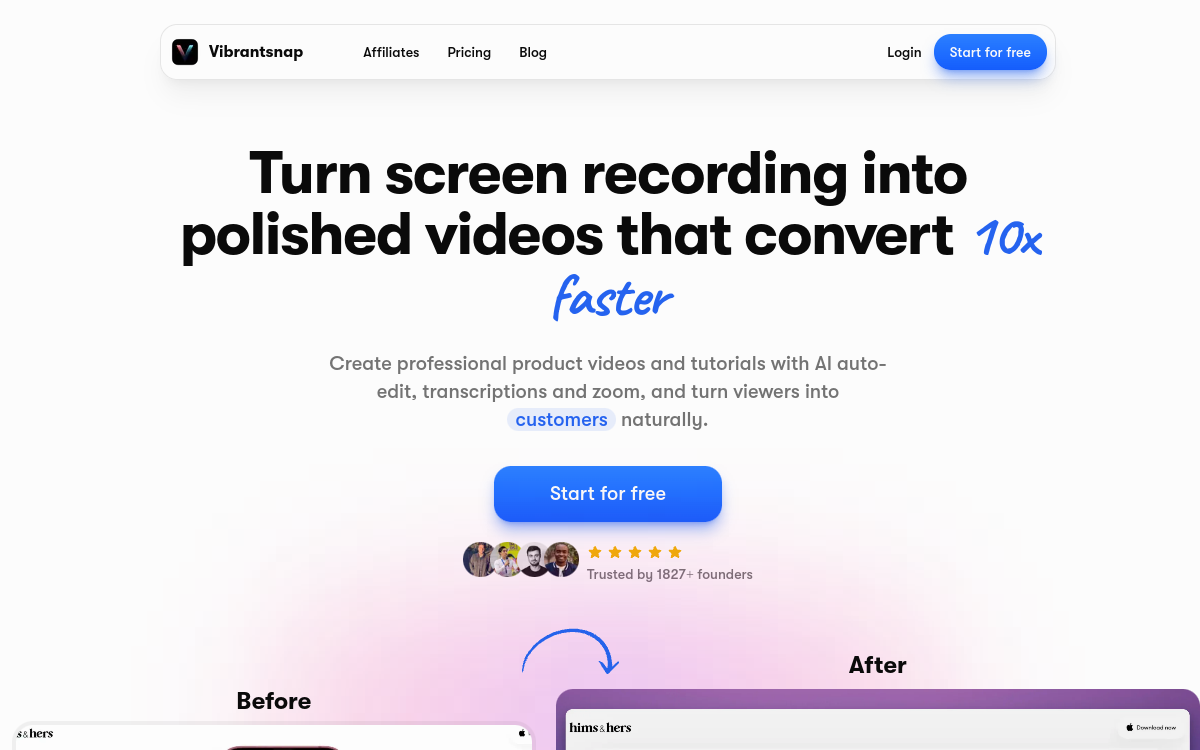
Vibrantsnap is an AI video tool for software companies that produce their own tutorials and product demos. You record your screen while talking through the flow, and the AI handles the script, the voiceover and the editing. This page covers what the tool does, its limits, its pricing and the teams it suits.
What is Vibrantsnap?
The essentials
Vibrantsnap (https://www.vibrantsnap.com/) starts from a screen recording made with its Chrome extension (a tab, a window or the full screen, with your microphone) or from an imported video. The AI rewrites your narration into a clean script, has a synthetic voice read it, and re-times the video to the new voiceover. You can record in one language and publish in another.
Key features
The tool covers the whole workflow. Recording runs through the Chrome extension with no length limit, or you can import an existing video. The AI rewrites the script and offers 30 voices in 10 languages: English, French, Spanish, Portuguese, German, Italian, Japanese, Chinese, Korean and Hindi. Zooms follow your clicks automatically, captions are generated word by word and stay editable, and each video is split into chapters with their own script. You can share a link with a call-to-action button and view analytics, embed the video on a site, or export an MP4 in 1080p or 4K, in 16:9, 4:5, 1:1 or 9:16.
Use cases
Vibrantsnap is mainly used for SaaS tutorials and help-centre videos. Sales and marketing teams use it for product demos, and support and customer success teams for onboarding and training videos. It also fits feature announcements released in several languages from a single recording.
Advantages
The main benefit is that editing disappears: one narrated take is enough, with no need to re-record the voice or place zooms by hand. The 10-language voiceover lets you localise a video without recording it again. The free plan needs no credit card, and 4K export and vertical formats are included from the Pro plan.
Pricing
Prices are in US dollars. The Free plan costs nothing and needs no credit card: AI voice, automatic editing and share links, with a watermark and a Vibrantsnap badge. Pro costs $49 per month, or $40 per month billed yearly: 25 export minutes per month, link analytics, 4K export, no watermark. Scale costs $149 per month, or $129 per month billed yearly: 65 export minutes per month, brand kit, priority rendering and dedicated support. Business pricing is on request. Prices checked on the vendor’s site in October 2026.
Conclusion
Vibrantsnap suits software teams that want to publish tutorials and demos without a video editor. It is a weaker fit if you need a general-purpose video tool or if your export needs go well beyond the monthly quotas.