


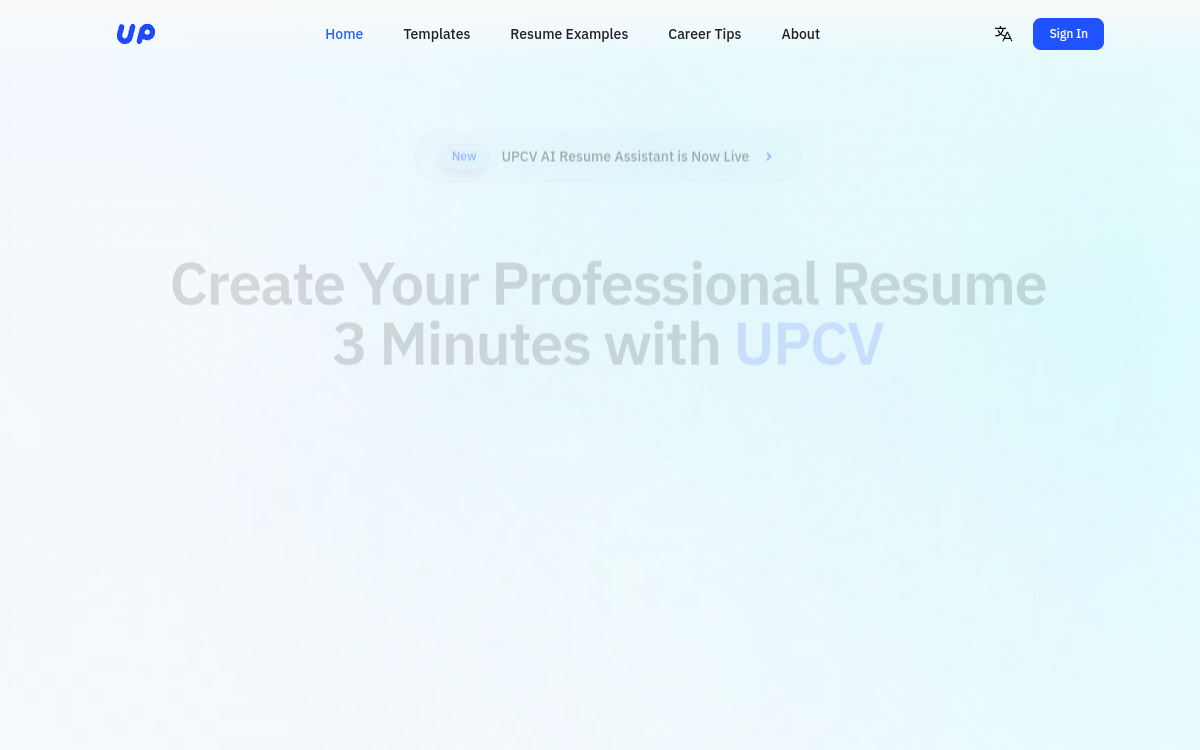
UPCV is an AI-assisted CV creation tool that helps write a clear, consistent and ATS-compatible resume. It generates sections (summary, experience, skills) from your information, suggests impactful formulations, and facilitates layout through ready-made templates. Ideal for saving time, improving writing quality and quickly adapting a CV to a job posting.
What is UPCV?
The essentials
UPCV is an online CV creation tool assisted by AI. It helps structure a CV, generate formulations suited to recruitment, and produce a document ready to send. The user enters their profile (position, experience, skills, education) and can get text suggestions to make the CV clearer and more results-oriented.The tool typically emphasizes compatibility with ATS (Applicant Tracking Systems), i.e., the filtering software used by many companies. This translates into standard structure, classic section titles, and layout designed to remain readable. UPCV is for those who want a “clean” CV quickly, without advanced design or writing skills.
Key features
UPCV offers guided generation of CV essentials: a professional summary, structured experience descriptions, skill lists and sometimes achievement formulations. The AI helps rewrite and clarify, which is useful for moving from a “tasks” description to more convincing and precise content.On the presentation side, the tool relies on templates: you choose a model, the tool applies consistent formatting, then you export the result. This approach avoids most layout issues (alignments, spacing, typography) and allows you to produce a homogeneous CV.UPCV also makes it easy to create variants: adjust a title, summary, or certain experiences to better match a job posting. Finally, PDF export allows you to apply immediately, without using another tool.
Use cases
The most common use case is creating a complete CV starting from raw information: a student assembling their first CV, or a career changer who wants to structure their experience. UPCV is also useful for improving an existing CV: rewriting overly long sentences, clarifying assignments, or adding measurable results.For freelancers, UPCV helps produce a quick “commercial” version of the profile, clear and exportable, to respond to calls for proposals. For candidates sending many applications, the tool helps create versions adapted to different positions: one variant oriented “project management”, another more “data”, etc.Finally, UPCV can serve as a basis for human review: the AI provides structure and a first level of quality, then you refine the substance, numbers and keywords of the target position.
Advantages
The main benefit of UPCV is time savings. Instead of spending hours on layout and writing, you get solid structure and consistent suggestions. This is particularly useful when you need to iterate multiple versions of the same CV.Second advantage: writing quality. The AI helps make formulations sharper, more results-oriented, and better suited to recruitment expectations. This improves readability and perception of professional level.Third benefit: standardization. By using a template and standard sections, you reduce the risk of “unreadable” CV for an ATS or poorly rendered as PDF. Finally, export facilitates sending, making the tool convenient for regular use.
Pricing
UPCV typically offers free access allowing you to create and test the tool, with limits that may vary (export, number of CVs, advanced features). Premium plans exist to unlock more templates, increase quotas, and access more advanced features.To choose, assess your volume: if you need a one-time CV, free or trial may suffice. If you iterate a lot, send many applications or want multiple variants, a subscription becomes more relevant. As with any AI tool, the best value-for-money depends mainly on usage frequency and time saved.
Conclusion
UPCV is a simple and effective tool for creating or improving a CV quickly. It combines AI-assisted writing, structure compatible with recruitment expectations, and layout via templates with PDF export. It is particularly useful for students, freelancers and actively job-seeking professionals who need to iterate fast.If you’re looking for very personalized design or complete career coaching, you’ll need to complement with other solutions. But to produce a professional, clear CV ready to apply in minutes, UPCV does the job very well.