


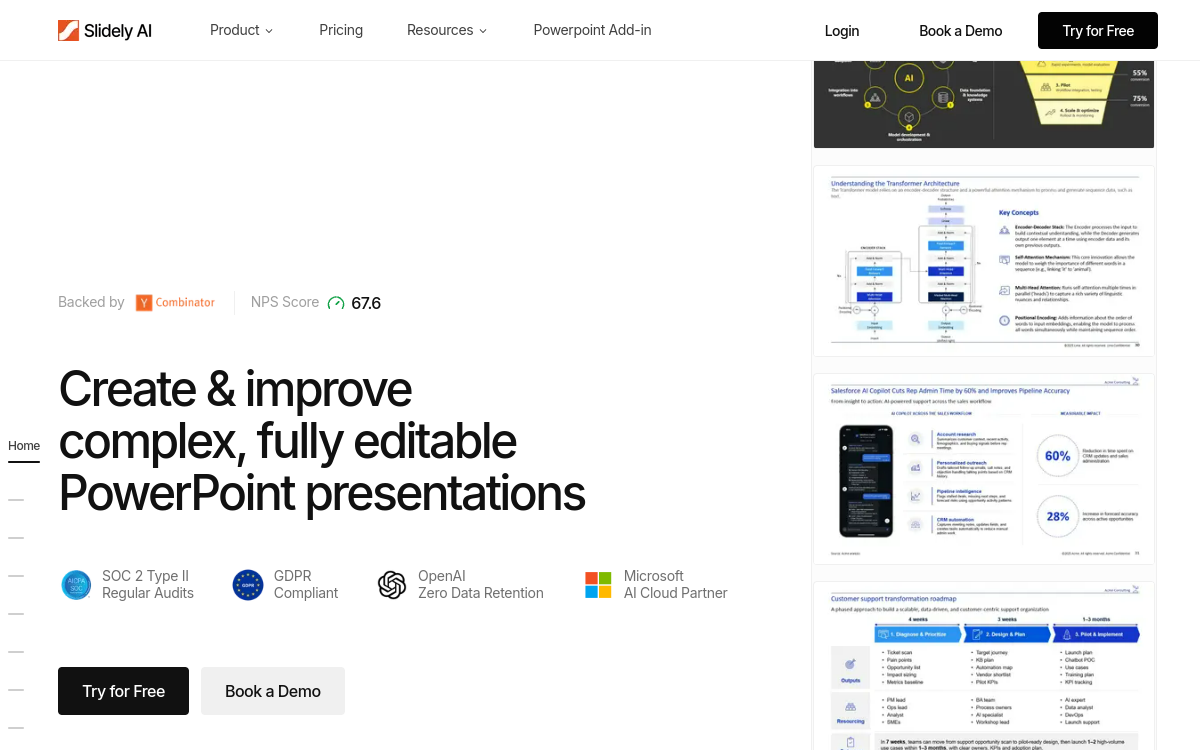
PowerPoint remains one of the most widely used tools in the world, but preparing a polished presentation takes time. Between formatting to the company’s brand guidelines, integrating data from Excel, rewriting content, and precisely aligning elements, a consultant or sales representative can easily spend several hours on a deck. Slidely AI tackles this problem by offering a smart add-in integrated directly into PowerPoint. The platform learns the company’s brand guidelines from past presentations and generates new slides from a brief, a document, or a theme. This article reviews the features, use cases, and limitations of Slidely AI to help you evaluate if the solution meets your needs.
What is Slidely AI?
The essentials
Slidely AI is an AI-powered PowerPoint add-in designed to automate presentation creation. The service integrates directly into the familiar PowerPoint environment, preventing the user from having to learn a new interface. The tool uses modern language models to generate slides from a text brief, a Word document, a PDF, or an existing presentation used as a theme. Slidely’s specificity lies in its ability to learn the company’s graphic guidelines and automatically apply the correct colors, fonts, and layouts. The platform also offers complementary tools like Excel linking, auto-alignment, and a slide library.
Key features
Slidely AI offers a set of features centered on corporate productivity. Generating slides from a text brief is the main feature: the user describes the objective and content, and the platform produces a coherent presentation structure. Document conversion allows transforming a PDF, Word, or other document type into a presentation. The custom theme feature learns the company’s brand guidelines from existing presentations, ensuring visual consistency. Excel linking allows integrating numerical data into tables or charts that remain connected to the source. Auto-alignment facilitates the precise formatting of elements on each slide. The slide library centralizes frequently used templates, accelerating the production of new presentations. One-click table styling is particularly useful for consulting or reporting decks. The platform also offers advanced AI models on the Max plan, which unlock additional generation features. Finally, the add-in is available on PowerPoint for Windows and Mac.
Use cases
Slidely AI adapts to several professional contexts. A consultant can use the platform to quickly produce client presentations that match their firm’s brand guidelines. A corporate sales team can automate the production of proposals from a simple brief. A marketer can generate campaign decks without depending on the design team. A project manager can transform a Word report into a presentation for a steering committee. A finance team can rely on Excel linking to produce automated and always up-to-date reports. An agency can deliver client decks in minutes with high editorial quality.
Advantages
Adopting Slidely AI brings several concrete benefits. The first is time savings: producing a presentation in a few minutes compared to several hours traditionally. The second benefit is editorial consistency, thanks to learning the company’s brand guidelines. The third advantage is native integration into PowerPoint, which avoids having to learn a new interface. Finally, the ability to transform an existing document into a presentation opens up interesting possibilities for content repurposing.
Pricing
Slidely AI offers a Pro plan at $16/month billed annually, including 5,500 credits per month, full access to the PowerPoint add-in, and advanced generation models. The Max plan at $80/month unlocks unlimited credits, on-demand asset generation, and early access to new features. Slidely also offers Teams and Enterprise plans for organizations that need centralized license management and advanced security options. A 15-day free trial allows evaluating the platform’s value before committing.
Conclusion
Slidely AI is a relevant option for corporate teams that regularly produce PowerPoint presentations. Its native integration, ability to learn brand guidelines, and Excel linking feature make it an incredibly effective companion for consultants, sales reps, and marketers. For these audiences, Slidely AI is well worth testing to gain agility in deck production.