


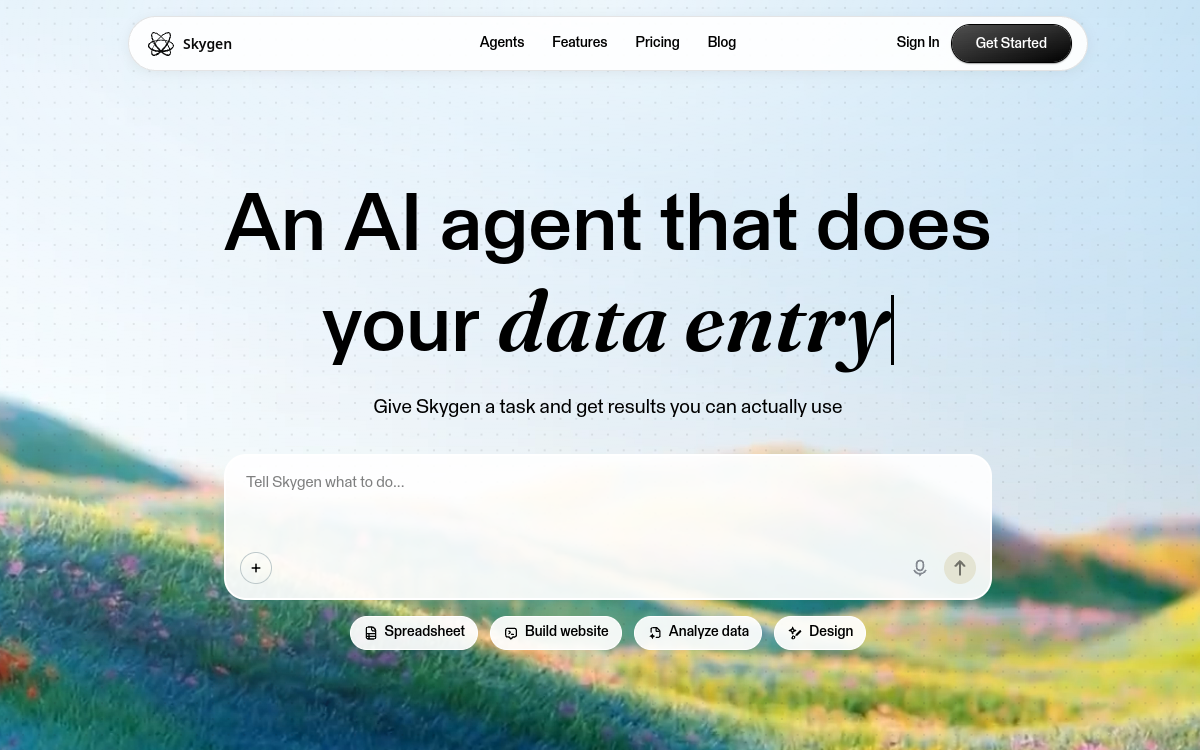
Skygen is an AI desktop automation agent that takes care of complex tasks on your computer. Users state an objective in natural language and the agent plans, executes, and verifies each step, connecting to 1,000+ applications already used by teams. Skygen offers an agent-driven results-oriented approach, capable of auditing subscriptions, planning trips, applying for jobs, or finding the best deals, replacing several hours of manual work.
What is Skygen?
The essentials
Skygen is a desktop AI agent application that can observe a screen, understand an interface, and execute complex action sequences. The product presents itself as a virtual employee, capable of handling tasks from start to finish without constant supervision. It relies on vision and language models to interpret context, plan necessary steps, and navigate applications as a human would. Skygen connects to 1,000+ applications already used by teams, and allows you to configure multiple AI employees specialized in different domains.
Key features
The product is organized around a very clear three-step workflow. Users state their objective in natural language, Skygen proposes a step-by-step execution plan, then the agent executes the plan asking for validation at key moments. The dashboard lets you visualize tasks in progress, supervise AI employees, and intervene if needed. Demo use cases cover subscription audits, trip planning, personalized research before meetings, automatic job application, and hunting for the best online deals. Connection to 1,000+ applications happens without prior API setup, the agent navigating directly through user interfaces. Multiple AI employees can be launched in parallel, opening interesting orchestration perspectives.
Use cases
A solopreneur can entrust Skygen with monthly audits of software subscriptions to identify duplicates and overlooked charges. A frequent traveler uses it to plan a trip from A to Z, comparing flights, hotels, and activities by their criteria. A job candidate uses it to apply to dozens of offers in parallel, personalizing each application. A buyer uses it to track the best offer for a given product across multiple marketplaces. A salesperson uses it to research detailed information about a prospect before a meeting. Operations teams can finally deploy multiple AI employees to absorb repetitive tasks without hiring.
Advantages
Skygen’s main benefit is time savings on repetitive digital tasks consuming several hours per week. The agent’s ability to directly control existing interfaces avoids software integration costs and delays. The granularity of autonomy lets users adjust supervision level based on task sensitivity. Free startup access provides an accessible entry point, and no advanced technical prerequisites make the tool usable by non-developer profiles.
Pricing
Skygen offers a free plan to test the product, no credit card required. Paid plans start around $9 per month for basic needs, and go up to $19 then $20 per AI employee depending on desired capabilities. Pricing adapts to the number of active AI employees and action volume executed. The structure allows progressive scaling by adding employees on demand.
Conclusion
Skygen embodies the concrete promise of desktop AI agents: delegating entire digital tasks to an autonomous virtual assistant. Coverage of 1,000+ applications, the three-step workflow, and free startup make it a good entry point. Some limitations remain on robustness with complex interfaces, but the product trajectory is very promising for solopreneurs and small teams.