



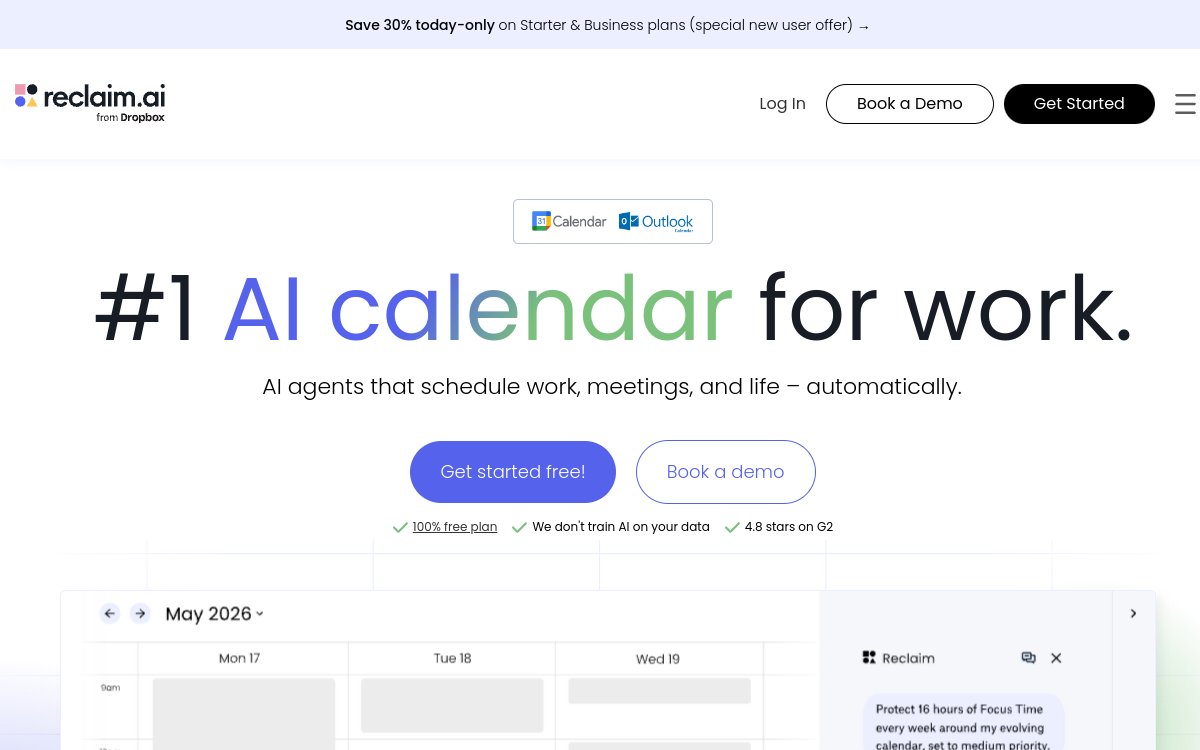
Reclaim.ai is an AI planning assistant that continuously optimizes your schedule. Connected to Google Calendar or Outlook, it blocks focus time, schedules tasks and habits, and organizes smart meetings according to your rules (priorities, windows, load). It protects your availability and automatically resynchronizes when unexpected events occur.
What is Reclaim.ai?
The essentials
Reclaim.ai is an AI-powered calendar assistant designed to automatically optimize the schedules of individuals and teams. Rather than asking you to manually move blocks every time something changes, the tool applies planning rules and reorganizes your calendar according to your priorities.Concretely, you connect your calendar (Google or Outlook), define your work hours, your availability preferences and your goals (ex. focus hours per week). Reclaim then creates flexible events (focus time, habits, tasks) and intelligently schedules meetings. When conflicts appear, it reschedules without you having to arbitrate each micro-decision.Reclaim.ai positions itself as an optimization layer above the calendar: it doesn’t necessarily replace your task or project tools, but it makes time available to these priorities directly in the agenda, which remains the most shared tool in business.
Key features
Reclaim.ai is built around several complementary components. First, Focus Time: you define a weekly goal and rules (time windows, duration, priority) and the tool automatically blocks concentration time, then defends it in case of conflicts.Next, Habits: you can schedule recurring routines (exercise, reading, admin, training) flexibly. Reclaim moves them intelligently to avoid being crushed by meetings. Tasks are transformed into scheduled blocks in the calendar, with constraints (deadline, priority, duration) and automatic rescheduling if the week changes.On the meetings side, Reclaim offers Smart Meetings: recurring scheduling, best window found based on participants, conflict resolution and automatic adjustments. Scheduling Links also simplify external appointment booking by exposing slots compatible with your rules.Finally, calendar synchronization helps avoid double-booking and protect availability across multiple accounts, a key point for hybrid profiles (personal/professional).
Use cases
Reclaim.ai is particularly useful for profiles whose schedules change constantly. A manager or team lead can automate protection of focus time, place strategic tasks, and prevent meetings from taking over the entire week.For freelancers, it’s an excellent way to keep a clean agenda: client appointments, production blocks, admin, prospecting and routines can coexist without daily manual rescheduling. Agencies, often subject to multiple meetings, can better protect production time and reduce last-minute stress.In a product or marketing team, Reclaim helps maintain deep work blocks (writing, design, analysis, dev) while respecting collaboration constraints. Scheduling links and smart meetings also facilitate external exchanges without email back-and-forths.Finally, on work-life balance, multi-calendar synchronization allows you to protect personal commitments while maintaining realistic professional availability.
Advantages
The first benefit is reduced mental load. Reclaim.ai handles repetitive decisions: where to place a task, how to preserve focus, how to manage a conflict. This frees up energy for value-add work.Second benefit: protection of deep work. By defending concentration blocks, the tool limits day fragmentation and improves continuity. Third benefit: planning resilience. When something unexpected happens, you don’t lose an hour reorganizing everything: the calendar reoptimizes itself.Fourth benefit: better team coordination. With common rules (work hours, buffers, meeting policies), teams reduce friction and poorly-placed meetings. Finally, Reclaim promotes a healthier balance: breaks, routines and limits become visible and respected, instead of being systematically sacrificed.For organizations that publish often or work in project mode, the combination “priorities + actually protected time” is the most tangible benefit.
Pricing
Reclaim.ai generally offers a free Lite plan for individual use with essential smart blocking and scheduling features. This is enough to test the logic, connect your calendar and establish initial goals.Paid plans are team-oriented and scale-up. A Starter plan, often around $10 per user per month, targets small teams with more planning capacity, windows, policies and collaborative features. A Business plan, around $15 per user per month, is designed for larger organizations and productivity optimization at scale.Beyond that, an Enterprise offer exists for advanced needs (security, provisioning, SSO, global policies), usually upon request. The best choice mainly depends on the number of users, security constraints and need for common policies.
Conclusion
Reclaim.ai is a very convincing productivity tool for anyone suffering from an unstable schedule and wanting to protect deep work time. Its strength is continuous planning automation: focus time, tasks, habits and meetings adjust as soon as a conflict appears.Success depends on one point, however: accepting automation and defining clear rules. Once this framework is in place, Reclaim becomes a true organization copilot, particularly effective for managers, agencies and product teams.If you’re looking for a way to take back control of your week without micro-managing every block movement, Reclaim.ai is a reference option.