


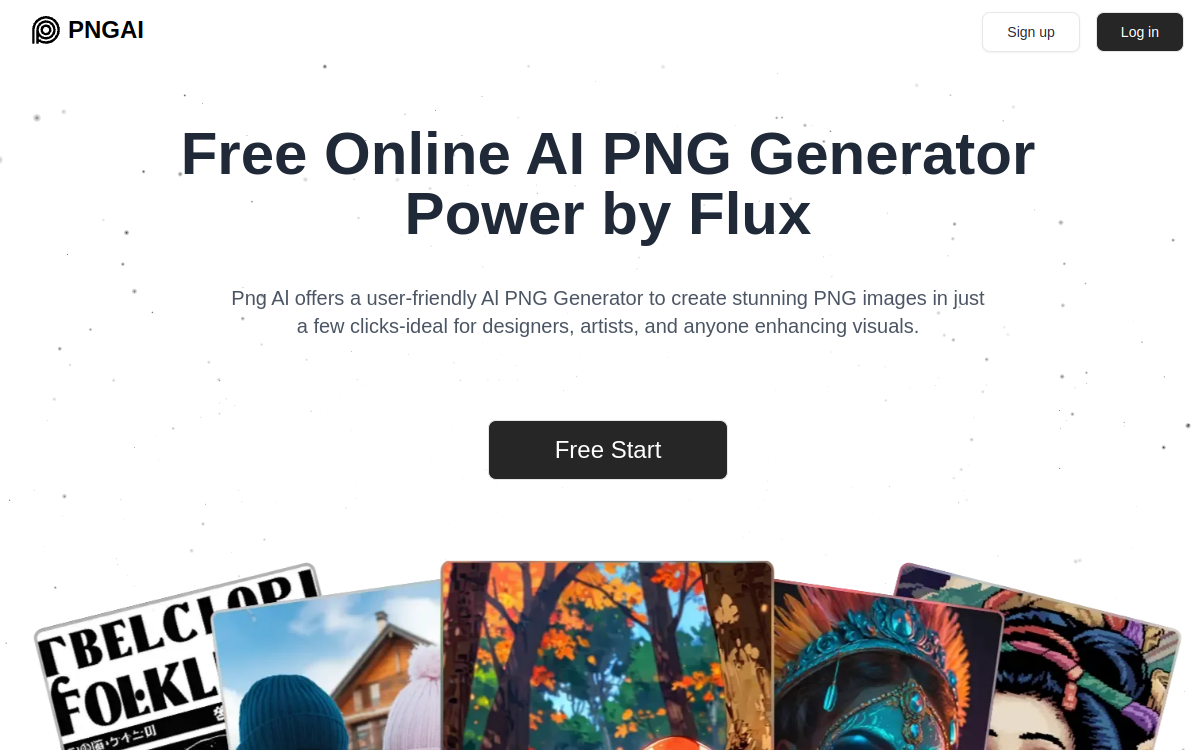
Png AI is a transparent PNG generator from text. The tool transforms a prompt into a clipped visual (logos, icons, stickers, illustrations) ready to be integrated into a mockup, product sheet or social post. Designed to be fast, it simplifies graphic creation without complex retouching, with PNG exports suited to design and marketing.
What is Png AI?
The essentials
Png AI is an image generator focused on “transparent PNG”. From a text description, the tool produces a visual that can be exported as PNG with a transparent background. The goal is to quickly create graphic assets without manually clipping an image or manipulating layers.The service targets concrete needs: icons for interfaces, stickers for social content, light illustrations for web pages, or marketing elements to integrate into a creation. PNG format is particularly useful because it fits easily into a layout, composition, social design or product sheet.As with all generative tools, quality depends on the prompt and requested style. The tool is therefore ideal for prototyping and producing “ready-to-use” assets rather than replacing an entire design workflow.
Key features
Png AI offers image generation from text with a focus on transparent PNG export. You describe the expected visual (subject, style, mood) and the tool generates a clipped image, usable directly in a creation.The strength is the speed of iteration: you can adjust the prompt to get close variants (different colors, styles, details) and select the one that best fits your design. This approach is useful for producing series of consistent assets for a campaign, a pack of icons or a social media kit.PNG export enables immediate integration into design, editing or publishing tools. For non-designer teams, the interface aims for simplicity: no layers, no complex settings, a direct flow prompt → generation → export.Finally, the tool is well-suited for rapid marketing usage, where the goal is to get a clean and usable visual, without aiming for a level of graphic precision equivalent to vector creation.
Use cases
The first use case is creating web assets: icons, pictograms, decorative elements and small illustrations to place on a page. The transparent background avoids integration issues on different backgrounds.Second use case: social media. Creators can generate stickers, composition elements, or thematic visuals to reuse in multiple posts. The ability to produce variants quickly facilitates regular publishing.In e-commerce, Png AI can help create badges, icons, small illustrations and scene elements to enrich a product sheet or landing page. This improves visual perception without heavy graphic production.Finally, for marketing teams and agencies, the tool is interesting for prototyping: test a visual direction before finalizing it, or quickly produce assets for creative tests and A/B testing.
Advantages
The main benefit is time savings. Png AI reduces the time between an idea and a usable visual, which is essential for marketing and social content at high frequency.Second benefit: the ability to iterate. By modifying the prompt, you get multiple variants and can choose the most suitable for your layout. This approach speeds up creative testing.Third benefit: accessibility. The tool is suitable for non-design experts, as it avoids technical steps like manual clipping or layer management.Finally, transparent PNG format simplifies integration: you reuse assets across different media without worrying about the background, which improves consistency and team productivity.
Pricing
Png AI is presented as a free AI PNG generator service, accessible via account creation. In this context, the most common model is freemium access: free generation with certain limits, then optional paid options depending on volume.For evaluation, the right criterion is the cost of production avoided: clipping time, simple icon creation, or prototyping. If the tool enables you to quickly produce reusable assets, it becomes profitable even with a light paid plan.For professional use, it’s recommended to test result stability on your target styles (icons, badges, stickers) and measure time saved compared to traditional graphic production. Vector and typography needs will still remain the domain of specialized tools.
Conclusion
Png AI is a relevant tool for quickly generating transparent PNG images for web and marketing. It facilitates the creation of simple assets (icons, stickers, pictograms, small illustrations) and speeds up creative iteration, which is particularly useful for social media and e-commerce.Its limitations appear when you require advanced graphic control: vector, precise typography, fine layer management or strict brand compliance. In these cases, Png AI mainly serves as an idea generator or base for retouching.If your goal is to quickly produce clipped elements ready to integrate, Png AI deserves a place in your toolkit, to complement a design solution for finishing.