


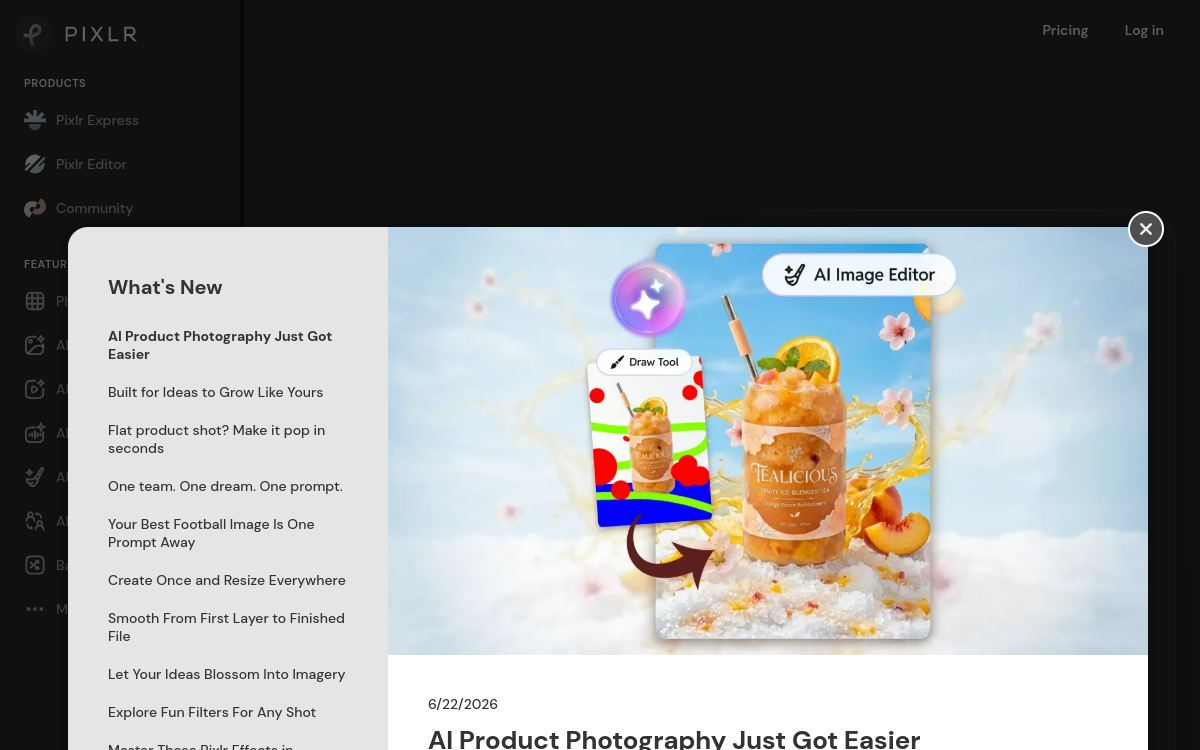
Pixlr is an online retouching and visual creation solution integrating AI functions. It allows you to edit images, remove backgrounds, apply automatic filters and generate visuals from text. The tool stands out for its speed, intuitive interface and templates ready for social networks, ads and presentations.
Overview of Pixlr
Detailed overview
✅ Strengths
- Automated AI retouching: background removal, image correction and smart filters.
- Complete editor accessible directly from your browser, no installation needed.
- Pre-defined templates for social posts, banners and YouTube thumbnails.
- AI image generation (Pixlr Generate) to create visuals from text.
- Generous free version with fast export and few limitations.
⚠️ Limits
- Ads present in the free version.
- Export resolution limited without Premium subscription.
- Some AI functions reserved for paying users.
- Interface sometimes unstable on mobile or older browsers.
❓ FREQUENT QUESTIONS
FAQ — Pixlr
Is Pixlr free?
Yes, the free version offers most essential tools, with ads. Advanced AI functions are available via Premium subscription.
Does Pixlr have AI for image generation?
Yes, the Pixlr Generate feature allows creating original images from text, with different artistic styles.
Can you use Pixlr in French?
Yes, Pixlr is available in French and several other European languages.
Is Pixlr suitable for professional use?
Yes, for marketing, web or social media needs, Pixlr offers excellent render quality and fast workflow.

Creation Images Images
Simple and powerful AI photo editor
💰 Rate
Free (paid options starting from €8/month)
🆓 Free trial
Yes
🌐 Languages
🇫🇷 Français, 🇬🇧 English, 🇪🇸 Español, 🇩🇪 Deutsch
Visit the site →