


Cutting out an image means isolating its subject from the background so it can be placed on any backdrop. Long reserved for expert retouchers, this operation has become a daily need for online stores, creative agencies and product teams that must process hundreds, even thousands, of visuals. This is exactly where Picsart’s Remove Background API comes in. Unlike the consumer Picsart app that many people know, this offering targets developers and businesses: it exposes Picsart’s cutout engine as a programmable API, callable from any language through an HTTP request. The goal is clear: to automate background removal at scale, without opening an image editor one file at a time. In this overview, we look concretely at what the tool does, its named features, its use cases, its real advantages and its credit-based pricing model, to judge whether it fits your needs.
What is Picsart Remove Background API?
The essentials
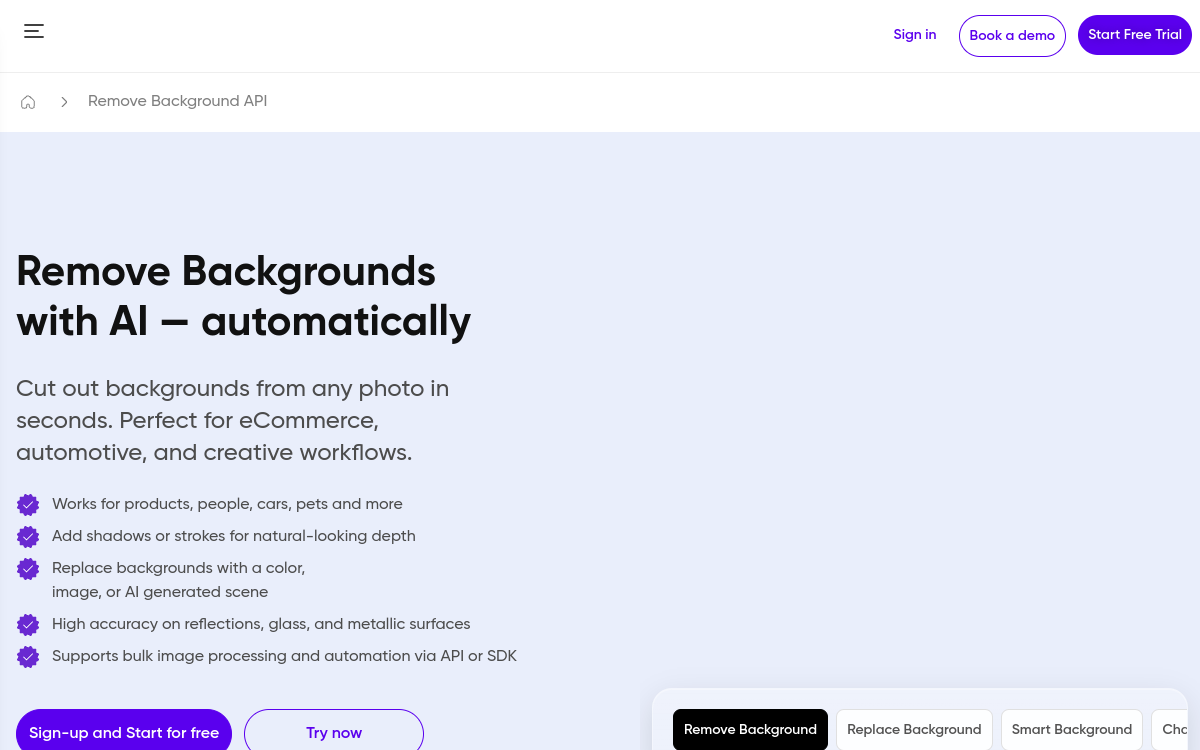
Remove Background is part of the Picsart for Developers offering (Picsart’s Programmable Image APIs). It is a cloud service that automatically removes an image’s background using an AI model trained to detect the main subject. The developer sends an image URL along with parameters (output type, format), and the service returns a cut-out version. The same API family offers a Change Background endpoint to replace the background once it has been removed. The engine is also accessible through the Editor SDK for embedded experiences. In short, it is not software to install but a technical building block to integrate into an app, a website or an automated workflow.
Key features
At the heart of the API is AI-based edge detection capable of handling notoriously tricky cases: hair, fur or glass objects, where edges are blurry or semi-transparent. The output_type parameter lets you choose a cutout (subject isolated on a transparent background), and the output format can be set among PNG, JPG, WEBP and TIFF. For transparency, Picsart recommends PNG or WEBP, since JPEG does not support the alpha channel and would replace the background with black. Accepted input formats include JPG, PNG, TIFF, WEBP and MPO. Beyond simple cutout, the API can add a soft shadow or a border for a more natural result, and the related Change Background API allows replacing the background with a solid color, a custom image or an AI-generated backdrop from a description. Finally, the service is designed for batch processing: it handles thousands of images, and integrates with automation platforms like Zapier, Make, Pabbly, Integrately and Elastic.io for teams who prefer to avoid code.
Use cases
The flagship use case is e-commerce: standardizing product photos on a white or transparent background from heterogeneous shots, for a consistent catalog. A marketplace can plug the API into its upload flow to automatically clean up every new listing. Agencies and creative studios use it to prepare visuals in batches before editing or compositing. SaaS vendors integrate it into their own interface to offer a ‘remove background’ button to their users without building the model themselves. Marketing teams automate the production of assets for social media or advertising. And thanks to the no-code connectors, a small business can set up a Zapier scenario that cuts out every image dropped into a folder, then places it on a brand backdrop, all without writing a single line of code.
Advantages
The main benefit is time savings at scale: automating a repetitive task that, done by hand, would tie up hours of a designer’s work. The cutout quality on complex edges also reduces manual retouching, a sensitive point for product images where the smallest artifact shows. The variety of input and output formats makes it easy to slot into an existing pipeline without prior conversion. Being able to chain background removal and replacement within the same API family simplifies the architecture. Finally, no-code access broadens usage beyond developers alone, letting operational teams adopt the tool quickly.
Pricing
Picsart works with a credit system, the universal billing unit for the APIs and the SDK. Each developer receives 50 free credits at sign-up to test. A call to the /remove-background endpoint costs 8 credits, while utility endpoints like /balance or /effects are free (0 credits), and preview calls are not billed. Beyond the free credits, you top up your balance by purchase: the larger the volume bought, the lower the unit price. Picsart for Business also mentions a free quota of 100 calls per month and custom quotes by contacting the API sales team.
Conclusion
Picsart’s Remove Background API is a mature, well-documented technical building block for anyone who needs to cut out images in bulk automatically. Its AI quality on difficult cases, its format flexibility and its no-code connectors make it a serious ally for e-commerce, agencies and software vendors. The credit model is worth watching as volumes grow. If your need is to integrate cutout into a product or a workflow rather than occasionally editing a few photos, it is an option to evaluate first, the 50 free credits letting you test with no commitment.