


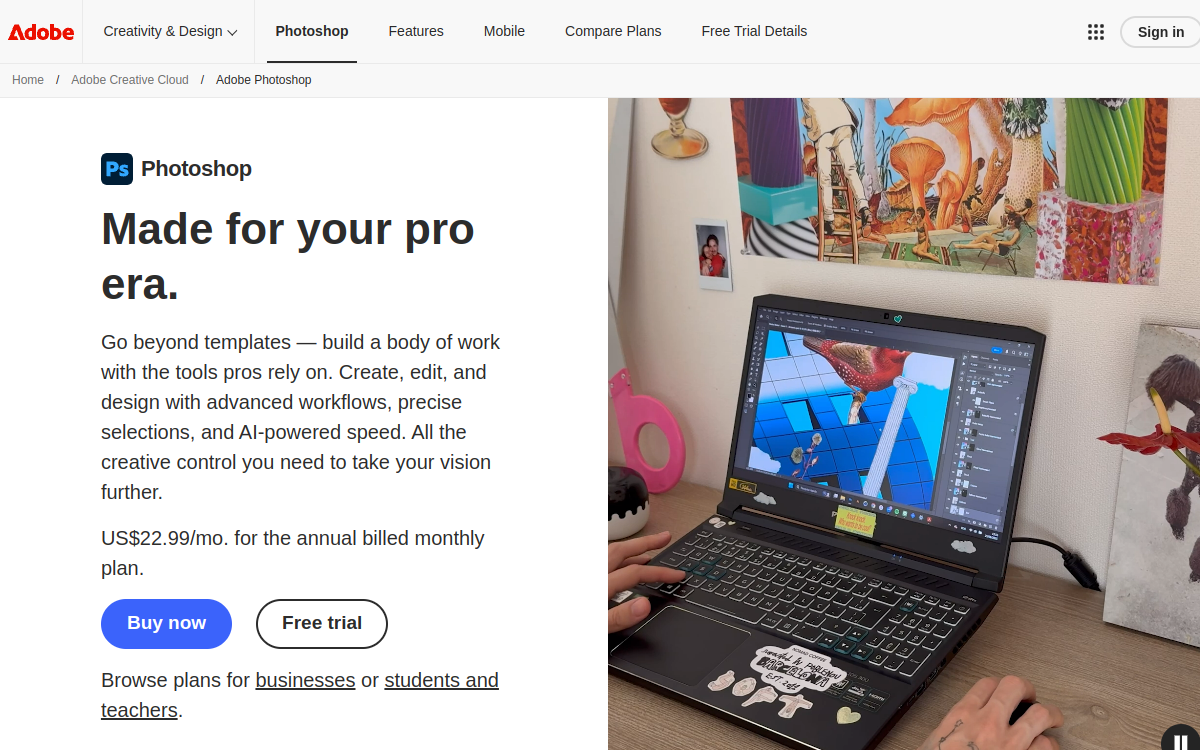
Adobe Photoshop with AI integration via Adobe Firefly revolutionizes professional photo editing by combining 30 years of expertise with the latest advances in generative artificial intelligence. The platform offers transformative AI features like Generative Fill that allows adding, removing or extending visual elements through simple text description. The Generative Develop tool automatically adjusts exposure, contrast and color parameters with intelligent precision. Neural Filters leverage deep learning for complex transformations: facial aging, expression modification, artistic style transfer, automatic colorization of black and white photos. AI-powered object selection instantly identifies subjects, people, sky and backgrounds for precise masking in one click. Photoshop AI maintains impeccable professional quality with advanced layer management, complete RAW support and non-destructive editing. Native integration with Adobe Stock and Creative Cloud streamlines professional creative workflows.
Overview of Photoshop AI
Detailed overview
✅ Strengths
- Revolutionary generative fill: adding, removing or extending visual elements by AI with seamless integration and respect for photographic context
- Advanced Neural Filters: complex transformations (facial expression modification, style transfer, old photo restoration) impossible with traditional tools
- Professional precision: output quality maintained to standards of high-end cinema, advertising and premium editing workflows
- Creative Cloud ecosystem: automatic synchronization, shared libraries and perfect compatibility with Illustrator, Lightroom, After Effects
- Intelligent selection: automatic detection of subjects, people, objects and areas with pixel-perfect masking
- Non-destructive editing: all AI modifications kept in separate layers allowing unlimited adjustments and undos
- Training and resources: exhaustive documentation, Adobe Learn tutorials and worldwide community of millions of creators
⚠️ Limits
- High subscription cost: recurring monthly pricing that accumulates over time, poorly suited for occasional users
- Significant learning curve: dense interface with hundreds of features requiring in-depth training to fully master
- Demanding system resources: requires powerful computer (16 GB RAM minimum recommended) for smooth performance with AI features
- Limited Firefly credits: AI generations consume monthly credits that can deplete quickly with intensive use
- Excessive complexity for simple needs: advanced features often oversized for basic retouching or quick social media editing
❓ FREQUENT QUESTIONS
FAQ — Photoshop AI
What's the difference between classic Photoshop and Photoshop AI?
There is no separate ‘Photoshop AI’ version. AI features (Generative Fill, Neural Filters, intelligent selections) are progressively integrated into standard Photoshop through Creative Cloud updates. All subscribers automatically benefit from these AI developments at no extra cost, although certain Firefly features consume monthly generation credits included in the subscription. The ‘Photoshop AI’ marketing distinction simply emphasizes the growing importance of these capabilities in modern workflows.
Are Adobe Firefly generation credits sufficient?
The standard Photoshop subscription includes 1000 monthly Firefly generation credits (as of November 2024). One generation with Generative Fill consumes 1 credit per variation. For moderate use (20-30 generations/day), that’s more than sufficient. Heavy users may deplete their credits but continue accessing Firefly with slightly slower generation times. Additional credits are available through subscription upgrades. Other AI features (Neural Filters, selections) don’t consume credits.
Can Photoshop AI really replace a professional retoucher?
No, Photoshop AI is a productivity amplifier, not a replacement. AI features automate repetitive technical tasks (clipping, selections, basic adjustments) and accelerate creative exploration. However, critical eye, artistic sense, understanding of client needs and strategic creative decisions remain fundamentally human. The best results combine AI efficiency for technical work and retoucher expertise for artistic direction, subtle finishing and consistency with overall creative vision.
Does Photoshop AI work offline?
Photoshop requires internet connection for license verification at launch, but then functions offline for most traditional features. However, AI tools (Generative Fill Firefly, certain Neural Filters) require active connection because models are hosted on Adobe’s cloud to guarantee optimal performance and continuous updates. Basic AI selections and certain filters work locally. For nomadic work without stable connection, plan ahead and perform AI generations in advance.
What are free alternatives to Photoshop AI?
For photo retouching: GIMP (complete open source), Photopea (free Photoshop web clone), Pixlr (freemium online). For AI generation: Stable Diffusion (free but technical), Leonardo.ai (generous freemium), Bing Image Creator (free Microsoft). For simplified graphic design: free Canva, Figma. These alternatives offer solid basic features but lack Photoshop’s professional depth, ecosystem integration and AI quality. Excellent for getting started or occasional use before investing in Adobe.

Creation Images
Professional photo editing standard enriched by generative AI
💰 Rate
From €23.99/month
🆓 Free trial
Yes
🌐 Languages
🇫🇷 Français, 🇬🇧 English
Visit the site →