


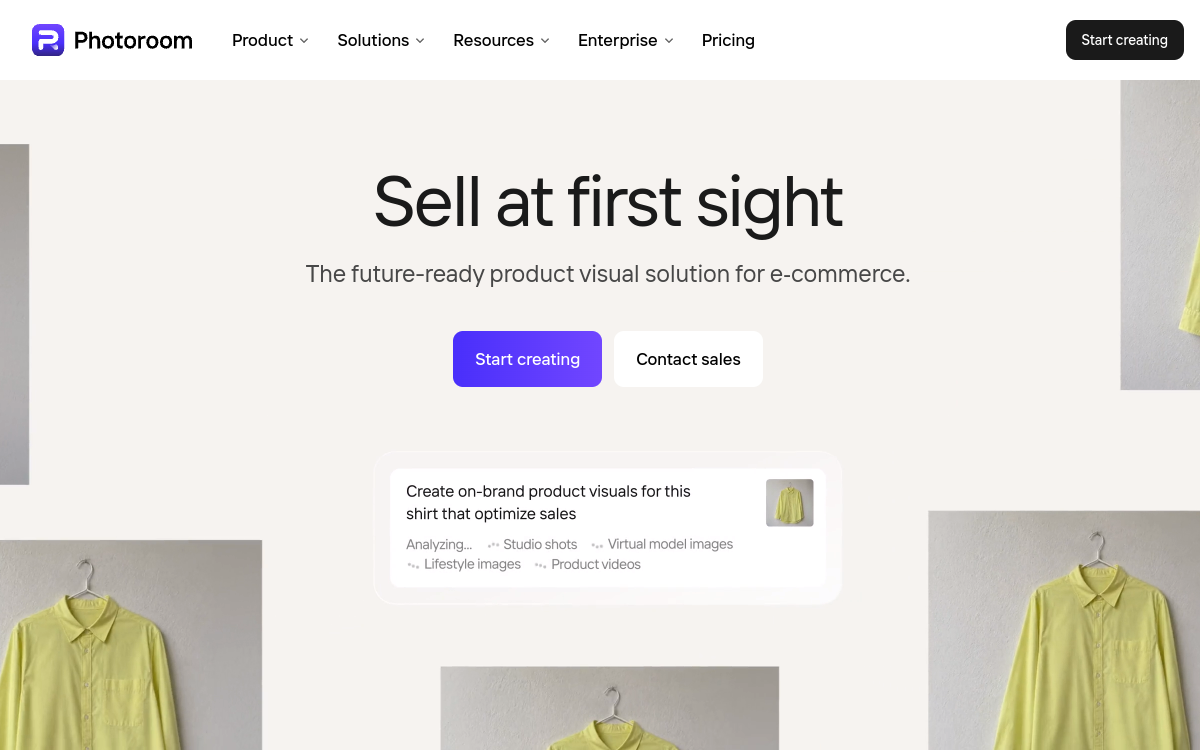
PhotoRoom is an AI-powered photo editor that lets you create professional product visuals in seconds. The tool removes and replaces backgrounds, generates AI scenes, offers templates ready for e-commerce (Amazon, Shopify, Etsy…) and optimized social media formats. Available on mobile and web, it targets creators, online sellers, and small brands who want quality visuals without design skills or a photo studio.
Overview of PhotoRoom
Detailed overview
✅ Strengths
- Ultra clean automatic removal in one click, even on mobile.
- AI-generated scenes and backgrounds to showcase your product.
- E-commerce templates suited to marketplaces and shops.
- Batch editing to process many photos at once.
- Mobile and web app simple, designed for non-designers.
- Social media dedicated features: formats, text, stickers.
⚠️ Limits
- Less suited to advanced photo retouching like Photoshop.
- HD resolution and exports limited on free plan.
- Creative control less fine than complex professional tools.
- Recurring cost if you process many images each month.
❓ FREQUENT QUESTIONS
FAQ — PhotoRoom
Is PhotoRoom free?
PhotoRoom offers a free plan with limited exports and restricted access to AI features. The Pro plan unlocks more models, watermark removal, and better quality exports.
Is PhotoRoom suitable for e-commerce?
Yes, PhotoRoom clearly targets online sellers: templates for Amazon, Shopify, Etsy, formats suited to marketplaces, and tools to harmonize your product visuals without visiting a photo studio.
Can I use PhotoRoom on mobile and computer?
Yes, PhotoRoom is available as a mobile app (iOS, Android) and web version. You can start a visual on your smartphone then finalize it on desktop if needed.
Does PhotoRoom replace software like Photoshop?
PhotoRoom covers background removal, AI backgrounds, and quick staging very well. For complex compositing, precise layer work, or color grading, software like Photoshop remains more suitable.
Who is PhotoRoom mainly for?
PhotoRoom is mainly for online sellers, small brands, creators, and community managers who want clean, consistent visuals without hiring a graphic designer or professional photo studio.

E-commerce & Sales Images
Create 'studio' product visuals for your shops and social media without photo equipment.
💰 Rate
Freemium, Pro from $12.99/month
🆓 Free trial
Yes
🌐 Languages
🇫🇷 Français, 🇬🇧 English
Visit the site →