



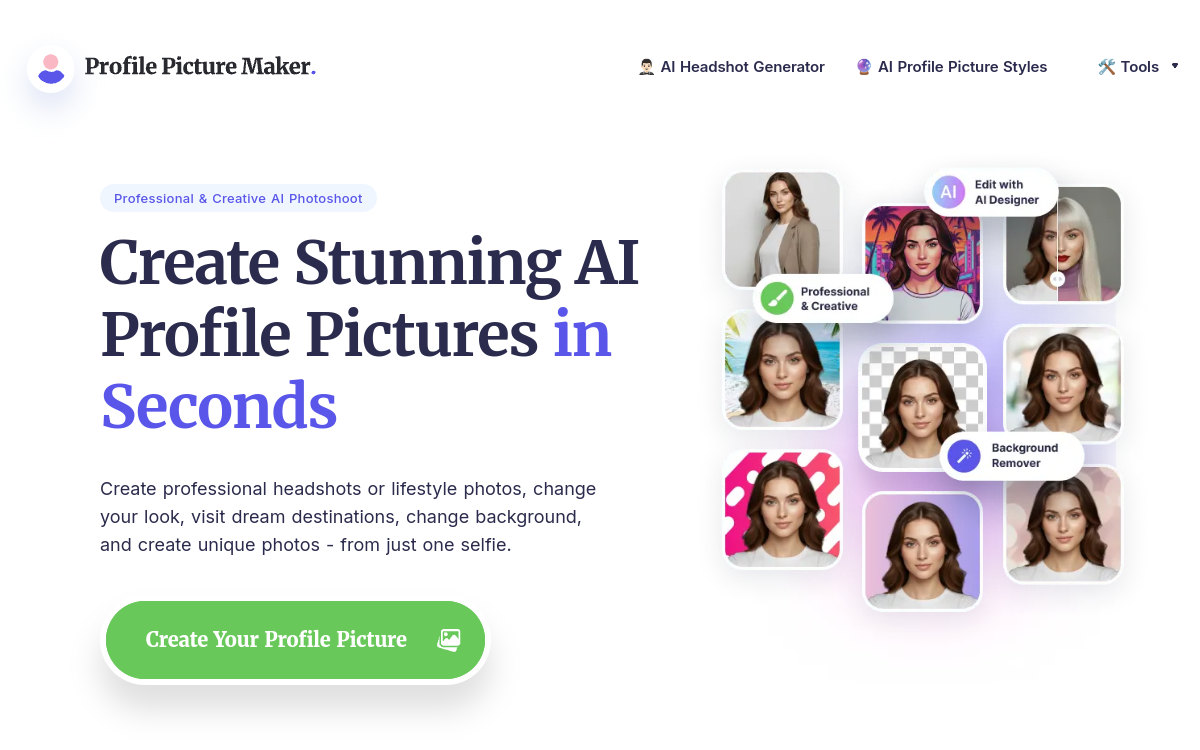
Polishing your profile picture has become a reflex, whether for LinkedIn, a resume, or a dating app. However, organizing a professional photoshoot is expensive and time-consuming. PFPMaker offers a direct alternative: generating a polished profile picture from a simple selfie in just a few seconds. The tool is designed for professionals, job seekers, and more broadly, anyone wanting a clean and presentable look without hiring a photographer or mastering photo editing software. With a claimed user base of over 18 million, PFPMaker has positioned itself as one of the leading consumer services for AI-powered avatar and headshot generation. In this review, we detail how it works, its main features, concrete use cases, advantages, and pricing model to help you understand who it is really for and in which situations it offers the best return on investment.
What is PFPMaker?
The essentials
PFPMaker is an online profile picture creation service powered by artificial intelligence. The concept is simple: the user uploads one or more photos of themselves in JPG or PNG format, and the tool automatically generates background-removed, cropped, and stylized versions ready for use. Beyond a simple profile picture, the platform offers a professional headshot generator, an AI Photoshoot mode to explore different styles, and a conversational editor to adjust the background, outfit, or expression. PFPMaker focuses on individual portrait images rather than generic image generation, which sets it apart from broader visual creation models.
Key features
PFPMaker groups together several complementary portrait features. The headshot generator transforms a selfie into a sharp, professional photo suitable for corporate use. The AI Photoshoot mode provides access to over 400 style options combining outfits, backgrounds, poses, and expressions, allowing users to explore different looks from the same source photos. The AI editor works via text instructions: the user describes the desired modification, and the tool applies the change, such as to hair, makeup, or clothing. Background removal and replacement are automated, making it easy to place a portrait on a neutral or contextual background in one click. Exports are offered in several dimensions tailored to various platforms: square format for avatars, portrait, vertical story, or landscape. The platform also includes enhancement and cartoonization tools, as well as an enhanced quality option that applies upscaling and detail refinement for high-resolution outputs.
Use cases
The use cases for PFPMaker revolve around personal visual identity. The most common scenario is creating a professional LinkedIn profile picture without having to book a studio. Job seekers use it to get a polished headshot for a resume or recruitment profile. Social media and messaging app users find it a quick way to refresh their avatar with a consistent look. Dating apps are another frequent use case, where a sharp, flattering photo makes a difference. Finally, freelancers and entrepreneurs use it for business cards, email signatures, and landing pages to display a consistent image across all their channels.
Advantages
The main benefit of PFPMaker is the saving of time and money compared to a traditional photoshoot. In a few seconds, the user gets a usable profile picture without any equipment or editing skills. The variety of styles allows users to test multiple looks before choosing the one that best fits their image. Automatic background removal and multi-format exports simplify uploading to each platform without extra hassle. The free tier provides access to basic tools, allowing users to discover the service before making any purchase. For those who regularly update their online image, the speed and consistency of the output represent a practical everyday asset.
Pricing
PFPMaker offers a free tier covering basic tools, including background removal. AI headshot generation relies on a credit system, starting at around $9 for a set of headshots to explore. Larger credit packs are available at higher tiers, and purchased credits do not expire. Subscription plans, such as a Pro plan with 120 monthly credits, offer a better cost per credit along with additional features like enhanced quality. Subscription credits can roll over up to three times the monthly limit.
Conclusion
PFPMaker effectively fulfills a specific mission: providing a professional profile picture or headshot without a photoshoot or complex software. Its speed, large style library, and free tier make it an accessible solution for professionals, job candidates, and social media users. However, the output depends on the quality of the source photo, and the tool does not cover video or actual photography. For a one-off or recurring need for a polished profile picture, it is a simple and cost-effective option to consider.