



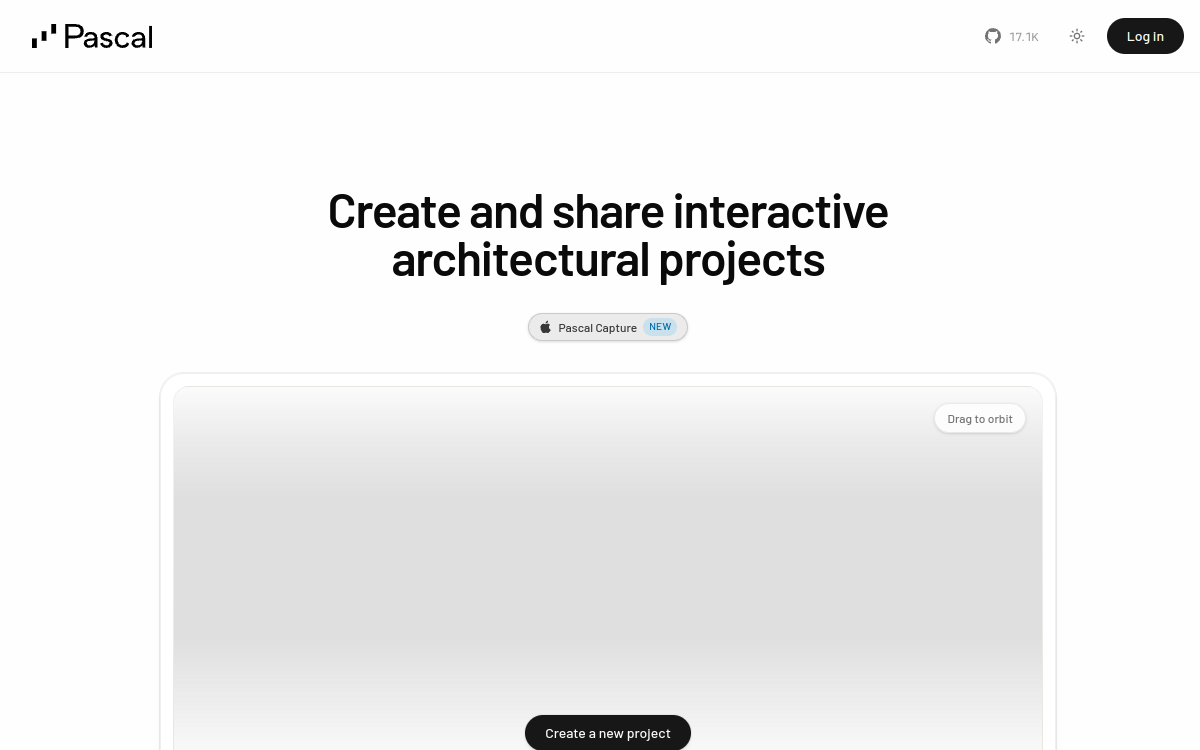
Pascal Editor is an open source 3D editor for architectural design and interior planning. Accessible directly in the browser, it lets you draw walls, rooms, floors, roofs and furnish your plans with an object library. Users can design, build, and share their 3D projects without sign-up or installation, making it an ideal tool for homeowners, architecture students, and experienced DIYers.
What is Pascal Editor?
The essentials
Pascal Editor is a web 3D editor specialized in designing buildings, rooms, and interior layouts. Designed to be accessible to everyone, it offers a visual interface where users draw walls, adjust heights, add windows, doors, stairs, and roofs, then furnish everything with a library of ready-made objects. The project is distributed as open source on GitHub, allowing the community to contribute, audit the code, and use it for educational projects. Pascal Editor positions itself as a lightweight, educational, and collaborative tool, closer to a consumer experience than professional architecture software.
Key features
Pascal Editor is organized around several complementary modules. The wall drawing module is central: it lets you quickly trace the outline of a room or building in a few clicks, with adjustable dimensions. Users can then add floors, roofs, balconies, and windows to bring their 3D project to life. A furniture library offers couches, beds, desks, appliances, and accessories that you drag into rooms to visualize layouts. The camera can switch between 2D and 3D views, helping you understand the project from different angles. Saving and sharing are built-in: you can generate a link to share with a partner, client, or friend, who can open and explore the project in their own browser. The rendering remains intentionally simple, but clear enough to validate design choices, compare options, and prepare the next steps with a professional.
Use cases
Pascal Editor addresses several user profiles. Homeowners use it to plan renovations: expansions, remodels, furnishing a new house or apartment. Architecture, interior design, and construction students use it as an educational tool to learn the basics of 3D modeling and floor plan reading. DIYers and home improvement enthusiasts prepare their projects by visualizing the result before investing in materials. Interior design coaches use the tool to quickly propose visual layouts to their clients. Teachers integrate it into their courses to make 3D design more accessible to non-technical audiences. Finally, real estate agents can use it to suggest layouts to prospects interested in a property.
Advantages
Adopting Pascal Editor brings several benefits. Access is immediate: no installation, no account, no cost. The learning curve is very gentle, even for users with no CAD experience. Complete free access lets you test multiple ideas without budget constraints. The ability to share projects online makes it easy to collaborate with a partner, client, or contractor. The open source nature reassures users about the tool’s longevity and transparency. For schools or workshops, it’s a solution without licensing constraints, simplifying large-scale deployment. The project also benefits from community contributions that progressively enhance features and available object libraries.
Pricing
Pascal Editor is completely free. The project is distributed as open source, with no paid plans or subscriptions. Users can create as many projects as they want, save them, and share them without limitation. For developers and companies wanting to use the engine in their own products, the code is available on GitHub under a permissive license, opening the door to integrations in educational, real estate, or architectural tools.
Conclusion
Pascal Editor is a remarkable open source project for accessible 3D design. Its promise of planning projects without installation or sign-up is perfectly fulfilled, and its openness makes it an ideal companion for schools, homeowners, and DIYers. For demanding professional uses, you’ll need to turn to specialized CAD software, but for most residential needs, it’s an excellent choice.