


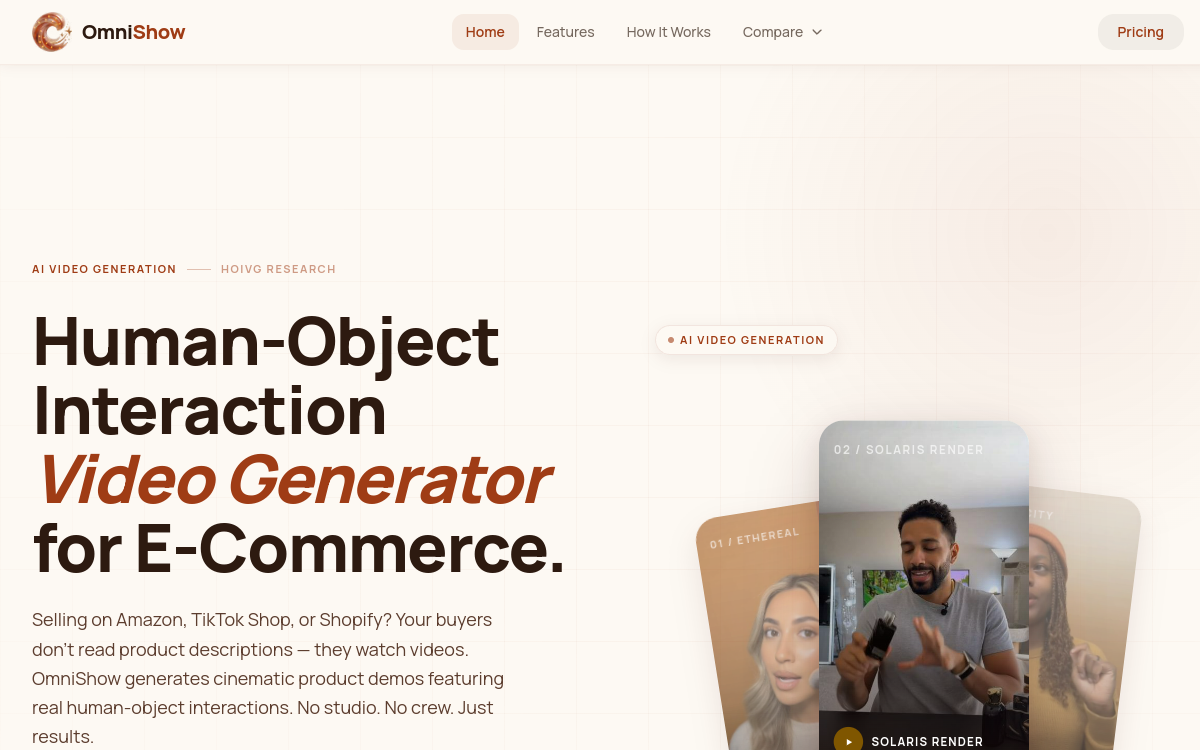
OmniShow is a video generation AI specialized in human-object interaction videos (HOIVG) for e-commerce. Compatible with text, reference image, audio and pose inputs, it produces 720p/24fps clips in a few minutes without any installation. Ideal for Amazon, Shopify and TikTok Shop sellers, OmniShow enables authentic UGC video creation at scale, with audio-synced AI presenter. Everything works in the cloud, with no GPU or software required. Credits offered at signup allow you to test the platform without a credit card.
What is OmniShow?
The essentials
OmniShow is a cloud-based video generation AI platform specialized in HOIVG technology, an acronym for Human-Object Interaction Video Generation. Concretely, these are clips where a virtual presenter interacts naturally with a physical product: holding it, wearing it, presenting it or staging it. The technology relies on a multimodal engine capable of ingesting four types of inputs simultaneously: descriptive text, a product reference image, an audio file and pose data. The result is a 720p clip at 24fps delivered in two to four minutes, entirely in the cloud. No software installation is required, and users need no GPU or special technical skill to get started.
Key features
OmniShow stands out through several key features that make it a versatile tool for e-commerce teams. Compatibility with four simultaneous input modes is at the core of the offering: text, product image, audio and pose can be freely combined to refine the final render. The HOIVG engine generates realistic interactions between the AI model and the product, simulating natural gestures such as holding a smartphone, wearing clothing or using an accessory. Videos are exported at 720p with 24fps and automatic audio synchronization ensuring perfect lip sync between voice and presenter movements. End-to-end cloud processing means rendering happens on OmniShow’s servers, without drawing on the user’s local resources. The interface is designed to be accessible without technical skills: after signup, users can upload their assets and receive their clip in a few minutes. OmniShow explicitly targets high-conversion content formats: UGC videos, product demos for Amazon listings, Reels and TikTok Shop content. The platform also allows producing multiple variants of the same product for large-scale creative A/B testing.
Use cases
OmniShow finds its place in several concrete e-commerce scenarios. Amazon sellers can create A+ videos showing their products in real situations, without resorting to an agency or models. Shopify stores enrich their product pages with authentic demonstrations, reducing abandonment rates and customer inquiries. Performance marketing teams generate dozens of creative variants for A/B testing on Meta, TikTok or Google Shopping. TikTok Shop creators produce scalable UGC content to feed their affiliate campaigns. Finally, brands seeking to test new markets can quickly localize their product visuals by simply changing the audio track, without having to redo a full shoot.
Advantages
Adopting OmniShow brings tangible gains at multiple levels. Economically, the cost of an AI clip is significantly lower than a traditional shoot, which can exceed several thousand euros for professional production. In terms of velocity, teams move from idea to final clip in less than 30 minutes. Scalability is another major asset: where a human team produces a few dozen videos per week, OmniShow enables hundreds. The accessibility without installation or technical skills opens the door to SMEs and independent entrepreneurs who previously didn’t have access to this type of content. The freemium model with free credits and no credit card required further reduces the barrier to entry.
Pricing
OmniShow adopts a freemium model: new users receive free credits without providing a credit card, allowing them to test the platform and evaluate render quality before any commitment. Paid plans are available for users with regular or large-volume needs. Complete pricing details — credit volumes, generation limits and commercial options — are not fully published on the website, and it is recommended to check the official pricing page at omnishow.video for up-to-date information suited to your needs.
Conclusion
OmniShow stands out as a relevant solution for any e-merchant seeking to scale their video production without exploding their creative budget. Where traditional shooting involves models, studios and editing teams, OmniShow compresses this process into a few minutes thanks to its HOIVG engine — Human-Object Interaction Video Generation — a technology still rare in the AI video ecosystem.