



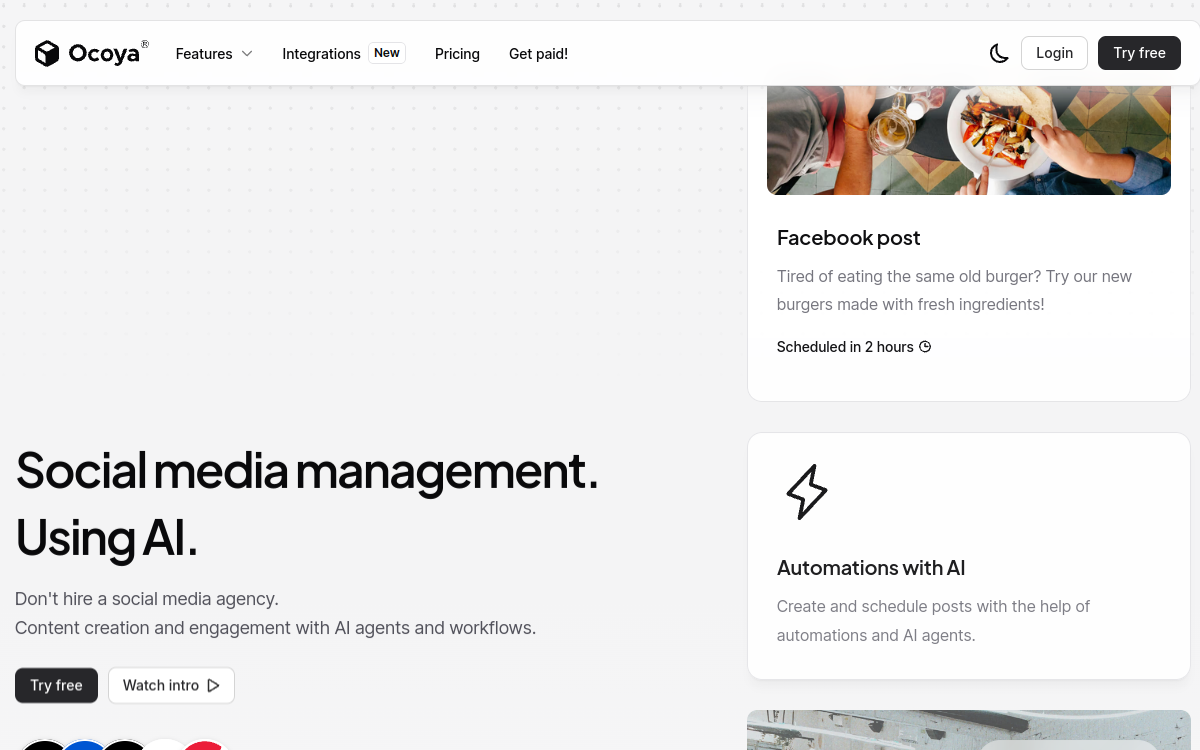
Ocoya is a social media management platform powered by AI that allows freelancers, brands, and agencies to create, schedule, and publish content across over 30 channels. Its AI agents generate posts, automate DMs, respond to comments, and analyze optimal publish times. The integrated design editor with Canva, Unsplash, and Giphy connections, team approval workflows, and centralized editorial calendar make Ocoya a complete solution for marketing teams wanting to industrialize their social media presence.
What is Ocoya?
The essentials
Ocoya is an AI-powered social media management platform that covers the entire social content marketing workflow: creation, design, scheduling, publishing, engagement automation, and performance analysis. It stands out from traditional tools through its AI agents capable of generating content, automating DMs, and responding to comments autonomously.
Key features
Ocoya’s AI agents generate platform-adapted posts, automate DMs with chatbots responsive to keywords and comments, and trigger publishing workflows based on rules (RSS, product launches, events). The integrated design editor offers customizable templates with Canva, Unsplash, and Giphy integrations. The centralized editorial calendar visualizes the publishing plan across all channels with AI timing recommendations. Multi-level approval workflows enable agencies to manage client validations.
Use cases
Ocoya excels for freelancers managing multiple client accounts with automated publishing schedules, e-commerce brands connecting their product catalog to social publications, marketing agencies overseeing multi-channel campaigns for multiple clients, and content creators wanting to maximize their presence without spending all their time on it.
Advantages
Ocoya significantly reduces time spent on daily social media management. AI-generated content accelerates post production. Engagement automation (DMs, comments) maintains an active 24/7 presence. Centralizing all channels in one tool eliminates tab and tool multiplication.
Pricing
Ocoya offers four monthly plans. Bronze at 15 USD per month for freelancers (1 workspace, 5 profiles, 100 AI credits). Silver at 39 USD for small teams (5 workspaces, 20 profiles, 500 credits). Gold at 79 USD for larger teams (20 workspaces, 50 profiles, 1,500 credits). Diamond at 159 USD for agencies (unlimited, 150 profiles). Annual subscriptions offer 20% discount. 7-day free trial available.
Conclusion
Ocoya offers excellent features-to-price ratio for marketing teams wanting to industrialize their social presence with AI. Its 7-day trial with no commitment allows serious evaluation before any investment.