


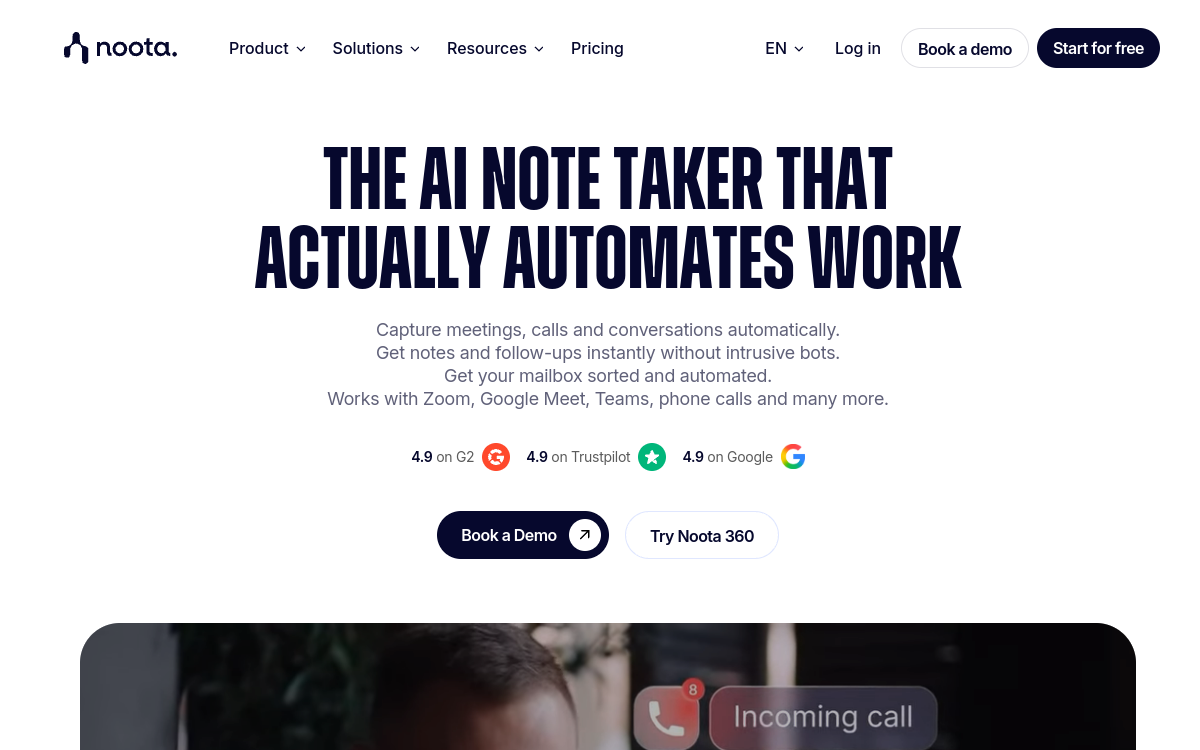
Noota is an AI meeting assistant that records your video calls, phone calls and in-person meetings, then automatically generates structured meeting notes. The tool offers real-time transcription, summaries, action lists and CRM/ATS integrations so you don’t forget anything. Ideal for sales teams, HR, managers and freelancers who want better-tracked and less time-consuming meetings.
Overview of Noota
Detailed overview
✅ Strengths
- Specialized AI meeting assistant for automatic meeting note generation.
- Real-time transcription in French and dozens of languages.
- Structured meeting notes: decisions, tasks, key points.
- CRM/ATS integrations to push notes where you work.
- AI agent and automations to trigger actions after meetings.
⚠️ Limits
- Meeting-focused tool: less suited to other uses.
- Advanced features paid as soon as volume increases.
- Requires stable connection for continuous recording.
- Setting up automations requires some time.
❓ FREQUENT QUESTIONS
FAQ — Noota
Does Noota offer a free version?
Yes, Noota offers a free plan with limited transcription minutes, ideal for testing recording, transcription and first AI meeting notes.
Which video conferencing tools does Noota work with?
Noota works with major market tools like Zoom, Microsoft Teams, Google Meet and can also record phone calls or in-person meetings.
Is Noota suited for French?
Yes, Noota is a French solution with excellent French language support, ensuring transcriptions and summaries are adapted to French-speaking meetings.
Can you automate actions after the meeting with Noota?
Yes, thanks to its AI agent and integrations, Noota can automatically create tasks, update a CRM or send meeting notes to your tools after each meeting.
Is my meeting data secure with Noota?
Noota emphasizes a GDPR-compliant approach, with European hosting and advanced security of recordings and transcriptions to protect your sensitive data.

Assistants Productivity
Automatic meeting notes and follow-up actions triggered after each meeting.
💰 Rate
Freemium, paid plans from $19/month
🆓 Free trial
Yes
🌐 Languages
🇫🇷 Français, 🇬🇧 English
Visit the site →