



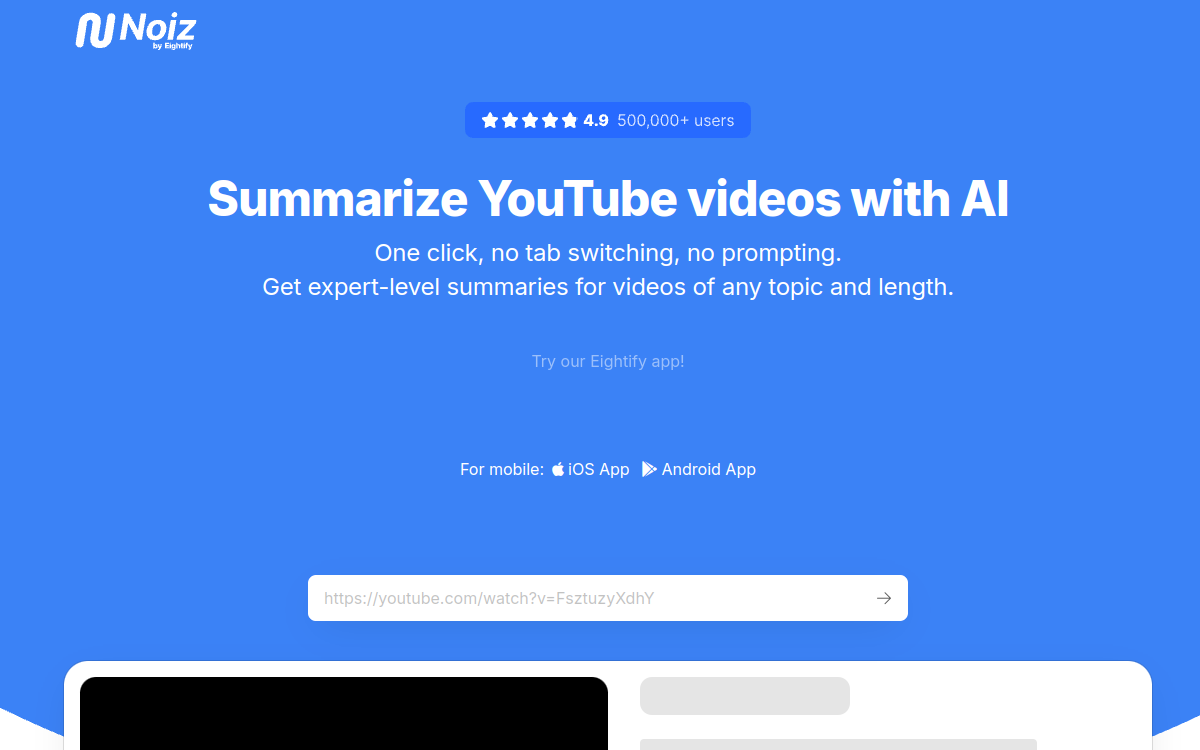
Watching a one-hour YouTube video only to take away three ideas can quickly become frustrating. This is precisely the problem that Noiz seeks to solve. This artificial intelligence tool focuses on a single but highly demanded task: transforming a video into a clear and actionable summary, without having to watch it in its entirety. Available as a Chrome extension and iOS and Android mobile apps, Noiz claims more than 500,000 users, mainly students, researchers, content creators, and professionals who consume a lot of long videos. Its promise fits in one sentence: one click, no tab switching, no prompts to write. The goal is to make video information as fast to browse as a text article. In this overview, we detail what Noiz really is, its concrete features, its typical use cases, its advantages, and its pricing model, to help you determine if this summary assistant fits your way of learning and working on a daily basis.
What is Noiz?
The essentials
Noiz is a YouTube video summarizer powered by artificial intelligence. Specifically, it takes the URL of a public or unlisted video and extracts its essential content in several forms. The tool installs as a Chrome browser extension, allowing it to act directly on the YouTube page you are viewing, but it is also available as mobile apps for iOS and Android. Where some tools require you to copy and paste links into a separate interface, Noiz works in context: you stay on the video and get its summary in one click. It supports 41 languages and accepts long videos, up to twelve hours, making it suitable for conferences, podcasts, and training content. It is therefore not a generalist assistant, but a tool specialized in video content synthesis.
Key features
Noiz revolves around three main functions. The first, called key ideas, extracts the important points of a video and can present them as a bulleted list, Q&A, or detailed summary, depending on the desired depth. The second function generates timestamped summaries: each point is associated with a specific moment in the video, allowing you to click to jump directly to the relevant passage. The third transforms the video into text, producing a readable transcription that can be read or reused. Beyond these three pillars, Noiz supports 41 languages for both summaries and transcriptions, handles videos up to twelve hours, and works equally well with podcasts and user-generated content. The tool also offers trend tracking, analyzing the most popular videos each week. The whole system is designed to minimize friction: no prompts to write, no extra windows to open, the information appears right next to the video.
Use cases
The use cases for Noiz stem directly from its specialization. A student can summarize a long recorded lecture to prepare for an exam without sitting through a two-hour class again. A researcher can quickly scan several thematic videos to identify those that deserve a full viewing. A content creator can use it to monitor their niche, browsing the key ideas of dozens of videos in a few minutes. A busy professional can extract the essentials of a webinar or panel discussion without blocking an hour in their calendar. The support for 41 languages also opens up cross-language use: quickly understanding a video in a language you don’t master well, thanks to a summary in your native language. Finally, the transcription function serves those who prefer reading over watching, or who want to quote a specific passage. In all these cases, the common denominator is saving time when dealing with long video content.
Advantages
The main benefit of Noiz is the time saved: a one-hour video can be browsed in a few minutes thanks to key ideas and timestamped summaries. Ease of use is another strong asset, since no technical skills or prompt writing are required; the summary arrives in a single click. The variety of output formats, from synthetic lists to detailed summaries and Q&As, allows you to adapt the level of detail to each need. The coverage of 41 languages significantly widens the scope of application, especially for understanding foreign content. Finally, multiplatform availability, between the Chrome extension and mobile apps, means the tool follows the user on both their computer and their phone. These combined benefits make video consumption feel closer to speed-reading a text.
Pricing
Noiz is based on a freemium model with a subscription. A seven-day free trial allows you to test the tool before any commitment. Beyond that, access is through paid plans: according to third-party sources, an entry-level plan is around $2.90 per month and a higher plan is around $8.90 per month, with monthly or annual billing options. However, the official website remains vague about the details of the tiers and the limits associated with each offer, and the figures may vary depending on the source. It is therefore recommended to check the current rates directly from the app or extension at the time of subscription, and to take advantage of the free trial to evaluate if the tool matches your volume of usage.
Conclusion
Noiz does one thing and does it well: extracting the essentials of a YouTube video in one click. Its strength lies in its simplicity, speed, and support for 41 languages and very long videos. For a student, researcher, or creator who consumes a lot of video content, it is a real time-saver and has a modest entry cost. Its limitations stem from its specialization: it does not replace a document summarization tool and is not designed for teamwork. If your need is centered on video and personal learning, Noiz is clearly worth a try via its free period before choosing a subscription.