



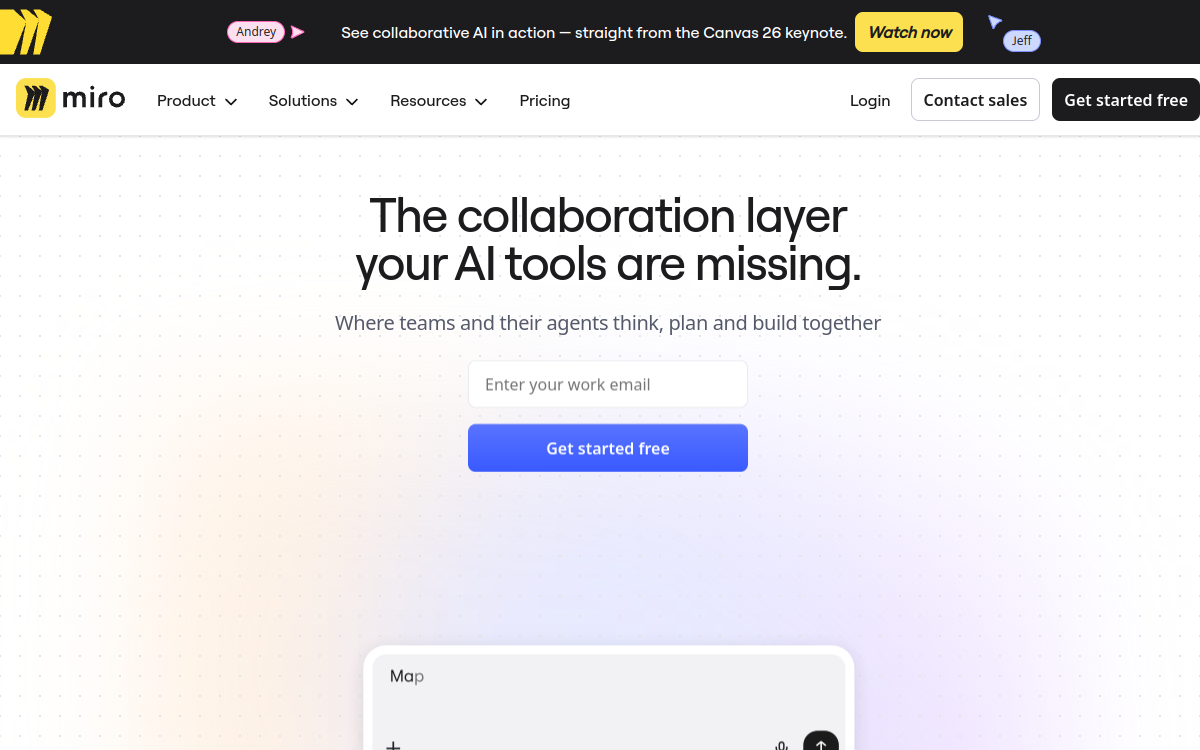
Miro centralizes ideation and collaboration on an infinite canvas, with AI features to structure, summarize, and transform your content. You move from sticky notes to deliverables (mind maps, diagrams, frames, briefs) faster, while keeping a clear record of decisions. Ideal for workshops, product, design, and planning, with simple sharing, comments, and facilitation modes.
What is Miro?
The essentials
Miro is a visual collaboration platform centered on an online whiteboard. Its principle: provide a shared workspace where everyone can contribute in real time, from a browser or desktop app, with fine granularity (sticky notes, shapes, drawings, texts, images, links, documents). Unlike a simple drawing canvas, Miro structures work through frames, templates, and facilitation tools.The “workspace” dimension is essential: a Miro board becomes a project hub. You can group research synthesis, mapping, decisions, priorities, then share everything with the team or stakeholders. Miro also integrates with many tools (Jira, Confluence, Slack, Google Workspace, Microsoft 365) to connect ideation to execution.Finally, Miro offers AI features designed to accelerate repetitive steps: organize sticky notes, summarize comment threads, translate, or generate certain diagrams. The tool thus aims to reduce time spent “cleaning up” and increase time devoted to deciding and moving forward.
Key features
Miro combines an infinite canvas, real-time collaboration, and facilitation features for effective team work. The canvas allows freely mixing sticky notes, shapes, texts, images, links, documents, diagrams, and tables. Frames help structure a board like a presentation or workshop flow, while templates accelerate setup (brainstorming, mapping, roadmap, retrospective, user story mapping, etc.).Collaboration is one of the strong points: simultaneous co-editing, cursors, comments, mentions, fine permissions sharing, and export (images, PDF) to communicate. Facilitators have dedicated tools: timer, voting, presentation modes, and options to guide a group through structured sessions.On the AI side, Miro offers useful actions to move from chaos to clarity: grouping sticky notes by themes or sentiment, generating diagrams (e.g., mind map/flow), summarizing discussions, translating content, or iterating on proposals. AI usage works with credits, variable by plan.Finally, integrations play a key role: Miro connects to product and collaboration tools (Jira/Confluence, Slack, Teams, Google, Microsoft), easing the move from ideation to execution and limiting information fragmentation.
Use cases
Miro adapts to many team-oriented scenarios. In workshops, it serves to frame an issue, diverge by generating ideas, converge through grouping and voting, then formalize exploitable synthesis. In product, Miro is used for discovery (hypotheses, insights, opportunities), prioritization (matrices, scoring), visual roadmap, and user story mapping.In design, it facilitates building user journeys, information architecture, wireframes, and flows, while preserving reasoning trace. For cross-functional organizations, Miro becomes an alignment tool: strategic plan, initiative mapping, process documentation, or directorship meeting prep.AI is particularly useful when the board grows: quickly group sticky notes from a workshop, summarize comments for report production, or translate a board for international teams. Coupled with integrations, Miro then allows transforming decisions into tasks or tickets in an execution tool (Jira, ClickUp, etc.).
Advantages
The first benefit of Miro is alignment: instead of debating in separate documents, the team works on a shared, visible, shareable space. This reduces misunderstandings, speeds decisions, and improves deliverable quality, since everyone sees context.Second advantage: speed. Templates and facilitation (timer, voting, frames) reduce workshop prep time and make sessions smoother. AI brings additional gains by automating repetitive tasks like structuring, summarizing, or translating.Third benefit: capitalization. A Miro board serves as project memory: you find history of exchanges, rationales, decisions, versions. This is very useful for onboarding, continuity between teams, or stakeholder communication.Finally, the integration ecosystem limits tool fragmentation. Miro fits easily into a product/ops stack, helping connect ideation to execution without multiplying manual copies.
Pricing
Miro offers a free plan suited for discovery, with a limit on editable boards and access to fundamentals of collaboration. For regular team use, paid plans add capabilities and governance: unlimited boards, advanced sharing options, more complete integrations, and administrator controls.In practice, the Starter plan starts around $10 per member per month on monthly billing (approximately $8 per month on annual). The Business plan typically reaches $20 per member and per month. Enterprise offers are on quote, with enhanced security, compliance, and administration options.AI features are associated with monthly credits depending on plan, and options exist to increase allocation through add-ons. To choose, start from your needs: board volume, security requirements, integration level, and intensity of AI feature use.
Conclusion
Miro is an excellent choice if you want a robust visual collaboration space, capable of supporting workshops, product framing, and living documentation. Its strength lies in team collaboration fluidity, richness of templates, facilitation, and integrations. AI adds real comfort to structure and summarize, as long as you accept the credits logic.To get the best from Miro, establish simple organization method (frames, naming conventions, dedicated zones) and connect it to your execution tools. In this framework, Miro becomes a lasting hub: you think better, decide faster, and deliver clearer artifacts.