


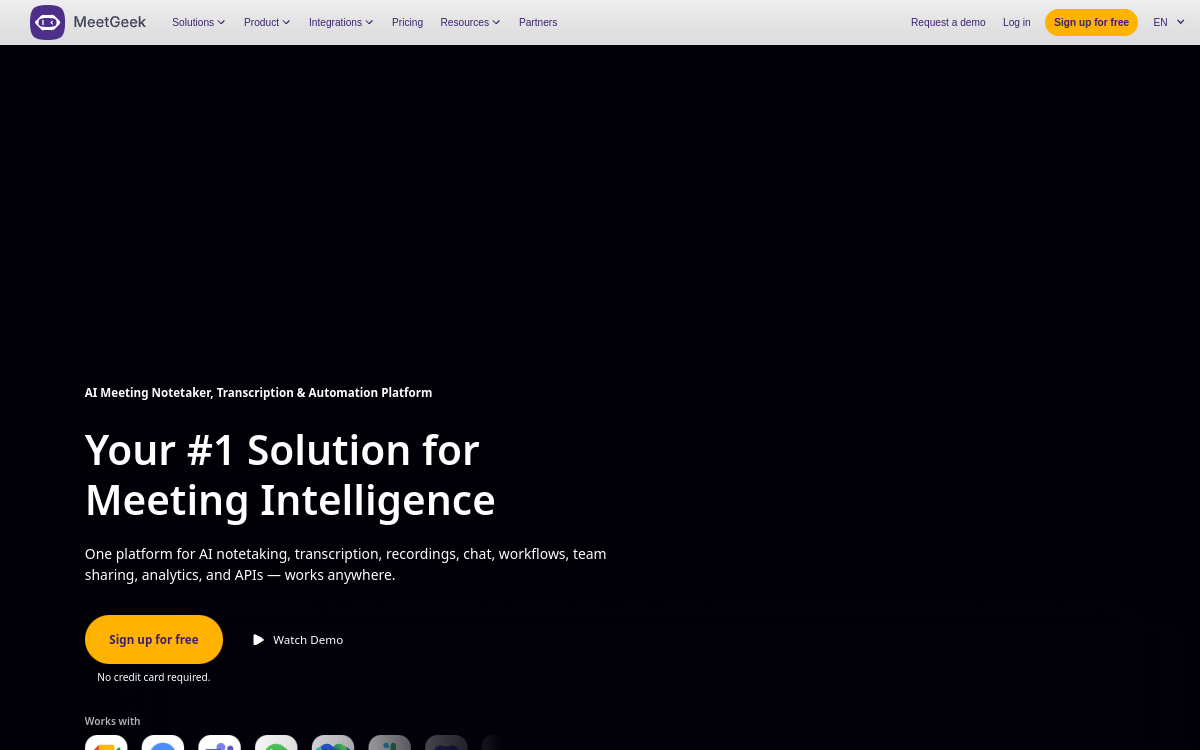
MeetGeek is a meeting assistant powered by AI that connects to Google Meet, Zoom and Microsoft Teams to automatically record, transcribe and summarize calls. The tool produces structured notes, key moments, an action list and synchronizes everything in your CRM or project management tools. Ideal for sales, HR and management teams wanting to maintain a reliable memory of conversations without taking manual notes.
What is MeetGeek?
The essentials
MeetGeek is an AI-powered meeting assistant for online conversations. Concretely, the tool appears as a bot that automatically joins Zoom, Google Meet and Microsoft Teams meetings according to the user’s calendar. It records audio, transcribes the conversation in real-time in the detected language and stores each meeting in a central library. Once the meeting ends, MeetGeek generates a structured report with a synthetic summary, timestamped key moments and an action list. The tool also offers templates adapted to each meeting type, for example sales call, recruitment interview, weekly sync or customer interview.
Key features
Beyond transcription, MeetGeek’s richness lies in its analysis and integrations layer. Each summary can be customized by template, allowing salespeople to have pipeline-oriented format, HR a performance-oriented format and managers a decision-oriented format. The central library is fully searchable, and users can share a meeting or precise excerpt in a few clicks. The tool also offers automatically detected highlights, sentiment by participant and meeting quality indicators, such as speaking time or question-to-answer ratio. On the integrations side, MeetGeek sends its notes to HubSpot, Salesforce, Slack, Notion, Google Drive or project tools like ClickUp, Trello or Asana. An API and webhooks also enable connecting MeetGeek to custom systems.
Use cases
Sales reps use MeetGeek to avoid wasting time taking notes during discovery or demo calls. The report automatically arrives in the CRM with expressed needs and next steps. Recruiters and HR use it to more easily compare interviews, find a candidate’s precise answer and share insights with hiring managers. Managers use the tool for their 1:1s and team meetings, maintaining a clear record of commitments made and tracking conversation evolution over time. Product teams use it for user interviews, capitalizing on a searchable library of testimonials. Finally, founders and consultants use it as a personal memory tool, capable of finding a decision or idea made several weeks earlier.
Advantages
The main benefit is the time saved on post-meeting work. No more need to retranscribe notes, clean them up, copy them into the CRM or search for ten minutes what was said. The second benefit is the quality of information retained: MeetGeek captures everything, eliminating memory bias. Then comes information sharing: the searchable library allows the entire team to learn from the best calls, share proof of a need or find a precise detail. Finally, the tool professionalizes meeting conduct by exposing quality indicators, pushing people to better structure calls over time.
Pricing
MeetGeek offers a free plan that includes a limited number of recording and transcription hours. This is enough to evaluate the tool. Above that, several paid plans unlock more hours, extended history, advanced CRM integrations, custom templates and team management options. Pricing starts around twenty dollars per month per user, with significant discounts on annual billing. For demanding organizations, a Business offer provides administrative controls, SSO and priority support. The price-value ratio is generally very favorable once the user holds at least a few important meetings per week.
Conclusion
MeetGeek is today one of the most accomplished meeting assistants on the market. Its multilingual transcription, exploitable summaries and CRM integrations make it a practical and productive tool for daily use. It is an excellent investment for anyone whose value partly depends on the quality of conversations held and communicated.