


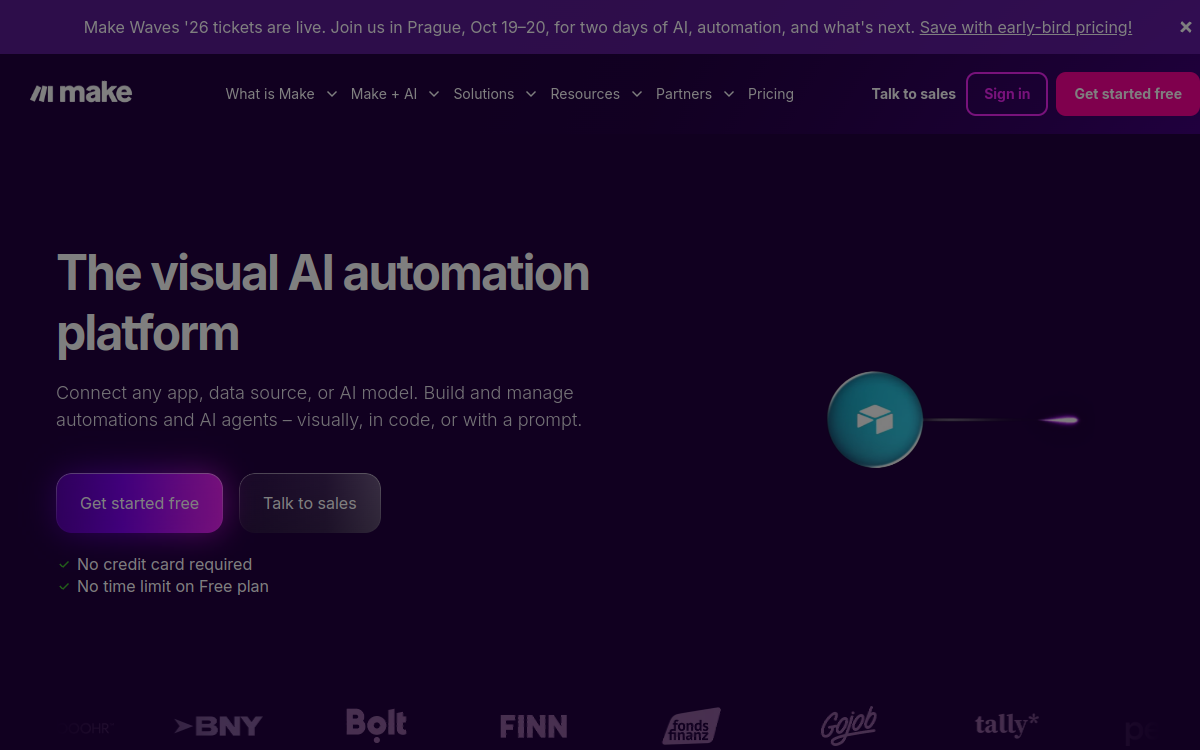
Make (formerly Integromat) is a no-code automation platform that allows you to connect hundreds of applications and create complex visual workflows without writing a single line of code. Thanks to its drag-and-drop scenario editor, Make has established itself as one of the most powerful solutions for automating your business, marketing, and operational processes. With over 3,000 integrations and native support for AI models like GPT-4 and Claude, Make serves both freelancers and large companies looking to improve efficiency.
What is Make?
The essentials
Make is a visual automation platform that allows you to connect applications to each other and create automated work flows called scenarios. Each scenario is composed of modules that correspond to actions performed by each connected application. A scenario always starts with a trigger — an event that launches execution — followed by a series of actions. The drag-and-drop interface makes workflow creation accessible to everyone, even without technical skills. With over 3,000 integrations and advanced logic integrating routers, filters, and iterators, Make positions itself as much more than just an application connector: it’s a true business process orchestration platform.
Key features
The Make scenario editor is at the heart of the platform. Its visual interface allows you to build complex workflows by connecting modules via simple drag-and-drop. Routers allow you to branch a flow in multiple paths based on precise conditions, while filters allow you to exclude certain records during processing. Iterators and aggregators manage complex arrays of data, and error handlers define behavior in case of failure.Make offers native modules for major AI models: GPT-4, Claude from Anthropic, Gemini from Google, and Stability AI, allowing you to build content generation pipelines, automatic summarization, and image analysis directly in scenarios.The tool also includes a template library to quickly start on common use cases, detailed execution logs for debugging, and a credit rollover system for unconsumed credits on paid plans.
Use cases
Make covers a wide spectrum of professional uses. In marketing, it allows you to sync leads between a web form, a CRM like HubSpot, and an email tool like Mailchimp, while triggering Slack notifications. For e-commerce teams, it automates product card creation, inventory management, and sales reporting. Content agencies use Make to create AI pipelines that automatically generate, translate, and publish articles. Operations teams use it to orchestrate validation processes and support ticket management.
Advantages
Make concretely transforms the way teams work. By automating repetitive tasks, it frees up time for higher-value activities. Reducing human errors in data entry and transfer processes improves overall operational quality. Support for AI models allows you to integrate intelligence into workflows without resorting to developers. The platform’s scalability allows you to start small with the free plan and evolve gradually based on your needs.
Pricing
Make offers four pricing tiers. The free plan includes 1,000 credits per month and 2 active scenarios with a 15-minute execution interval. The Core plan, at $9/month (billed annually), offers 10,000 credits and unlimited scenarios. The Pro plan, at $16/month, adds priority execution and custom variables. The Teams plan, at $29/month, is designed for collaborative teams. An Enterprise plan is available on request for large accounts.
Conclusion
Make is a mature, powerful, and flexible no-code automation solution that appeals to a wide variety of profiles. Its integration ecosystem, advanced logic, and native support for AI models make it a reference tool for teams looking to structure and automate their processes. Clearly a worthwhile investment for ambitious SMEs and agencies.