


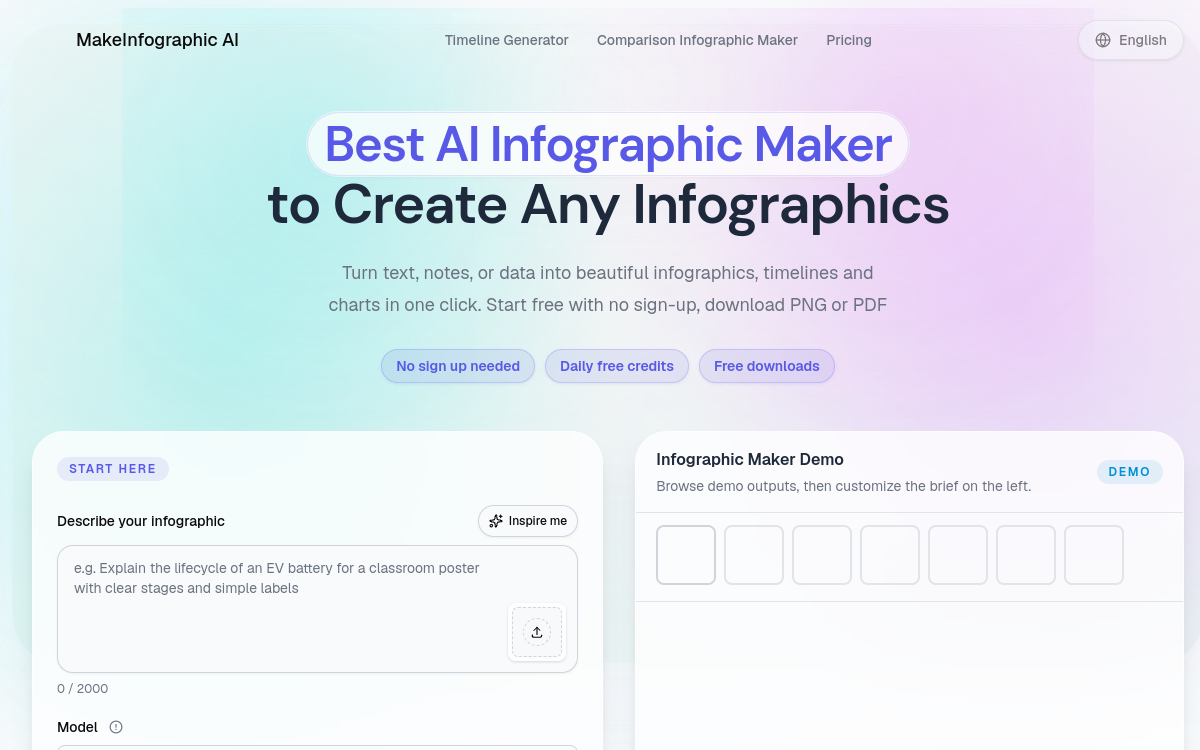
Make Infographic AI is an infographic generator based on AI that transforms a text brief into a structured visual: timeline, comparison, process, pyramid, statistics, roadmap, flowchart or explanatory diagram. No sign-up needed to get started, just a prompt and a style to choose. The tool offers multiple ratios adapted to social networks and documentation, as well as an improved V2 mode enhancing visual quality. Ideal for marketers, content creators and teachers who want to simplify a topic quickly.
What is Make Infographic AI?
The essentials
Make Infographic AI is an online infographic generator. The user describes their topic, chooses an infographic type (timeline, comparison, process, pyramid, statistics, roadmap, explanatory diagram, flowchart) and a style, then launches generation. The result is an image ready to publish or integrate into a document. The tool offers an improved V2 mode with better visual quality and several ratios designed for X, TikTok, Pinterest or Instagram.
Key features
The tool covers several major infographic families. Timelines trace a chronology or story by highlighting key steps. Comparisons align two or more solutions on common criteria. Processes describe successive steps with a clear thread. Pyramids organize concepts hierarchically. Statistical infographics highlight striking figures. Roadmaps illustrate a long-term plan. Explanatory diagrams simplify a concept and flowcharts describe decision logic. The user then chooses a style (clean, educational, marketing, etc.) and a ratio adapted to their target. The V2 mode improves quality, with more readable typography and better structured layout. Export happens as a downloadable image directly, sometimes with free credits offered on login.
Use cases
Community managers use Make Infographic AI to produce social media visuals in minutes, without calling on the design team. Marketers use it for their campaigns: comparisons, product timelines, blog illustrations. Teachers simplify complex concepts for their students. Consultants integrate visuals into their slides or client reports. Students save time on their presentations. Newsletter creators illustrate their analysis with visuals that grab attention. More broadly, any profession that must communicate a structured idea finds concrete use for the tool.
Advantages
The main benefit is speed: producing an infographic goes from several hours to a few seconds. The second is accessibility: no design tool to master, just a written description. The third is coverage: the diversity of infographic types and ratios covers most needs. The fourth is quality: with V2 mode, exports can be published as-is without retouching. The last is cost: multiple free visuals without even creating an account.
Pricing
Make Infographic AI offers significant free usage without sign-up, with a limited number of generations and downloads. Connected accounts benefit from additional credits (15 credits offered on login + free downloads). Beyond that, the tool offers paid plans for larger volumes, unrestricted V2 mode access and advanced features.
Conclusion
Make Infographic AI is a particularly effective infographic generator for anyone wanting to produce quickly and cleanly, without design expertise. It’s one of the best compromises on the market between creative freedom and automation for structured visual content.