



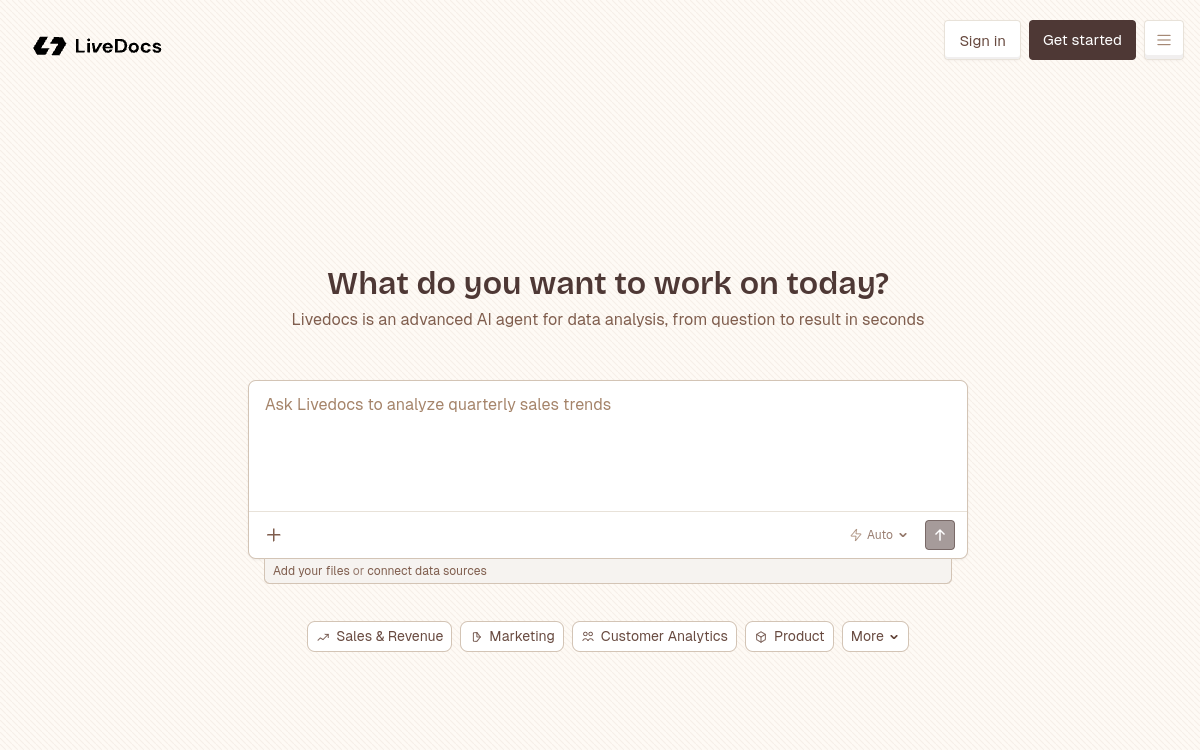
Livedocs is an AI-native data platform that rethinks the analysis notebook. Unlike Jupyter, its cells are reactive: they automatically recalculate when data changes, like in a spreadsheet. The tool integrates SQL, Python, an AI agent capable of answering your questions in natural language, interactive charts and the publication of shareable applications. With integrations to Snowflake, BigQuery, Postgres and tools like Google Analytics or Stripe, Livedocs targets data teams wanting to move fast without sacrificing power.
What is Livedocs?
The essentials
Livedocs is an AI-native data platform that combines a reactive analysis notebook, a general AI agent and a light application creation tool in a single environment accessible from a web browser. Users can import files or connect databases, then ask questions in natural language, write SQL or Python to get answers, charts and shareable reports.
Key features
The flagship feature of Livedocs is its reactive notebook: cells automatically recalculate when their dependencies change, eliminating the classic Jupyter errors. The platform allows you to write SQL and Python side by side in the same document, with smooth transition between the two languages. The integrated AI agent can answer questions about your data, generate code, fix errors and explain results in clear language. Publishing interactive applications is native: with one click, a notebook becomes a shareable app without additional development. Integrations include Snowflake, BigQuery, Postgres, ClickHouse, Google Analytics, Stripe and HubSpot.
Use cases
Livedocs is ideal for data teams wanting to analyze CSV files or data warehouses without setting up heavy infrastructure. Financial analysts can query their Stripe or HubSpot data in natural language and publish dashboards for their teams. Startups appreciate the ability to create interactive reports quickly, without DevOps. Data scientists use the SQL/Python combination for exploratory analysis before moving to more specialized environments.
Advantages
The main benefit of Livedocs is reducing the time between question and insight. Cell reactivity eliminates execution order errors. The AI agent accelerates data exploration for users less comfortable with code. Real-time collaboration avoids back-and-forth on static notebooks. Publishing shareable applications allows you to distribute insights to non-technical stakeholders without additional effort.
Pricing
Livedocs offers a free plan at $0/month including unlimited documents, 8 GB of RAM, 2 vCPU and $5 in monthly AI credits. The Pro plan is $30/month per workspace, with $20/month per additional member, and includes 32 GB of RAM, real-time collaboration, scheduled executions, terminal access and integrations with Snowflake, Databricks and BigQuery. An Enterprise plan with custom pricing is available for on-premise needs and SSO.
Conclusion
Livedocs represents a significant evolution in traditional data notebooks. Its reactivity, integrated AI agent and ability to publish applications without deployment code make it a particularly well-suited tool for modern data teams seeking speed and accessibility.