


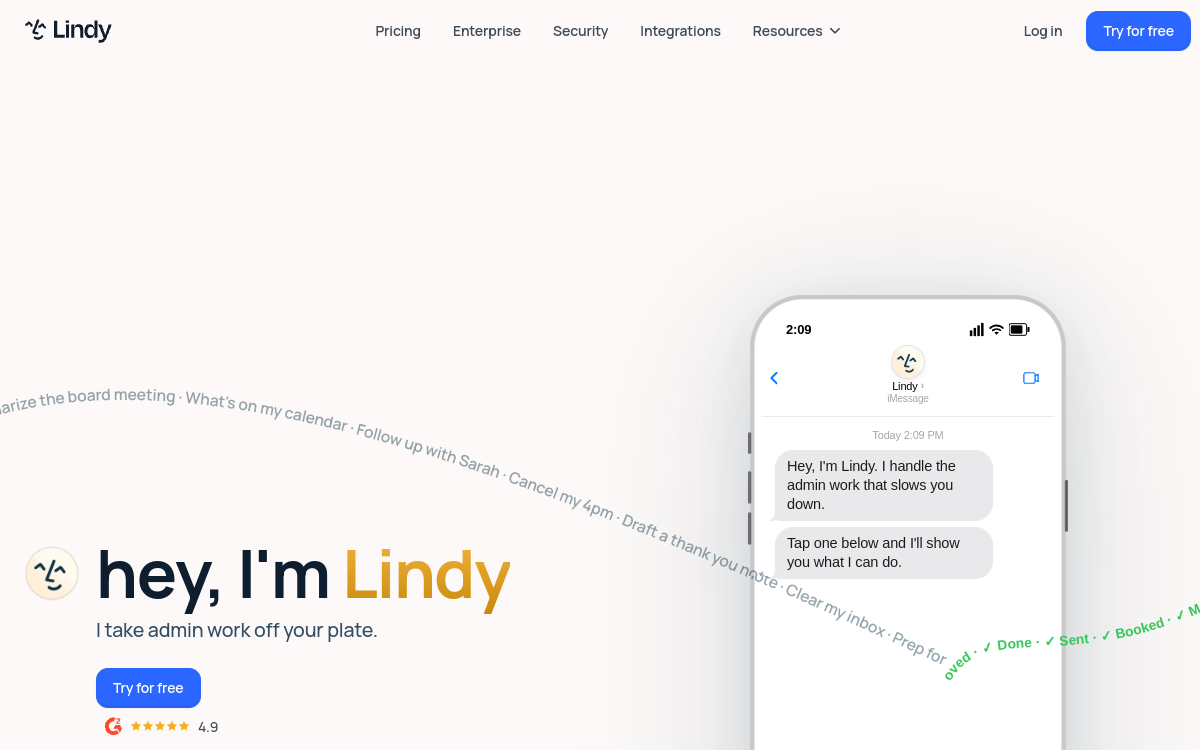
Lindy AI is an AI agent platform designed to automate recurring tasks: email, CRM, prospect follow-up, operations and support. It combines triggers, actions and integrations & APIs to execute workflows continuously, with ready-to-use templates and no-code mode to adapt the logic. Ideal for accelerating execution without hiring.
What is Lindy AI?
The essentials
Lindy AI is a platform of automated agents that execute tasks on your behalf. Rather than asking a chatbot to respond once, you configure an agent to monitor an event (an email, a form, a CRM status, a task), then trigger a series of actions: categorize, write, send, update a field, create a task, notify a team, etc.The tool relies on integrations with common applications and workflow logic. The user defines the objective, rules and safeguards, then the agent acts continuously. This persistence is a key point: the agent is not just an assistant, but an execution component.Lindy AI targets operational uses: sales, support, operations, internal management. It’s particularly valuable when tasks are repetitive, follow clear rules and a validation system exists for ambiguous or sensitive cases.
Key features
Lindy AI offers configurable agents with trigger and action logic. You start with a scenario: an event occurs (email received, lead added, status update, incoming request), then the agent executes a sequence: context analysis, decision based on rules, action in connected tools, and possibly notification or escalation.Templates accelerate startup: prospect follow-ups, CRM tracking, email sorting and categorization, first-level support responses, task creation and coordination. The user can adapt the logic by adding conditions, exceptions and validation steps.Lindy AI also emphasizes integrations: connecting email, calendar, CRM and internal tools allows automating actual work loops. Depending on the connectors, you can create and enrich records, assign tasks, feed tracking dashboards, or produce a summary.Finally, the tool encourages a “safe by design” approach: limiting autonomy on high-impact actions, requesting confirmation, and tracking what was done. This allows deploying useful agents without degrading quality or trust.
Use cases
In sales, Lindy AI can automate qualification and follow-up: sort incoming emails, identify hot requests, propose a response, create an opportunity and schedule follow-up. It can also feed the CRM by retrieving key information and updating statuses.In support, the agent can categorize tickets, propose first-level responses, assign to the right person and escalate for sensitive topics. This reduces team load and improves response time.In operations, the tool standardizes routines: task creation, notifications, team coordination, internal request tracking, weekly summaries. Agencies and freelancers also use it to industrialize client processes: follow-ups, information gathering, deliverable preparation, checklists.More broadly, Lindy AI is relevant when you have regular volume of repetitive tasks, clear rules, and a desire to structure execution. It’s a productivity lever, but also a way to improve quality by reducing oversights.
Advantages
The most visible benefit is time savings: Lindy AI handles repetitive tasks and lets teams focus on decision-making, relationships and strategy. In sales, this improves responsiveness; in support, this reduces wait times; in ops, this smooths coordination.Second advantage: standardization. Workflows encode best practices: what steps to follow, when to follow up, how to categorize, which fields to fill. This reduces oversights and homogenizes execution, even as the team grows.Third benefit: scalability. An agent can handle higher volume without proportional effort. As business grows, you add scenarios rather than manual tasks.Finally, the tool promotes a controlled approach: with validations and safeguards, you can automate without sacrificing quality. This is often the best way to adopt AI in business: start small, measure, then gradually expand.
Pricing
Lindy AI typically works on subscription, with plans varying by usage (execution volume, number of agents, integrations and advanced features). Offers often start around a few tens of dollars per month, then increase based on team and production needs.A trial or test access is frequently offered to validate a first use case. This is recommended: test a simple workflow, measure time saved, then choose a plan suited to real volume.To select the right plan, estimate the number of scenarios you want to automate, execution frequency (per day/week), and required control level (human validation, traceability). The right plan is one that lets you iterate without friction while keeping your operational safeguards in place.
Conclusion
Lindy AI is a relevant solution for moving from “assistant” AI to “executing” AI. Where many tools limit themselves to generating text, Lindy focuses on action: triggers, integrations and continuous workflows.Its effectiveness depends on one thing: quality framing. Defining clear rules, planning validations on sensitive actions and monitoring results enables reliable automation.If you want to save time on email, CRM, support and operations while staying in control, Lindy AI is a solid choice. This is especially true for SMEs, agencies and growing teams looking to industrialize their routines without excessive technical complexity.