


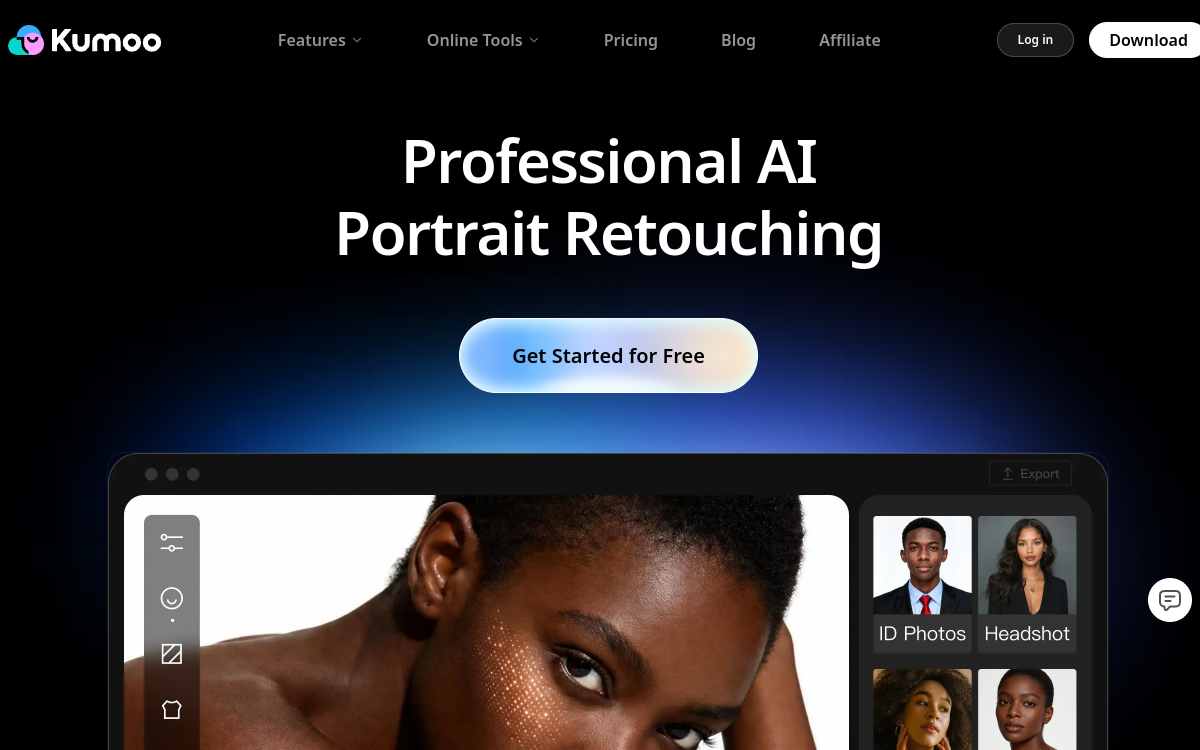
Kumoo AI is an automated photo retouching solution designed for content creators, photographers, and online stores. AI handles skin enhancement, background removal, batch processing, and light/color harmonization. The goal: produce consistent visuals for your product pages, social media, or ad campaigns without heavy manual retouching.
Overview of Kumoo AI
Detailed overview
✅ Strengths
- Fast portrait and skin retouching
- Background removal for product packshots
- Batch processing for large image libraries
- Designed for e-commerce and social media needs
- Easy to use for non-designer profiles
- Improves visual consistency of your catalog
⚠️ Limits
- Less suited for advanced graphic design projects
- Less creative control than with expert Photoshop
- Requires a stable internet connection
- May smooth too much for very natural-looking brands
❓ FREQUENT QUESTIONS
FAQ — Kumoo AI
Is Kumoo AI suitable for product photography?
Yes, it’s particularly effective at isolating the product, cleaning the background, and harmonizing light across e-commerce photo series.
Can you choose the intensity of retouching?
You can adjust the smoothing and correction level, but the tool remains simpler than advanced retouching software.
Does Kumoo AI offer a free plan?
Yes, there’s generally a free or trial plan to test retouching on a limited volume of images.
Can the tool handle large volumes?
Batch processing allows you to retouch hundreds of images faster, useful for photo studios or large product catalogs.
Can Kumoo replace a graphic designer?
For standard retouching, yes. For complex compositions or advanced branding, a graphic designer will remain essential.

E-commerce & Sales Images
Kumoo AI automatically optimizes portraits, packshots, and product photos: skin, lighting, background, cropping, and batch processing.
💰 Rate
Limited free plan, paid offers available afterward (variable pricing).
🆓 Free trial
Yes
🌐 Languages
🇬🇧 English
Visit the site →