


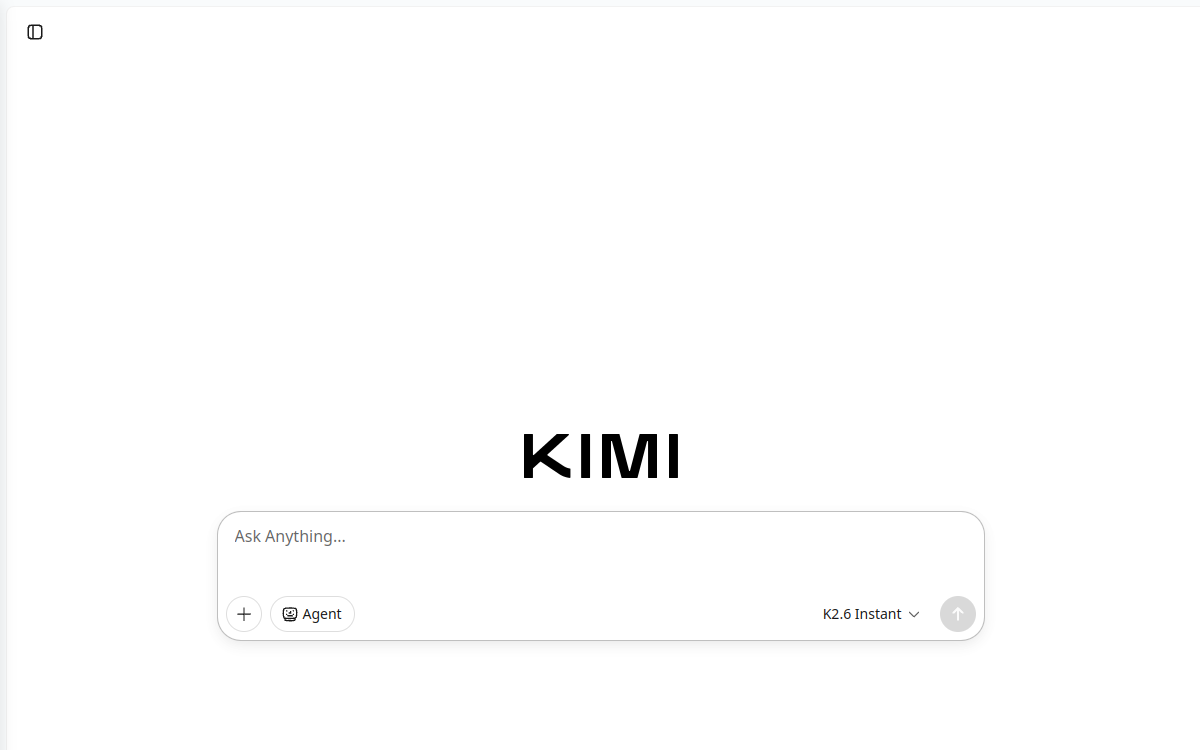
Kimi is an AI assistant designed for research and productivity: analysis of long content, syntheses, structured writing and code assistance. It stands out for long context useful for processing PDFs, web pages and complete folders, with work modes focused on deliverables (notes, plans, tables). A relevant option for standardizing monitoring and document production.
What is Kimi?
The essentials
Kimi is an artificial intelligence assistant developed by Moonshot AI. It allows you to dialogue, write, summarize, organize and produce structured content from instructions (briefs) and provided documents. Its core promise is to facilitate knowledge tasks: reading content, consolidating information, producing deliverables and supporting problem-solving.The tool works as a copilot: you bring the context, define a clear objective and iterate until you get an exploitable result. It proves particularly useful for transforming long documents or sets of information into actionable synthesis.Kimi targets productive daily use, rather than one-off demos. It therefore addresses both individuals (freelancers, students, managers) and teams needing a reliable assistant to accelerate document production and research.
Key features
Kimi covers expected features of a modern AI assistant: writing, rewriting, summarizing, structuring into plans, generating tables, and code assistance. Its main interest lies in document-oriented workflows: understanding voluminous content, extracting essentials, proposing structure, then producing a finalized deliverable (report, brief, strategic note, internal FAQ).For research, the assistant is relevant for framing a question, identifying angles, comparing options and consolidating information in readable form. In a professional environment, this translates to faster deliverables: syntheses, recommendations, points of attention, and action items.On the technical side, Kimi can help explain code, generate examples, propose corrections and produce documentation. The tool works better when the brief is precise: constraints, objectives, audience, expected format, and success criteria.
Use cases
Kimi is particularly suited for monitoring and information processing. You can entrust it with a folder of sources, ask for a synthesis by themes, then get an actionable note with recommendations and risks. This is useful for preparing decisions, meetings, or competitive analyses.In professional writing, it serves to produce briefs, reports, structured emails, article plans and internal materials. Marketing teams can use it to frame content strategy, generate variants, or prepare campaign documents.In productivity, Kimi helps transform notes into reports, structure a project plan, or create checklists and tracking tables. For developers, it can accelerate understanding of a module, creating examples, writing documentation and solving common problems.
Advantages
The first benefit is time savings on “long” tasks: reading, summarizing, structuring and writing. Kimi reduces friction between a set of sources and a usable document, accelerating decision-making and production.The second benefit is quality of structuring. By requesting a precise format (plan, table, checklist, synthesis note), you get better organized outputs, easier to review and share.The third benefit is versatility: one tool can assist research, writing, meeting preparation and some technical tasks. With good briefs and review, Kimi becomes a reliable copilot for standardizing knowledge work.
Pricing
Kimi generally offers free usage with limits, and paid plans that increase quotas and unlock advanced features and better priority. The entry price observed for individual subscription is around $19 per month depending on the plan and purchase platform.To choose, estimate your volume: number of documents to process, monitoring frequency, need for long deliverables, and premium task usage. If you use the tool occasionally, the free version may suffice. For daily use (monitoring + document production), a paid plan becomes profitable once you replace several hours of work per week.As always, test on your real cases before standardizing: document types, expected precision level, and compliance constraints.
Conclusion
Kimi is a solid option for those wanting an AI assistant focused on productivity with long content: research, synthesis, structuring and deliverable production. It’s particularly suited to monitoring, reports, briefs and code assistance, provided you properly frame the need.Its limitations are standard: need to verify facts, and dependence on quotas for intensive usage. But for a workflow based on documents and decisions, it brings genuine time savings.If your goal is working faster on complex files rather than simply “chatting” with an AI, Kimi deserves testing in your processes.