



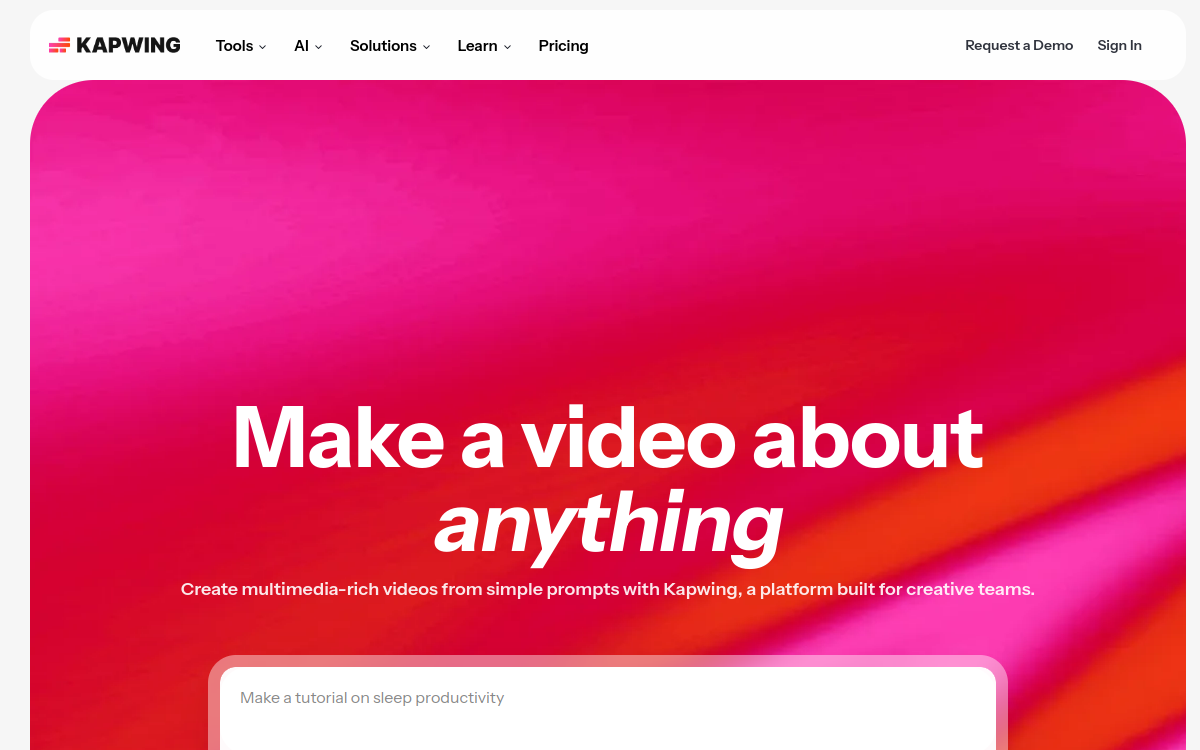
Kapwing is an online video editing studio that integrates multiple AI features to save time on content creation. The tool allows you to automatically crop videos for different formats, generate automatic subtitles, remove the background, or add smart effects. Designed for creators, social media teams, and educators, Kapwing offers a collaborative environment to produce and adapt multi-platform videos without installing heavy software.
What is Kapwing?
The essentials
Concretely, Kapwing is an online video editor that combines traditional editing tools (cutting, adding text, inserting images, transitions) with AI-powered features. Users can upload their videos, cut them, add soundtracks, subtitles or graphic elements, then adapt the format for TikTok, Reels, YouTube or other channels. The solution is entirely hosted in the cloud, which avoids installation constraints and facilitates mobile work. The interface aims to remain simple and intuitive to allow a wide audience to create videos without in-depth training.
Key features
Among the notable features, Kapwing offers automatic subtitling based on voice recognition, automatic video cropping for different formats (vertical, square, horizontal), background removal tools, the ability to add images, GIFs or graphic elements, as well as a timeline for fine-tuning editing. Projects can be organized by folders, shared with collaborators, and exported in various resolutions. AI integration allows reducing the time spent on repetitive operations such as transcription or adaptation to multiple aspect ratios, which is particularly useful in a sustained production context.
Use cases
Kapwing is highly appreciated by social media managers, content creators and marketing teams who need to produce videos regularly for multiple platforms. It allows, for example, creating short tutorials, product announcements, animated stories, explanatory videos or mobile-formatted clips. Trainers can also use it to enrich their modules with illustrated video capsules. Thanks to its online operation, it is suitable for distributed teams that need a centralized tool to manage their video projects.
Advantages
The benefits of Kapwing lie in its ease of access, versatility and time savings related to AI functions. Teams no longer need to install software on every workstation or master complex cinema-oriented tools. They can quickly start new projects, adapt an existing video to multiple formats, or generate subtitles without manual effort. The collaborative environment also facilitates coordination between marketing or content team members, which is crucial when managing multiple campaigns in parallel.
Pricing
Kapwing offers a freemium model, with a free version allowing simple editing, sometimes with watermark. Paid plans add features such as watermark-free exports, more storage space, higher resolutions, advanced collaboration options and priority support. Pricing remains accessible for small marketing teams while offering a scale-up for organizations that want to make it a central tool in their video production.
Conclusion
In summary, Kapwing is an interesting solution for creators and teams looking for a single tool to edit, adapt and publish videos aimed at the web and social networks. It does not replace professional software for very sophisticated productions, but it largely covers the daily needs of most content strategies. In a landscape where video has become essential, Kapwing provides a practical and immediate answer, particularly suited to organizations that want to leverage AI without complicating their technical environment.