


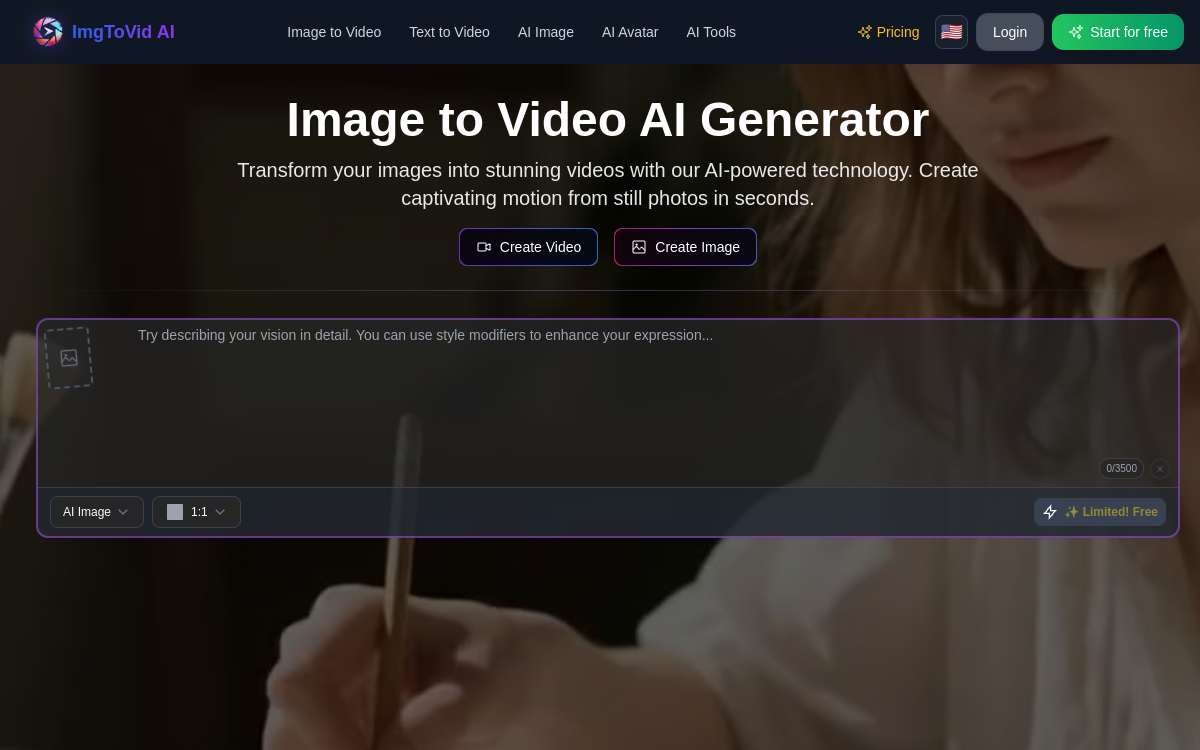
ImgToVid AI transforms an image into a video by generating movement, depth and “camera” effects. The tool targets creators who want to quickly produce B-roll and clips for social networks, without complex editing. With style presets, duration/format settings and a credit system, it speeds up content creation from existing assets.
What is ImgToVid AI?
The essentials
ImgToVid AI is a platform that transforms an image into a short video thanks to generative models. Instead of building a video on a timeline, the tool produces a clip from a single visual by simulating movements and slight variations (camera movement, zoom, depth).The tool is mainly aimed at marketing and social media usage: converting a product image into an animated sequence, creating an illustration shot for an advertisement, or generating B-roll for a narrative. The goal is to quickly get a dynamic rendering, exportable as MP4, without going through editing software.As often, pricing relies on credits: the more you request in duration, resolution or quality, the higher the unit cost. The logic is therefore to use it for short clips and variations with high marketing value.
Key features
ImgToVid AI emphasizes image-to-video conversion with simple usability. You import an image, select a style or preset, and the tool generates an animated clip. Typical effects include camera movements (pan, zoom, tilt), an impression of depth, and transitions that avoid the “fixed image” effect.The platform generally offers useful basic parameters for production: clip duration, export format (vertical, square, landscape) and rendering settings. Social formats are important because they avoid having to redo exports for TikTok, Reels or Shorts.On the creative side, presets help achieve a consistent result without spending time on settings. For marketing teams, this allows you to streamline the creation of variants: same visual, multiple styles, multiple formats.Finally, MP4 export makes the tool easy to integrate into an existing workflow: you generate a clip, then add text, voice-over, subtitles or final assembly in dedicated software.
Use cases
The number one use case is short-form content: transform a visual into a vertical clip for TikTok, Reels and Shorts. This serves to publish more often, test creative angles, and energize posts that would otherwise be static.In e-commerce, ImgToVid AI allows you to animate product images for ads, collection pages or enriched product sheets. A packshot becomes a more engaging sequence, without organizing a shoot.For agencies and performance teams, the tool is useful for generating B-roll and variations of the same creative. You can test multiple styles and movements to see what converts best.Finally, creators can use it to illustrate a narrative, tutorial, or explainer video: a key image becomes an animated shot, integrable into a larger edit.
Advantages
The main benefit is time savings. ImgToVid AI drastically reduces the effort needed to produce a short video from an existing visual, which is valuable when publication frequency is high.Second benefit: iteration. By generating multiple variants (styles, movements, formats), marketing teams can quickly test what works, without blocking a designer or editor on each variation.Third benefit: consistency of production. Presets and standardized formats facilitate repeatable creation, particularly for social media and e-commerce.Finally, the tool integrates easily into a stack: you generate a clip, then finalize the narrative, subtitles and editing in specialized software. This avoids replacing your entire chain, while adding a fast creation layer.
Pricing
ImgToVid AI generally works with a free or trial plan (limited credits), then monthly subscriptions based on credits. Each generation consumes credits depending on duration, resolution and sometimes generation speed.An entry-level tier around 10 to 15 dollars per month is common on this type of tool, allowing regular production of short clips. For larger volumes (agencies, e-commerce catalogs), the key question is the unit cost per clip: number of variants per creative, average duration, and required quality level.To optimize budget, prioritize good source images, short clips, and a workflow where you only generate truly useful variations. Image-to-video tools quickly become profitable as soon as they replace a few hours of editing or production per week.
Conclusion
ImgToVid AI is a practical tool for converting images into short, dynamic videos. It is particularly suited for creators and marketing teams who need to produce content at high frequency, especially for social networks and advertising campaigns.Its limitations are those of rapid generation: restricted creative control, quality dependent on source image, and credit-based economic model to monitor at volume. But for creating B-roll and variants without shooting, the tool offers an excellent time/result ratio.If your need is to quickly produce exploitable clips from existing assets, ImgToVid AI deserves a test and a place in your workflow, complemented by an editing tool for finalization.