


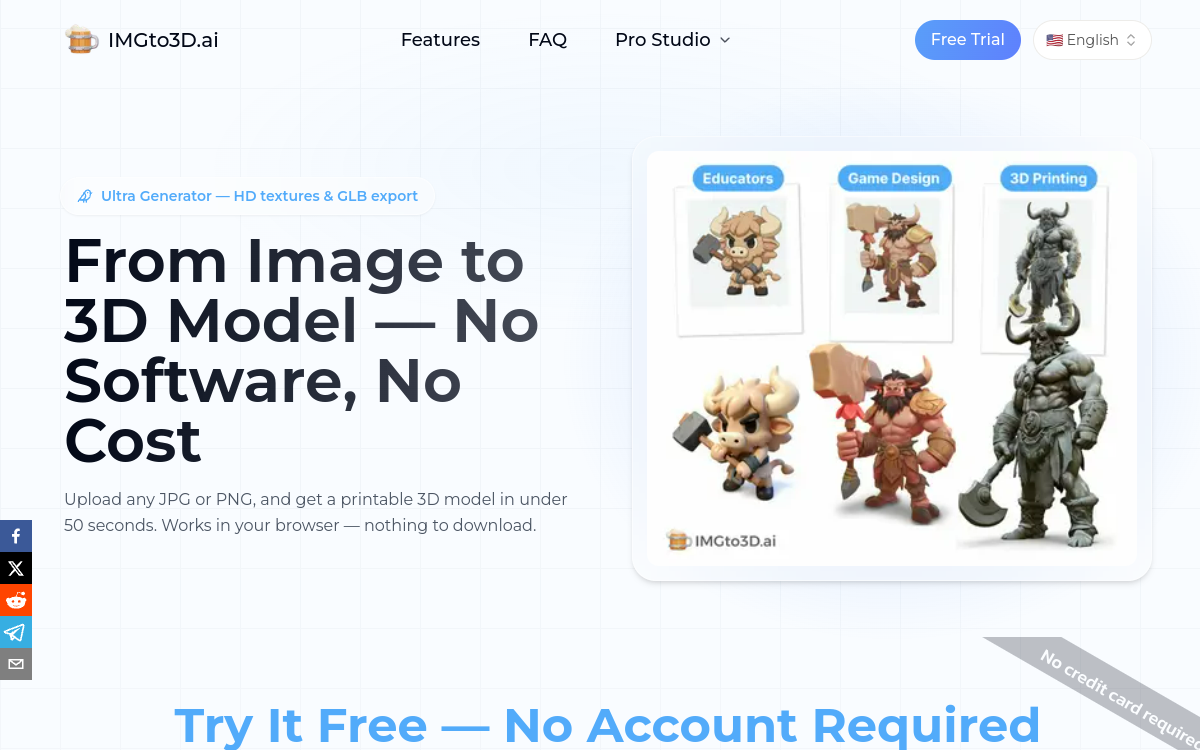
IMGto3D is an AI tool specialized in converting 2D images into 3D models. Based on Hunyuan technology, it transforms a JPG or PNG photo into an exportable model (OBJ, GLB, STL) in less than 30 seconds. The platform offers three quality levels — Turbo, Pro, and Ultra — for needs ranging from speed to high definition. Accessible via a free plan, it targets 3D creators, game developers, and professionals in 3D printing and augmented reality.
What is IMGto3D?
The essentials
IMGto3D is a web platform for converting images into 3D models using artificial intelligence. By simply uploading a JPG or PNG image, the user obtains an exploitable 3D model in OBJ, GLB, or STL formats depending on their plan. The tool is based on a Hunyuan architecture optimized for generating accurate meshes with preservation of original textures. Three quality levels are offered: Turbo for fast generation, Pro for better rendering with lighting management, and Ultra for the finest details on complex models. A free plan allows you to test the platform without paid registration.
Key features
IMGto3D offers a set of features designed to meet different levels of demand in 3D modeling.Turbo mode prioritizes generation speed for quick results, ideal for prototyping and testing. Pro mode integrates advanced analysis of light sources present in the image for more realistic rendering. Ultra mode aims for maximum precision, with high polygon density and highly detailed textures.Multi-format export is one of the tool’s key strengths: OBJ for classic 3D software, GLB for web applications and augmented reality, STL for 3D printing. Paid plans provide access to all these formats as well as commercial ownership of generated models.The web interface is designed for immediate hands-on without a learning curve, with a simple image drop zone and a quality selector.
Use cases
IMGto3D finds its use in many creative and technical contexts. Video game developers use it to quickly generate 3D assets from visual concepts or photographic references, significantly accelerating the production phase.3D printing professionals can transform everyday objects or 2D designs into directly printable STL files. Artists and content creators for augmented reality exploit the GLB format to integrate 3D objects into their interactive experiences.Finally, 3D design students and hobbyists wanting to explore volume creation without mastering complex software find in IMGto3D an accessible and immediate entry point.
Advantages
The main benefit of IMGto3D is its ability to democratize 3D modeling. Where professional tools like Blender or Maya require hours of training, IMGto3D produces exploitable results in seconds from a simple photo.The fidelity of generated textures is remarkable for an automated tool: the colors, materials, and shades of the source image are preserved with precision, avoiding a manual re-texturing phase.Finally, very accessible pricing — starting from $8/month — makes this tool viable for freelancers and small teams with regular 3D modeling needs.
Pricing
IMGto3D offers three pricing tiers. The free plan allows limited use with a queue, OBJ export only, and non-commercial use. The Starter plan at $8/month gives access to more models per month, OBJ/GLB/STL formats, and commercial ownership. The Advanced plan at $16/month increases quotas and offers superior generation quality. Discounts are available by opting for annual billing.
Conclusion
IMGto3D is a remarkable solution for making 3D modeling accessible to all. Its exceptional value-for-money and ease of use make it a relevant choice for creatives, developers, and professionals who want to integrate 3D into their projects without heavy technical investment.