


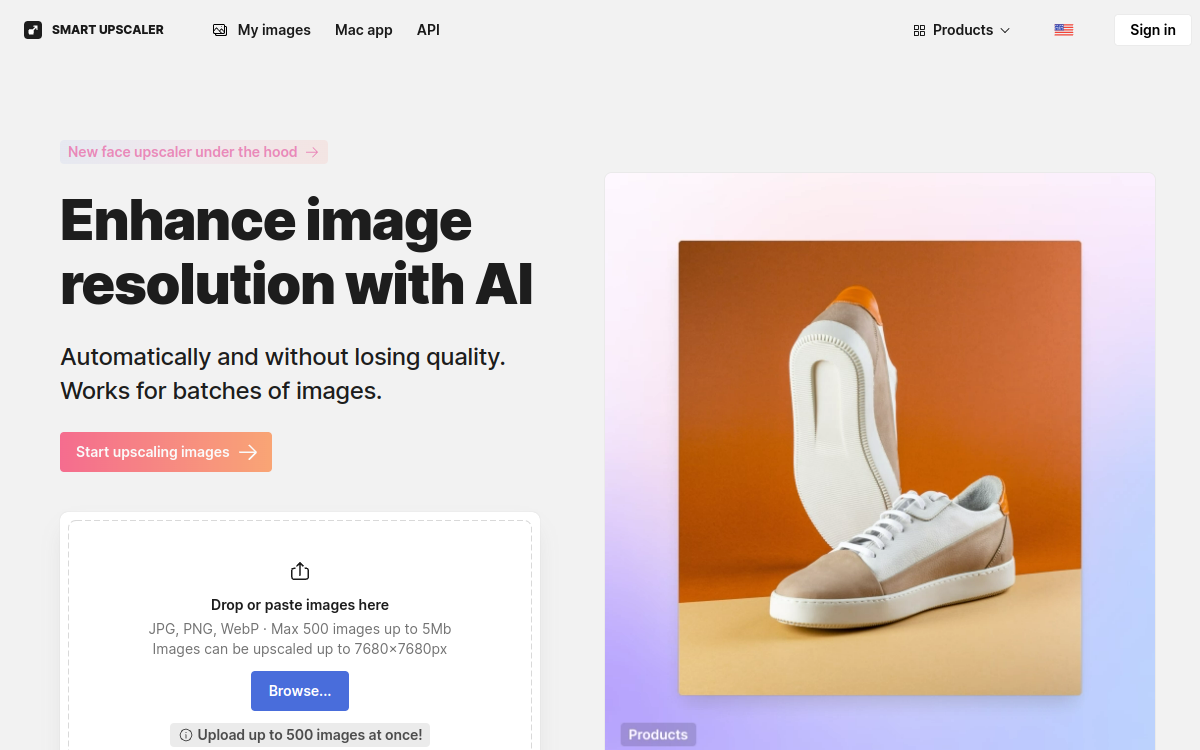
In a AI image upscaling market crowded with tools, Icons8 Upscaler stands out with its pragmatic approach to AI image upscaling. This article breaks down in detail what the tool does, who it’s for, how it positions itself against the competition and which of its use cases are most relevant. The goal: to give you everything you need to decide whether Icons8 Upscaler deserves a place in your current stack. We’ll cover the flagship features, the target user profiles, the concrete expected benefits and, of course, the pricing model. By the end of this article, you’ll have a clear and nuanced view of what Icons8 Upscaler really brings to a professional or personal workflow. Whether you count yourself among designers and illustrators or e-commerce marketers, this guide will help you decide.
What is Icons8 Upscaler?
The essentials
Icons8 Upscaler is an AI platform dedicated to AI image upscaling. In concrete terms, Icons8 Upscaler positions itself in the AI image upscaling space with a strong promise: making AI image upscaling accessible to an audience that doesn’t have the time or the technical skills to assemble a more complex set of tools. The tool focuses on a smooth experience, a quick learning curve and a competitive pricing model. On the technical side, it relies on recent AI models and an ecosystem designed for productivity. The end goal is clear: to save time on repetitive or technical tasks without sacrificing the quality of the deliverable.
Key features
The core of Icons8 Upscaler’s offering rests on several complementary functional building blocks. Among the most notable: high-quality upscaling up to 16x, restoration of details and sharpness, available batch processing, a free plan with trials, and integration into the Icons8 ecosystem. Each feature has been designed to fit into a coherent AI image upscaling workflow. The tool doesn’t try to pile up options: it favors a clear, results-oriented experience. This approach is reflected in the interface, designed to stay readable even for non-technical users. Advanced users will nonetheless find enough settings to fine-tune their outputs. The vendor’s roadmap points to regular improvements to the model and integrations, which keeps Icons8 Upscaler relevant over time and not just in the moment.
Use cases
In practice, Icons8 Upscaler finds its audience among a variety of profiles: designers and illustrators, e-commerce marketers, amateur photographers, and content creators. For these users, the tool mainly serves to speed up AI image upscaling tasks that, without AI, would take considerable time or require outside expertise. The most common use cases revolve around rapid asset production, creative iteration or automating part of a broader workflow. According to user feedback, the time savings observed add up to hours per week for regular users. In a team setup, Icons8 Upscaler can slot in alongside existing tools without requiring a deep overhaul of the current stack.
Advantages
Choosing Icons8 Upscaler means betting on three major benefits. First, measurable time savings on recurring tasks tied to AI image upscaling. Next, real accessibility for non-technical profiles, which democratizes AI within the team. Finally, greater consistency in deliverables thanks to reproducible settings. Beyond these points, the tool helps reduce users’ cognitive load by automating what can be automated, without imposing a radical change of habits. For organizations looking to industrialize their use of AI, Icons8 Upscaler represents a pragmatic and reasonable entry point.
Pricing
On the pricing side, Icons8 Upscaler adopts a model aligned with market standards: Free / Paid. The entry point remains accessible for freelancers and small teams, and higher plans unlock advanced features, larger quotas or extended commercial use. The vendor generally offers a trial to test the tool with no commitment, which makes the buying decision easier. The value for money obviously depends on how intensively you use it: the more you use it, the more obvious the return on investment becomes.
Conclusion
Ultimately, Icons8 Upscaler earns its place in the landscape of AI image upscaling tools in 2026. It doesn’t try to do everything, but to do very well what it sets out to do: accessible, fast and useful AI image upscaling. If you match the target profiles and your use cases align with its strengths, trying it is almost always worth it. Our recommendation: test it on a real, everyday scenario.