


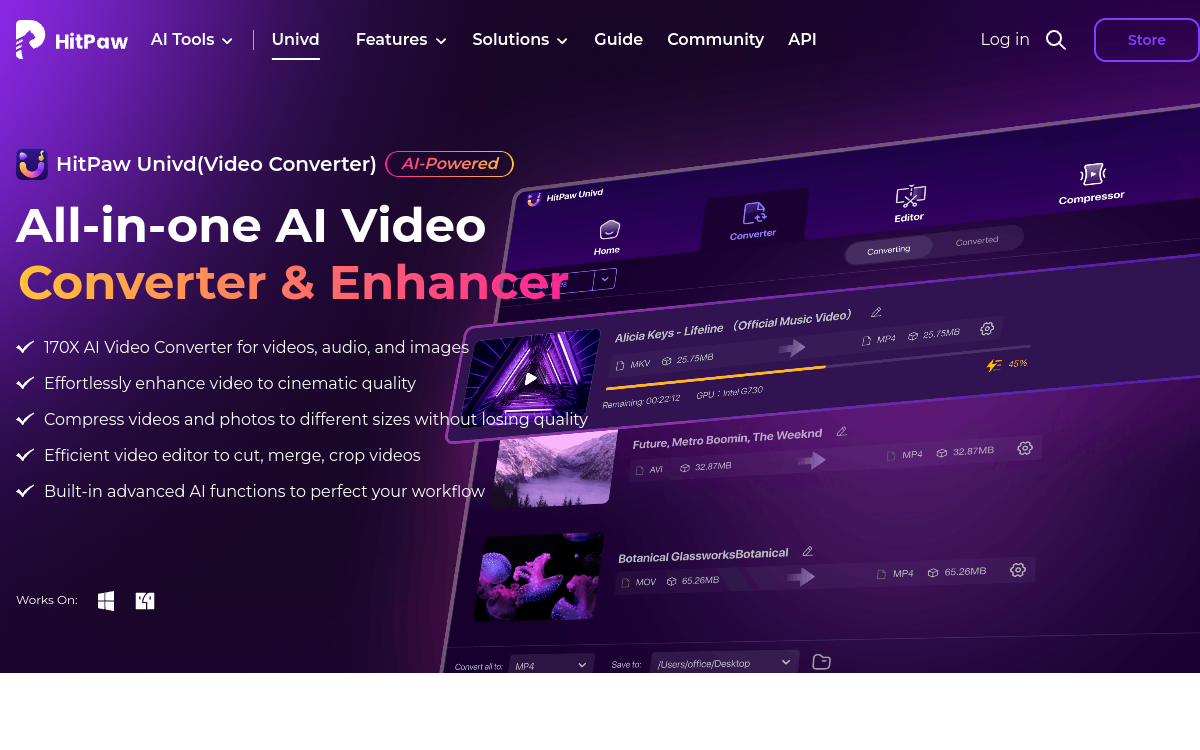
HitPaw Univd is a video desktop suite by HitPaw that combines conversion, compression, and AI video enhancement in a single software. The tool supports over 1,000 formats, offers lossless conversion, and leverages GPU acceleration to achieve speeds up to 170x faster than CPU alone. Designed for content creators, series enthusiasts, and businesses, it also handles batch conversion and high-quality 4K/HD files.
What is HitPaw Univd?
The essentials
HitPaw Univd is a desktop software suite dedicated to converting, compressing, and enhancing video and audio files. The product is published by HitPaw, which also offers complementary tools like AI Photo Enhancer or Video Translator. Univd stands out for its versatility: it supports over 1,000 formats for both input and output, offers lossless conversion, integrates AI enhancement modules, and leverages GPU acceleration to dramatically speed up processing. The main target includes content creators, general users who want to manage their personal video library, and businesses that archive or republish video content.
Key features
The product offers several complementary modules. Universal conversion accepts over 1,000 video and audio formats for input and provides all common formats for output, with specific presets for each target device or platform. Intelligent compression optimizes file size while preserving visual quality, which is valuable for online sharing or email delivery. The AI enhancement module upscales old low-resolution files, removes noise, and sharpens blurry sequences. GPU acceleration leverages the graphics card to achieve up to 170x the speed of CPU-only processing. Batch mode allows processing dozens of files simultaneously. HitPaw Univd also includes supplementary functions like DVD conversion, audio compression, or subtitle extraction.
Use cases
A YouTube content creator uses HitPaw Univd to convert and compress their videos before publishing, optimizing visual quality for different platform formats. A cinephile digitizes their Blu-ray or DVD collection for playback on mobile devices. An amateur athlete transforms their heavy GoPro replays into lighter, more shareable files. A company archives its video heritage by converting old formats to more durable standards. A multimedia publisher prepares files optimized for distribution across different channels. A trainer converts their video modules into multiple formats based on e-learning platform requirements. An advertising agency quickly compresses video assets for review before final production.
Advantages
The main benefit of HitPaw Univd is centralizing multiple video functions in a single product, eliminating the need to juggle multiple software. GPU acceleration delivers spectacular time savings on bulk conversions, particularly useful for content creators who produce in series. AI enhancement gives a second life to old or low-resolution files without technical expertise. Support for over 1,000 formats removes compatibility blockers. Batch mode industrializes processing entire libraries, which quickly justifies the license purchase.
Pricing
HitPaw Univd offers a free trial version to discover the main functions, with some limitations on duration and number of files processed. Paid plans start at affordable prices around $9 per month for individual use, with annual and perpetual plans discounted for regular users. For professional and business use, multi-seat licenses are available. Seasonal promotions and bundles with other HitPaw tools often make it possible to get a favorable price.
Conclusion
HitPaw Univd is a versatile desktop video suite that meets most video conversion, compression, and enhancement needs. Coverage of over 1,000 formats, GPU acceleration, and AI enhancement make it a tool of choice for creators and general users. For highly specialized or collaborative needs, dedicated editor suites may complement HitPaw, but for daily use, the product remains an excellent option.