


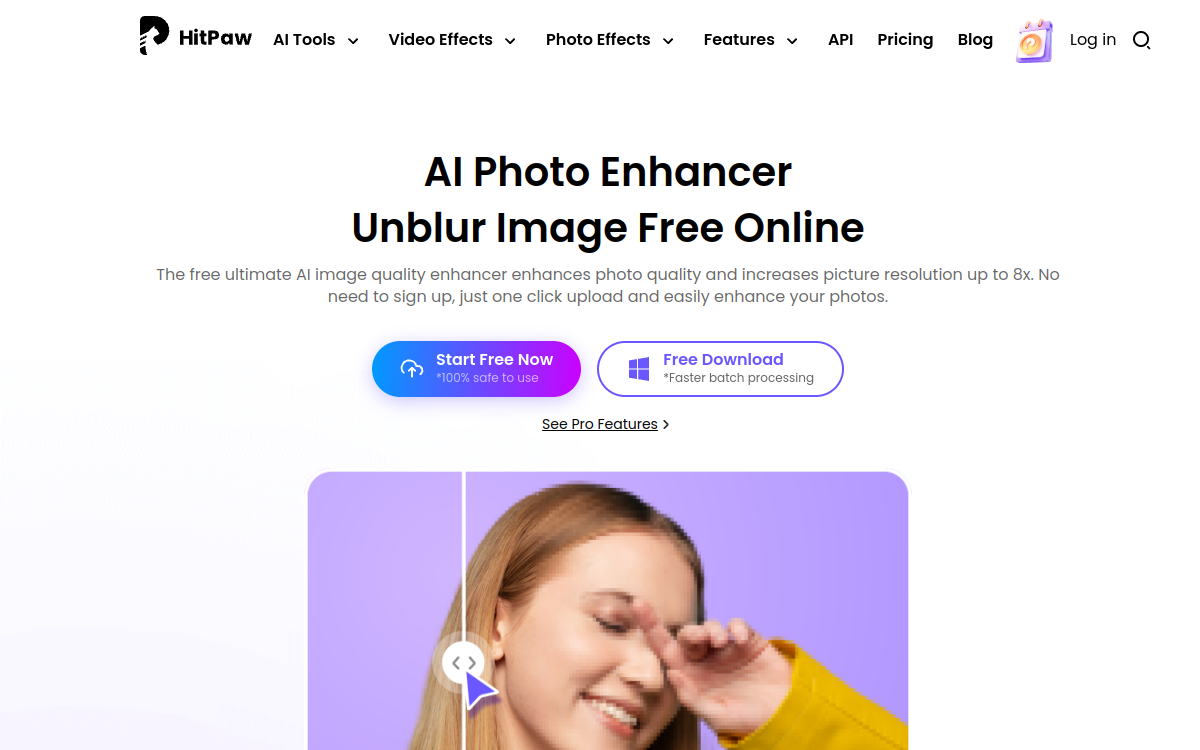
HitPaw AI Photo Enhancer is a free online tool that unlocks, improves, and upscales images up to 8K, even 16K. Five specialized models (AI Enlarger, Retoucher, Restorer, Denoiser, Sharpener) cover all photo retouching needs, whether for portraits, group photos, or landscapes. Usage is immediate: one click, one upload, and the image comes out cleaned and enlarged without having to create an account.
What is HitPaw AI Photo Enhancer?
The essentials
HitPaw AI Photo Enhancer is an online image enhancement service powered by multiple specialized artificial intelligence models. The promise is simple: clean, enlarge, and improve the quality of a photo in seconds, without technical expertise. The service stands out with five complementary modes covering enlargement, retouching, restoration, noise reduction, and sharpening, which makes it possible to address most common image problems. HitPaw targets both nostalgic individuals who want to restore a family photo and e-commerce merchants concerned with providing flawless product visuals.
Key features
The tool offers five specialized enhancement models. AI Enlarger handles upscaling up to 8x, even 16K, while preserving fine details thanks to intelligent pixel reconstruction. AI Retoucher handles skin and cosmetic elements, particularly useful on portraits. AI Restorer repairs old photos, removes scratches, colorizes black and whites, and adds detail to degraded images. AI Denoiser removes digital noise, especially on photos taken in low light. AI Sharpener restores sharpness on blurry images. The service automatically identifies the image type (portrait, group photo, landscape) and adapts the processing. Usage is done from the browser, without registration, with a three-step workflow. For professional needs or batch processing, a complementary desktop version offers increased performance.
Use cases
Individuals use HitPaw to breathe new life into old photos, restore scanned film photos, or clean up images taken in poor conditions. E-commerce sellers improve their product sheets by enlarging small source images while maintaining sharpness. Social content creators adapt web images to Instagram or TikTok quality requirements. Communications agencies use the tool for quick edits when the brief requires it. Amateur designers use it to prepare print materials from web images. Finally, genealogists and local historians mobilize it to process large collections of archival photos.
Advantages
The main benefit of HitPaw is the rare combination of rendering quality and accessibility. The free online version allows anyone to get a usable result in less than a minute, without investing in software or learning advanced techniques. The specialization of the five models avoids having to stack multiple tools. The absence of registration removes friction from getting started. And the availability of a desktop version offers a clear upgrade path for users moving to intensive use.
Pricing
The online version of the service is free, without registration required, with a few reasonable limitations on file size and concurrent processing. For professional or large-volume needs, the paid desktop version offers enhanced performance, batch processing, and technical support. Exact prices vary depending on current promotions and geographic area. HitPaw’s common practice is to offer extended free trials and discounted annual packages.
Conclusion
HitPaw AI Photo Enhancer has established itself as an accessible reference for online photo enhancement. The five specialized models cover the essential needs, and the free version is more than sufficient for occasional use. For professional high-volume processing, the desktop version remains the option to consider.