


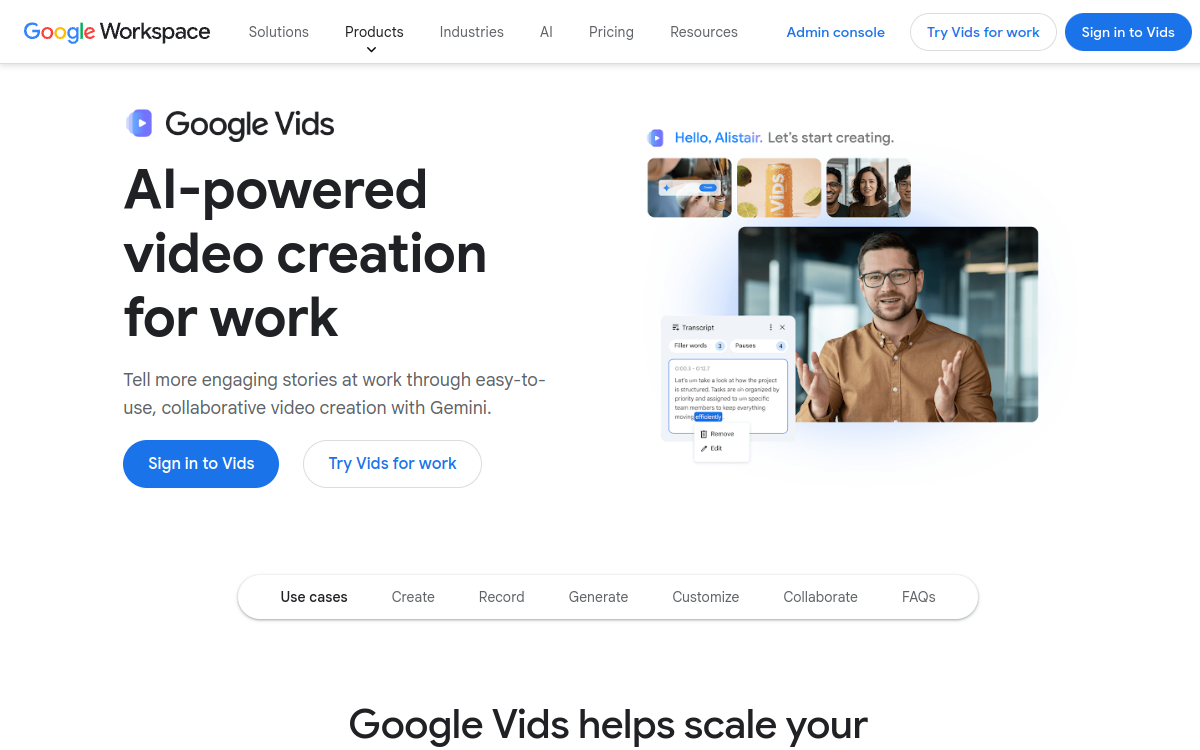
Google Vids is the AI video creation tool integrated into Google Workspace, powered by Gemini. It allows professionals to create polished, professional videos from Google Docs, Slides, text prompts, or existing content. AI assists at every step: script generation, storyboard creation, visual selection, narration, and editing. Google Vids integrates natively into the Google Workspace ecosystem (Drive, Docs, Meet) for a frictionless workflow. It is designed for corporate presentations, training, internal communications, and marketing videos.
What is Google Vids?
The essentials
Google Vids is an AI video creation tool that is part of the Google Workspace suite. It allows creating professional videos from various sources (Google Docs, Slides, text prompts) without editing expertise. Powered by Gemini, it assists the user at every step: script generation, storyboard creation, visual selection, narration, and final assembly. It integrates natively with Google Drive for storage and sharing.
Key features
Google Vids offers AI script generation from a topic or existing document. Automatic storyboard creation structures content visually. AI narration generates natural-sounding voiceover synchronized with content. Professional templates are available for different video types (presentation, training, internal communication). Drive integration allows direct sharing within the Google ecosystem. Real-time collaboration follows the Google Docs model.
Use cases
HR teams use Google Vids to create onboarding videos, company values presentations, and e-learning training. Managers use it to communicate quarterly updates and team messages more engagingly than email. Marketing teams produce product presentations and customer case study videos. Trainers create video training modules from their existing documentation.
Advantages
Google Vids eliminates the technical barrier to video creation for non-specialists. Its integration into Google Workspace creates a frictionless workflow: existing documents become videos without switching tools. Inclusion in Workspace plans avoids additional cost. Native collaboration facilitates validation and sharing of produced videos.
Pricing
Google Vids is included in all paid Google Workspace plans. Business Starter plan starts at $12/user/month, Business Standard at $18/user/month, Business Plus at $26/user/month. A 14-day free trial is available for new Workspace subscribers.
Conclusion
Google Vids represents a significant breakthrough in democratizing video creation in business. Its native integration with Google Workspace, combined with the power of Gemini AI, makes it the ideal tool for organizations seeking to make video communication accessible to all employees, without additional investment.