


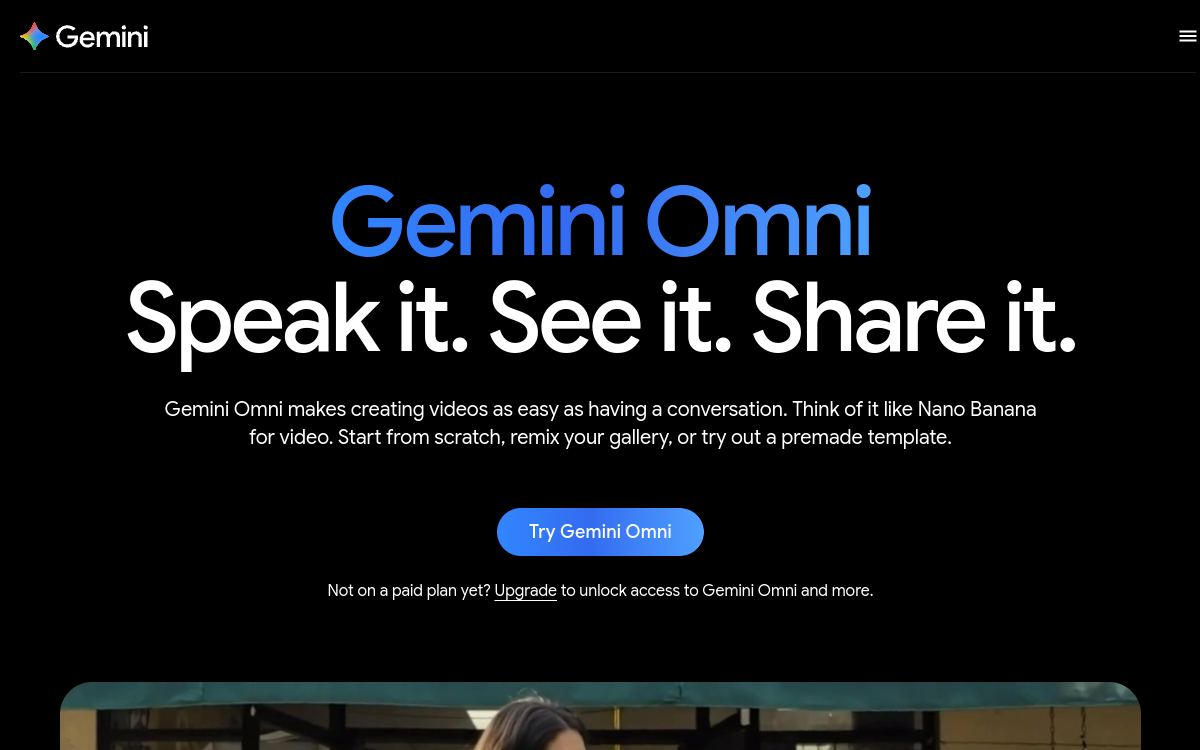
Google Gemini integrates video generation via the Veo model (Veo 2/Veo 3). From a simple text description or image, AI generates short clips with synchronized audio. Veo relies on the Google AI Pro/Ultra ecosystem and targets creators, marketers, and multimedia teams looking to quickly produce good-quality animated visuals without complex pipelines. The multimodal approach delivers videos consistent with the requested staging, with minimalist UX: text → ready-to-use clip.
Overview of Google Veo
Detailed overview
✅ Strengths
- State-of-the-art Veo model: text-to-video generation with synchronized audio.
- Direct integration with Gemini + Google AI.
- Short but high-quality video outputs (~8 s, 720–1080p).
- Simplified creative workflow: text or image prompt → animated clip.
- Google framework: regular updates, broad compatibility.
⚠️ Limits
- Limited duration (~8 s max).
- Restricted access to Google AI Pro/Ultra subscribers.
- Watermark & restrictions depending on usage terms.
- Limited creative control (duration, scenes, fine artistic direction).
❓ FREQUENT QUESTIONS
FAQ — Google Veo
What is the maximum duration of videos with Gemini Video Generation?
Generated clips reach about 8 s.
Do I need to pay to access this feature?
Yes. It is reserved for Google AI Pro or Ultra subscribers.
Can I generate a video from a photo?
Yes, you can upload an image and transform it into an animated clip with sound.
Are videos freely usable?
They often include a watermark and may be subject to usage restrictions.
Does the tool work in French?
The interface is in English; prompts in other languages work but results may vary.

Creation Video
Multimodal text-to-video integrated in Gemini
💰 Rate
Included in Google AI Pro/Ultra
🌐 Languages
🇬🇧 English
Visit the site →