


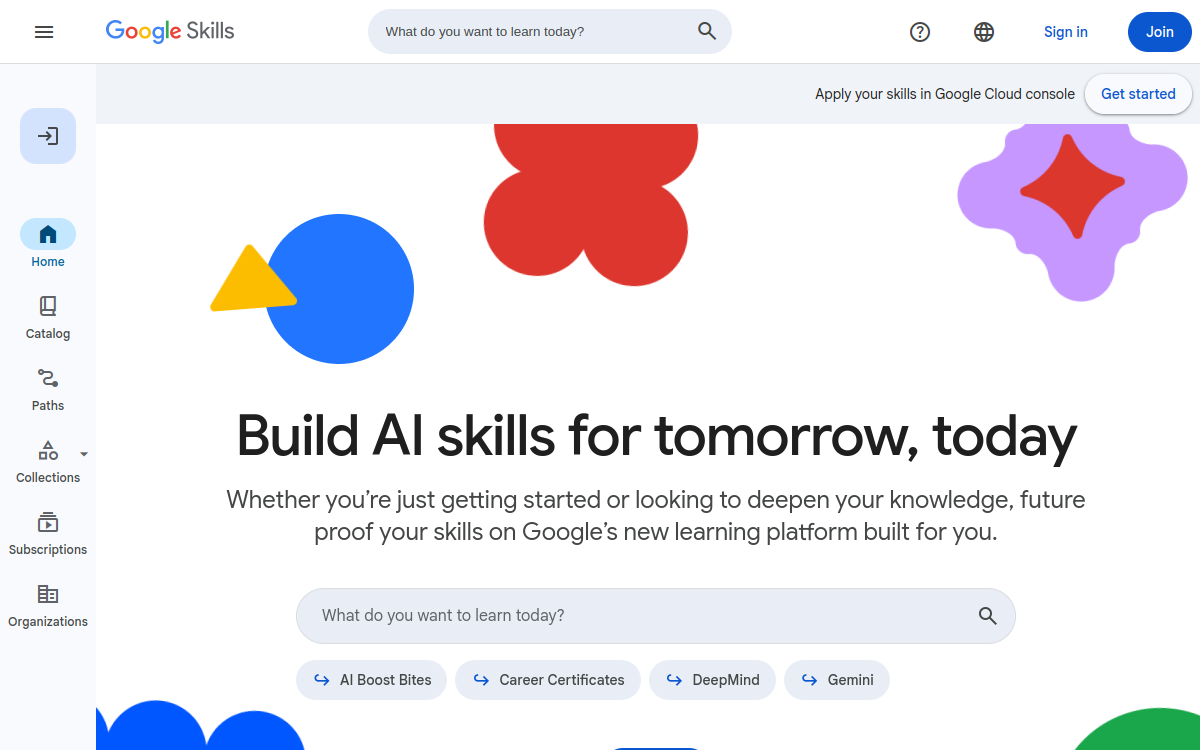
Google Skills is a practical learning platform for building skills in AI, cloud and development. It combines guided paths, concrete labs and assessments to earn competency badges. Ideal for learning “by doing”, structuring progression and accelerating AI adoption in your projects, with content suited to both beginners and technical profiles.
What is Google Skills?
The essentials
Google Skills is a learning platform that groups paths and practical activities around AI, cloud and development. It aims for an operational approach: rather than remaining at theoretical knowledge, you advance through structured modules and practical exercises, often in the form of labs.The platform also emphasizes validating knowledge. As you progress, you can earn badges attesting to skills on specific subjects. This can be useful for structuring a CV, documenting progression within a company, or simply following a more motivating learning trajectory.In summary, Google Skills is not an AI tool for producing content. It’s a learning and practice environment, designed to help different profiles build skills progressively and measurably.
Key features
Google Skills’ strength comes from the combination of guided paths, practical activities and competency validation. Paths (or “paths”) allow you to follow logical progression: you start with the basics, then move on to more advanced modules, without having to rebuild a learning plan yourself.Labs and exercises are at the heart of the experience. They transform learning into action: you test, apply, observe results, then correct. For technical profiles, this is a significant time savings compared to purely theoretical training.Another differentiating element: badges. They serve as milestones, indicating that a specific competency is acquired. In companies, this facilitates tracking progression and creating custom paths. Finally, content covers varied topics, with a natural orientation toward Google’s ecosystem (notably cloud and associated tools), which is an asset if you’re already working with these technologies.
Use cases
Google Skills is particularly useful for three types of needs. First, individual skills development: learning generative AI, understanding uses, and practicing on concrete exercises. It’s relevant for beginners who want a clear framework, but also for technical profiles seeking to structure fast progression.Next, team upskilling. Managers can leverage paths to align a group on common competencies, track progression and encourage regular practice. This works well for product, data or engineering teams that need to integrate new methods.Finally, preparing for more formal validations. Badges can serve as an intermediate step before certifications or more advanced objectives. In all cases, the best usage consists of linking learning to a real mini-project: POC, internal demo, or client use case.
Advantages
The first benefit is structure. Instead of consuming scattered resources, you follow a coherent path, which improves regularity and reduces wasted time. The second benefit is practice: labs and exercises accelerate acquiring applicable competencies.Third benefit: proof. Badges allow you to materialize progression, useful for a portfolio, career advancement or internal training plan. Fourth benefit: acceleration. By following a path, you progress faster than building a learning program alone.Finally, Google Skills is a good adoption lever. For a company, it helps transform an intention (“we want to do AI”) into concrete competencies, with a framework and milestones. For an individual, it facilitates transition between curiosity and real ability to execute.
Pricing
Access to Google Skills depends on paths and activity types. Many content items can be offered for free, particularly introductory modules and some training. However, paid options may exist depending on the offer, lab volume, environment access or credits, and certification-oriented paths.To avoid surprises, the right approach is to start on a free path to validate fit, then measure value: real progression, time saved, produced deliverables. If you’re a team, the value of a paid offer can be justified by tracking, standardization and access to more advanced resources.In all cases, the most useful indicator is cost per acquired competency: if the platform enables you to deliver a POC or reach autonomy faster, the investment is generally worthwhile.
Conclusion
Google Skills is a solid practical learning platform for learning AI, cloud and associated technical competencies, with structured progression and validation via badges. It’s an excellent choice if you’re looking for a clear framework, concrete exercises and a way to materialize your progression.It suits both beginners and technical profiles, and can also serve as an upskilling tool in companies. Its main limitation is that it’s not a production tool: it’s a learning accelerator, to be combined with real projects.If your goal is to move faster from “I’m discovering” to “I know how to do it”, Google Skills deserves its place in your path, provided you stay regular and link each module to a concrete deliverable.