


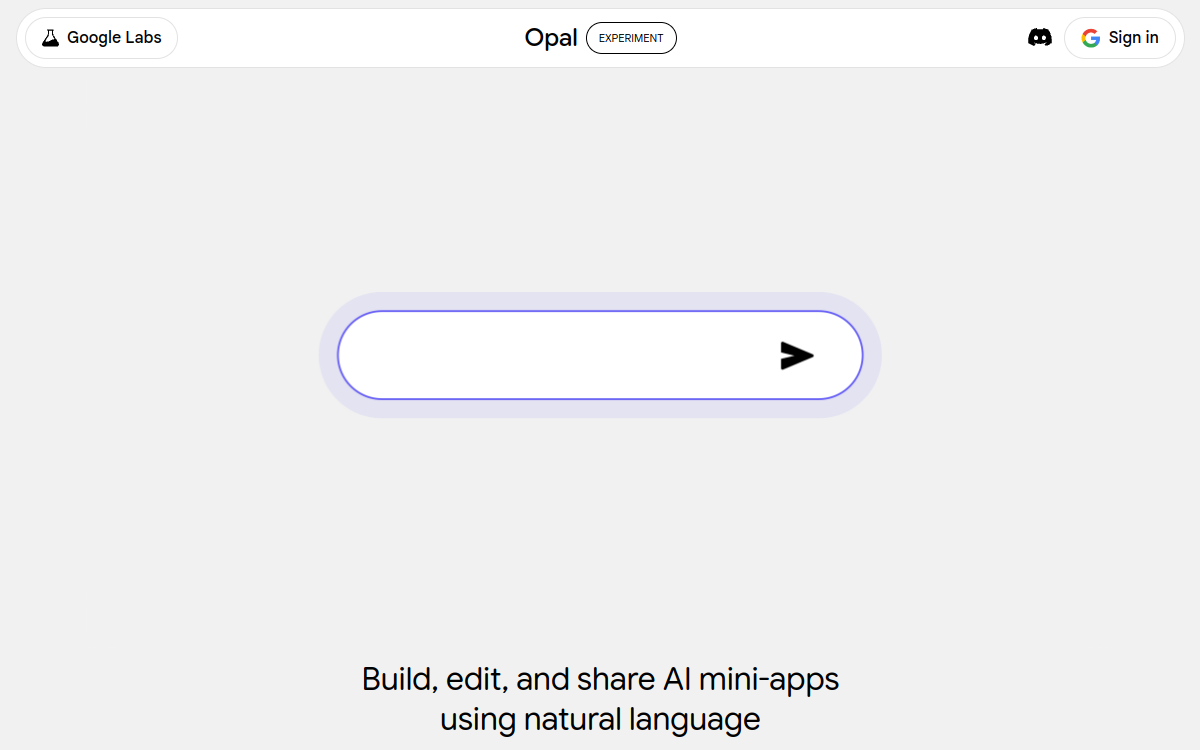
Google was long perceived as a player lagging behind the no-code AI wave. With Opal, the company changes things by offering an experimental platform that lets anyone create an AI mini-app in a few minutes. The concept is simple: you describe what you want, Opal generates a visual workflow as nodes, and all that’s left is to adjust, share and use it. The platform directly leverages Google’s most advanced models — Gemini, Imagen, Veo — and benefits from the giant’s cloud infrastructure. Available for free in more than 160 countries, Opal stands as one of the most accessible entry points to AI app creation. This radical accessibility makes it an excellent tool for training, awareness and experimentation, especially in schools and organizations that want to spread an AI culture without investing heavily.
What is Google Opal?
The essentials
Google Opal is a no-code web tool that turns text descriptions into functional AI mini-apps. Each app is represented as a visual workflow made up of nodes: input to collect a user entry, generate to call a Gemini model, output to format the result. This flow-based approach lets you quickly understand the app’s logic and modify it easily. A template library also lets you start from existing apps to customize them to your needs.
Key features
Opal offers several essential features. The natural-language builder lets you create an app simply by describing how it works. The visual editor then lets you refine the workflow by adding or modifying nodes. The available nodes cover the basic needs: text or image input, generation via Gemini, image generation via Imagen, video generation via Veo, and output formatted as text, table or lightweight interface. Sharing is immediate: a link is enough to let another Google user run the app with their own account. The template gallery provides starting points for many use cases: document analysis, visual generation, translation, brainstorm. Prompt management is intuitive and the visual rendering of the steps makes learning prompt engineering easier.
Use cases
Opal is aimed at several profiles. Trainers use it to concretely show participants how an AI workflow works. Solos use it to automate one-off tasks: generating a product sheet, translating a text, analyzing a document. Internal teams use it to quickly create tools dedicated to a business use case, without involving IT. Content creators build public apps that bring immediate value to their audiences. Teachers and schools thus spread an AI culture to students by letting them create their own apps.
Advantages
Opal brings unique accessibility to AI app creation. Without coding, without configuring an API, anyone can build a functional tool in a few minutes. The visual representation makes understanding and learning easier. Direct integration with Google’s models ensures high quality and a smooth experience. The ability to share instantly amplifies the impact of each creation. For teams, it’s an excellent playground to spread the AI culture and test ideas at low cost.
Pricing
Google Opal is free in more than 160 countries at the time of writing. The product is still in public beta and the exact quotas may change. This total free access is one of the product’s major assets, especially for educational structures and individual users who want to experiment without commitment.
Conclusion
Google Opal is one of the most interesting Google Labs initiatives of 2026. For anyone who wants to discover AI app creation, train a team or quickly prototype, it’s a tool to try without hesitation. Its free access and simplicity make it an excellent starting point to demystify generative AI.