


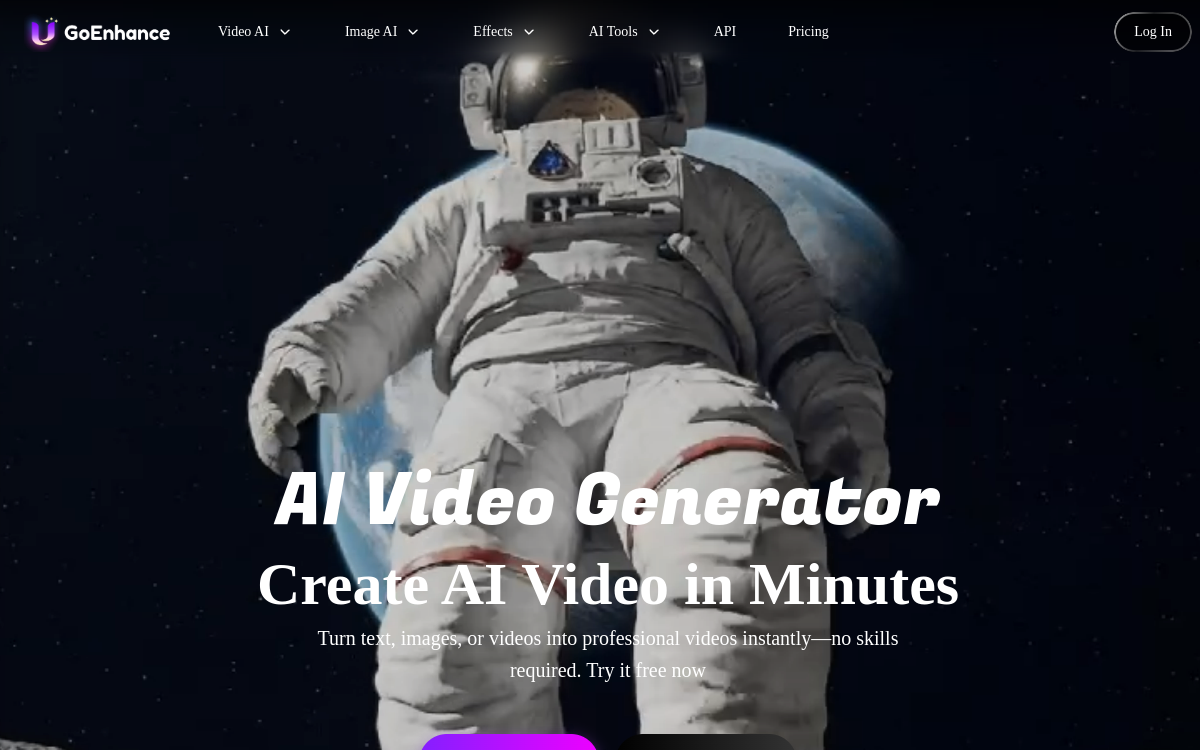
GoEnhance AI combines video generation (text-to-video), video-to-video transformation and quality enhancement (upscaling, denoising, color correction). Built for short-form creators, the tool accelerates Reels/TikTok/Shorts production with a simple workflow, based on credits, and faster exports in paid tier.
What is GoEnhance AI?
The essentials
GoEnhance AI is a web platform dedicated to creating and enhancing video content (and, depending on modules, images). It combines generation, stylization and quality optimization functions in a single workspace. Concretely, you can either generate a short video from a description, or import a clip and apply a visual style, then launch an enhancement pass to get a cleaner and more stable render.The product relies on a credits consumption model, which keeps you in control of budget and lets you adapt production intensity. It’s particularly suited to social media workflows where you need speed, creative variations and a clean final render, without mobilizing a complete post-production chain.
Key features
GoEnhance AI groups several key functions to accelerate video production. First, text-to-video generation lets you create short sequences from a prompt, useful for prototyping concepts, hooks or illustration shots. Next, video-to-video transformation stylizes existing footage: you preserve the movement structure while changing the overall aesthetic, which is relevant for creating variations of the same content.The tool also offers quality enhancement functions: upscaling to increase definition, noise reduction to clean an imperfect source, and visual adjustments to make the render more homogeneous. Finally, the interface facilitates iteration: you launch variations, compare, then choose the best export based on your objective (organic publishing, advertising, teasing, etc.).
Use cases
GoEnhance AI is particularly relevant for three scenarios. First: produce short videos for social networks, with consistent aesthetic and high publication pace. Second: recycle existing content by giving it a new style (for example to relaunch a campaign or adapt content to a visual trend). Third: quickly improve video quality before distribution, especially when the source is slightly compressed, noisy or not sharp enough.You’ll also find it in marketing team workflows that need to test multiple creative angles: the same idea can be declined in different visual variations, then A/B tested in ads. For freelancers, it’s a way to save time on the “polish” part without systematically going through heavy post-production software.
Advantages
The main benefit of GoEnhance AI is execution speed: generating, stylizing and enhancing a video in a single tool reduces friction and accelerates iterations. For performance-oriented teams (social, ads, content), this speed often translates to more tests, more learning and therefore better results.Another advantage: creative flexibility. Video-to-video transformation allows you to vary aesthetics without starting over, while text-to-video helps prototype ideas when you lack footage. Finally, enhancement modules (upscaling, denoising) bring visible quality gains on exports destined for web, which can improve brand perception and retention on short formats.
Pricing
GoEnhance AI generally offers freemium access with limits (credits, speed, quality/export). Paid plans increase credit allocation, unlock more advanced options and offer faster processing times. This logic works well for creators who produce in waves, and for marketing teams wanting to budget production.To optimize cost, it’s recommended to refine your prompts, limit unnecessary iterations, and reserve high-quality exports for content truly meant to be published or tested in advertising.
Conclusion
GoEnhance AI stands out through a very practical positioning: a single tool to generate, transform and improve videos for web. For social media and marketing use, it offers excellent balance between speed, creativity and quality. Limitations exist, especially for projects requiring ultra-fine control, but that’s not its target.If you’re looking to accelerate short content production and quickly decline multiple styles, GoEnhance AI is a coherent option to integrate into your stack. It will complement a dedicated editing tool very well once your needs exceed the scope of rapid exports.