



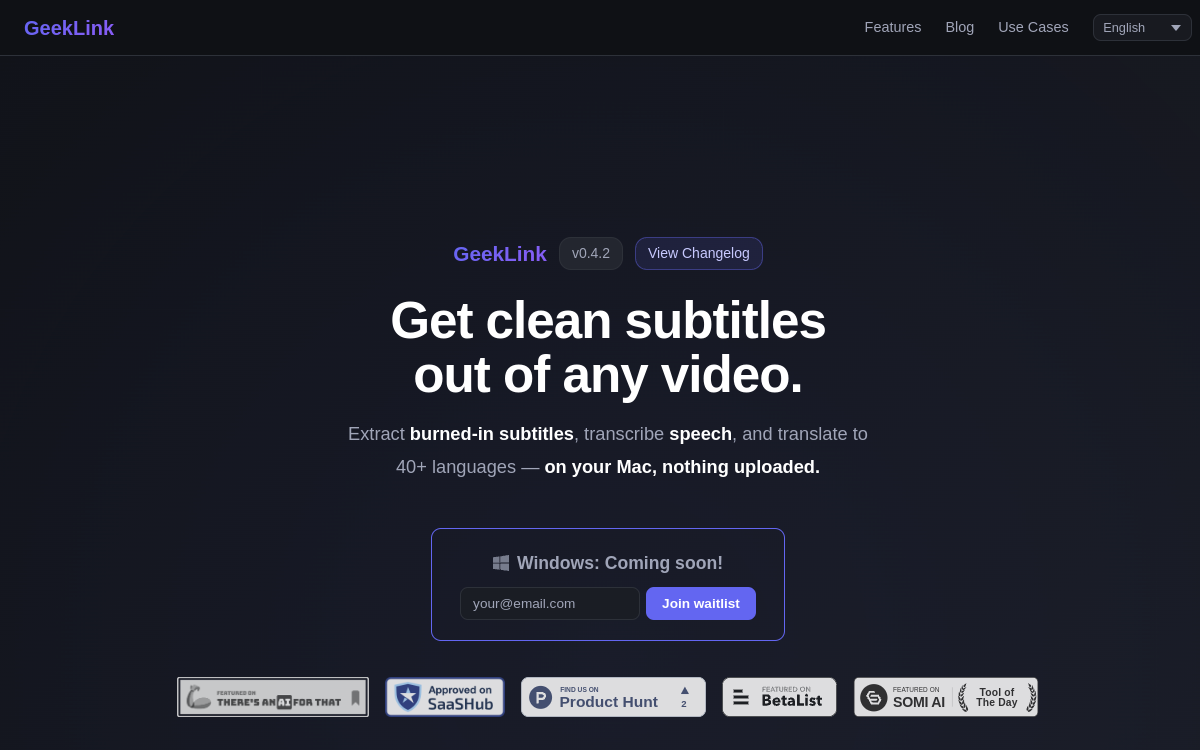
Subtitling a video remains one of the most time-consuming tasks for a content creator, especially when translating into multiple languages. Between manual transcription, timing synchronization, line splitting, and final burning, the work can take hours for a single video. GeekLink offers a solution to this problem in the form of a desktop application dedicated to macOS. Its principle is simple: automate the entire subtitling workflow, from speech recognition to export, while keeping the processing on the user’s machine. Unlike many online services that require uploading files, GeekLink works entirely locally, addressing a real privacy concern for creators handling copyrighted or unreleased content. The application combines several technical building blocks: Whisper-based speech recognition, intelligent subtitle splitting, translation into over 40 languages, and even OCR extraction of subtitles already burned into the image. This article details what GeekLink actually does, its features, its use cases, and its pricing model.
What is GeekLink?
The essentials
GeekLink, also presented as an AI-assisted subtitle factory, is a downloadable software that installs on macOS. It is not a web service but a native application, optimized for Apple Silicon chips. Its main function is to automatically generate subtitles from a video’s audio track, then translate and integrate them into the final file. The tool relies on the Whisper speech recognition engine to transcribe speech, then applies intelligent line splitting so that the text reads naturally, as if written by a human. It is aimed at content creators, translators, and video producers who need efficient multilingual workflows without sending their files to a third-party server.
Key features
GeekLink brings together several complementary features within a single interface. Speech transcription, based on Whisper, converts audio to text with support for multiple languages. Intelligent line splitting automatically segments sentences into semantic groups, avoiding the awkward breaks typical of generated subtitles. AI translation allows subtitles to be converted into over 40 languages, useful for reaching an international audience. OCR extraction is a rarer feature: it retrieves subtitles already burned into a video, with a color picker to target the text, which is particularly useful for repurposing existing content. The application also offers a style editor to customize subtitle appearance, several export options, and a batch processing pipeline capable of handling multiple videos in sequence. In terms of formats, GeekLink exports burned-in subtitles, togglable tracks, and SRT or TXT files. This range covers most of the needs of a professional subtitling workflow, from import to delivery.
Use cases
GeekLink’s use cases are practical and geared toward content production. A YouTuber can translate their videos into multiple languages to expand their audience without paying a service provider. A translator specializing in series, dramas, or anime can localize entire episodes using batch processing and multilingual translation. Training video producers can add clear subtitles to make their courses accessible. OCR extraction is useful for retrieving subtitles from shows, such as Japanese variety shows, when only the video file with burned-in text is available. Finally, anyone working on confidential content appreciates being able to process their files without exposing them to a cloud. The common thread in these scenarios is the need for fast, multilingual, and locally controlled subtitling.
Advantages
The primary benefit of GeekLink is privacy: by keeping all processing on the Mac, the tool avoids any file transfer to an external server. Next comes time savings, as the entire workflow, from transcription to burning in, is automated. The output quality benefits from intelligent line splitting, which produces readable subtitles rather than poorly timed blocks of text. Coverage of over 40 languages opens the door to international distribution without requiring a human translator for each language. Batch processing is a significant advantage for those managing a video catalog, as it allows for industrializing the subtitling process. Finally, optimization for Apple Silicon ensures solid performance on recent Macs, without relying on a fast internet connection to process files.
Pricing
GeekLink offers several plans. A free version allows users to test the application with certain limits. The monthly subscription is priced at $12.99, while the annual plan costs $99 per year, which is a more cost-effective rate for regular use. For those who prefer a one-time payment, a lifetime license is available between $169 and $199. The application also uses a token system, sold in packs ranging from $6.99 to $79.80, for certain processes. This hybrid model requires estimating your subtitling volume before choosing: an occasional user will be satisfied with the monthly plan, while an intensive creator will quickly amortize the lifetime license. Prices are expressed in US dollars.
Conclusion
GeekLink positions itself as a specialized and well-targeted tool for multilingual subtitling on Mac. Its strength lies in its entirely local processing, which combines privacy and autonomy, and a coherent chain of features ranging from Whisper transcription to OCR extraction. Its main limitation remains its hardware requirement: recent macOS and Apple Silicon chip are mandatory, which excludes some users. For a creator or translator equipped with a recent Mac and keen to keep their files on their machine, GeekLink is a serious and effective option for producing quality subtitles in many languages.