


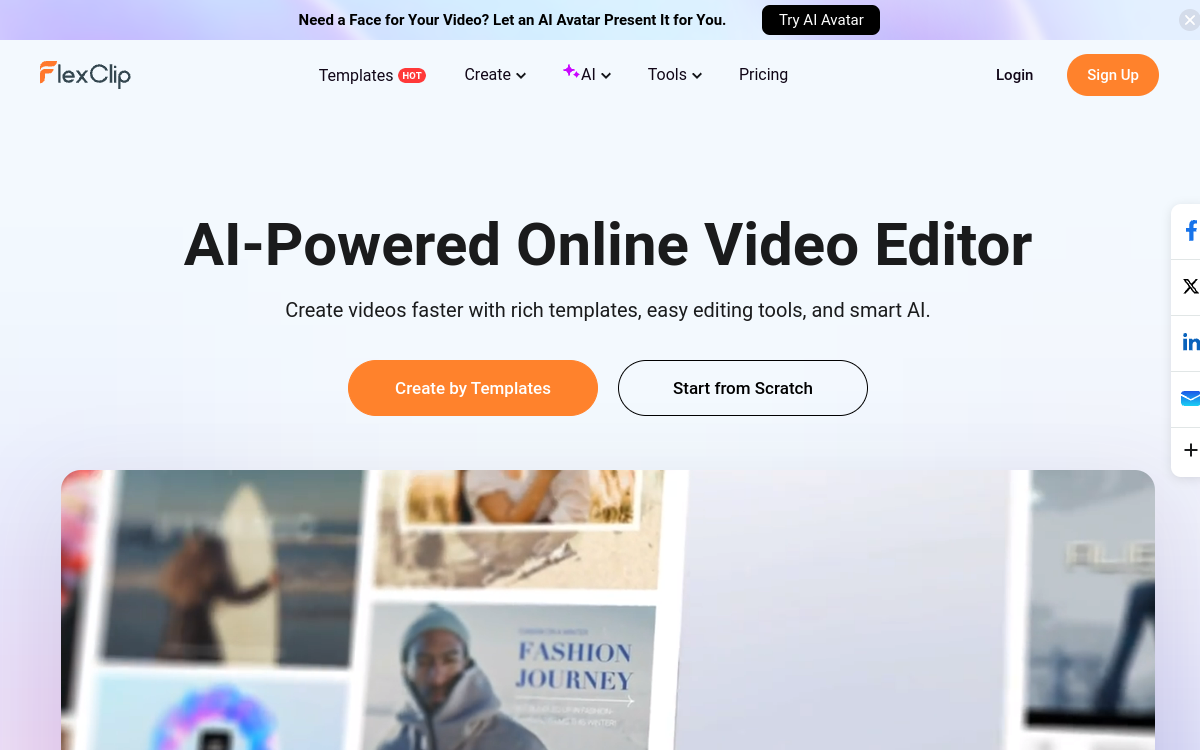
FlexClip is a web-based video editor oriented toward no-code that combines editing, templates and AI features. It allows you to create videos from a script (text-to-video), generate voiceover, add automatic subtitles and access stock media to edit quickly. Ideal for producing marketing and social content without advanced editing skills.
What is FlexClip?
The essentials
FlexClip is an online video editing platform, accessible from a browser, that combines a library of templates and simple editing features. It allows you to create marketing videos, social clips, presentations, or tutorials by assembling sequences, text, visuals and audio.The tool is distinguished by its no-code orientation: everything is designed to be used without editing expertise. The user can import their own media, use stock assets, add transitions, titles and animations, then export the video.FlexClip also integrates AI features that accelerate creation, notably script generation, automatic subtitle addition, and voiceover creation via text-to-speech. It’s a “productivity” editor: it aims for quick results, with a short learning curve and features suited to business and social media uses.
Key features
FlexClip offers simplified video editing: an accessible timeline, cutting tools, transitions, animated titles and basic effects. The tool mainly emphasizes templates: vertical, square or horizontal formats, promo videos, slides, presentations and social content. These models serve as a basis to save time and maintain visual consistency.On the AI side, FlexClip offers features to generate or structure video content from text, and to quickly produce a script adapted to the format. Automatic subtitle addition is important for social media performance. Style, placement and formatting options allow you to get readable subtitles consistent with your brand.FlexClip also includes useful audio features: music addition, volume adjustment, and voiceover via text-to-speech. Finally, access to media libraries (images, videos, icons) simplifies production when you don’t have internal assets. Paid plans generally unlock better quality exports, more resources and advanced features.
Use cases
The most common use case is creating marketing and social media content. FlexClip allows you to produce vertical videos for Reels/TikTok, square videos for feeds, or horizontal formats for YouTube and websites. Thanks to templates, you can create multiple campaign variations quickly.Second use: presentations and explanatory videos. For a landing page, product demo or tutorial, FlexClip helps assemble captures, text and voiceover, then add subtitles to improve understanding.Third use: training and internal communication. Teams can produce short videos (process, onboarding, instructions) without mobilizing a dedicated video team. Fourth use: freelancers and agencies who need to deliver clean videos quickly from simple briefs.In all cases, best practice is to use a template, work on the script, then optimize editing for pacing and readability (titles, subtitles, calls to action).
Advantages
The first benefit of FlexClip is speed. Templates, the no-code interface and AI features allow you to produce a video in reduced time, which is crucial for teams that publish often. Second benefit: simplicity. The learning curve is short and the tool avoids complex parameters.Third benefit: visual consistency. By starting from templates, you maintain more homogeneous identity from one video to another, which is useful for a brand. Fourth benefit: adaptation to social networks. Formats, subtitles and exports are designed for social-first uses.Finally, FlexClip is a good cost/efficiency compromise. For marketing, presentation and short content needs, it can replace heavier editing. For advanced projects, it serves as an accelerator: create a quick first version, test an idea, then finalize elsewhere if necessary.
Pricing
FlexClip offers a freemium plan to test the editor and its features. This free version is practical for discovering the interface, but may include limits on export (duration, quality, watermark) and access to certain resources.Paid plans generally unlock better quality exports, more duration, premium resources and watermark removal. The Plus plan is often around $9.99 per month and suits regular use. The Business plan, around $19.99 per month, targets more intensive creators or teams with more resources and higher limits.To choose, base it on your production frequency, export quality requirements, and need to remove the watermark. Testing the free version allows you to validate the workflow before switching to subscription.
Conclusion
FlexClip is an excellent online video editor for quickly producing marketing and social content. Its strength comes from the combination of templates + no-code + AI, which drastically reduces creation time and allows easy iteration.For short videos, presentations, tutorials and campaigns delivered in series, the tool is very effective. Its limitations mainly concern advanced professional needs: complex editing, fine audio, grading or heavy effects.If your priority is speed, simplicity and clean ready-to-publish videos, FlexClip is a solid choice. For more “studio” use, it’s better to consider it as a complementary tool.