


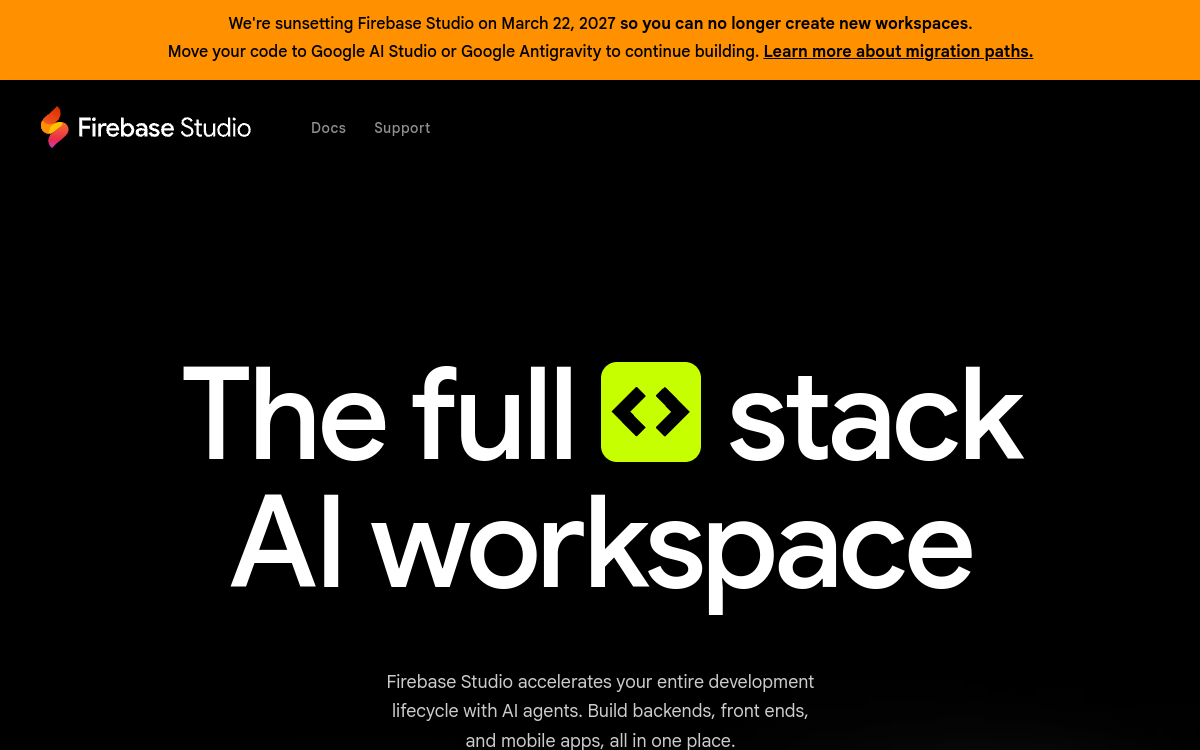
Firebase Studio is a cloud development environment designed to create full-stack apps powered by Gemini. From the browser, you combine a VS Code-like editor, preview and AI agents that generate and refactor code, configure Firebase services and help deploy. A convenient entry point for prototyping modern AI apps without setting up entire Google Cloud infrastructure from day one.
Overview of Firebase Studio
Detailed overview
✅ Strengths
- Full-stack workspace with code, preview and console unified.
- Gemini agents to generate, refactor and document code.
- Ready-to-use templates for Flutter, React, Next.js apps…
- Native integration with Firebase services (auth, DB, storage…).
- Based on VS Code, so very familiar to most developers.
- Designed to rapidly prototype AI apps in production.
⚠️ Limits
- Tool still in preview, variable stability and ergonomics.
- Requires good understanding of Google Cloud ecosystem.
- Not suited for no-code profiles or complete beginners.
- Managing infrastructure costs complex with heavy usage.
- No on-premise option, everything goes through Google servers.
❓ FREQUENT QUESTIONS
FAQ — Firebase Studio
What is Firebase Studio?
Firebase Studio is Google’s cloud development environment, based on VS Code and powered by Gemini, for creating full-stack web and mobile applications, with direct integration to Firebase services.
Is Firebase Studio free?
Firebase Studio is available free in preview. However, Firebase services and associated Gemini models usage can be billed based on consumption, especially in production.
Do you need to know Firebase to use Firebase Studio?
It’s not required, but basic Firebase knowledge (auth, database, storage, hosting) helps a lot to understand what the agents configure for you and control costs.
What's the difference between Firebase Studio and a traditional IDE?
Firebase Studio runs in the browser, includes Gemini to generate and refactor code, and integrates deeply with Firebase services. A traditional IDE offers more local control, but less integrated AI automation.
Is Firebase Studio suitable for enterprise use?
Yes for rapid prototyping and POCs. For large-scale enterprise use, you need to frame security, project governance and Cloud budgets, and view Firebase Studio as one component in a larger whole.

Code & Development No-code & Automation
Cloud development environment based on VS Code, powered by Gemini, to prototype and deploy full-stack AI apps on the Firebase ecosystem.
💰 Rate
Free in preview; Firebase / Gemini billing per usage.
🆓 Free trial
Yes
🌐 Languages
🇬🇧 English
Visit the site →