


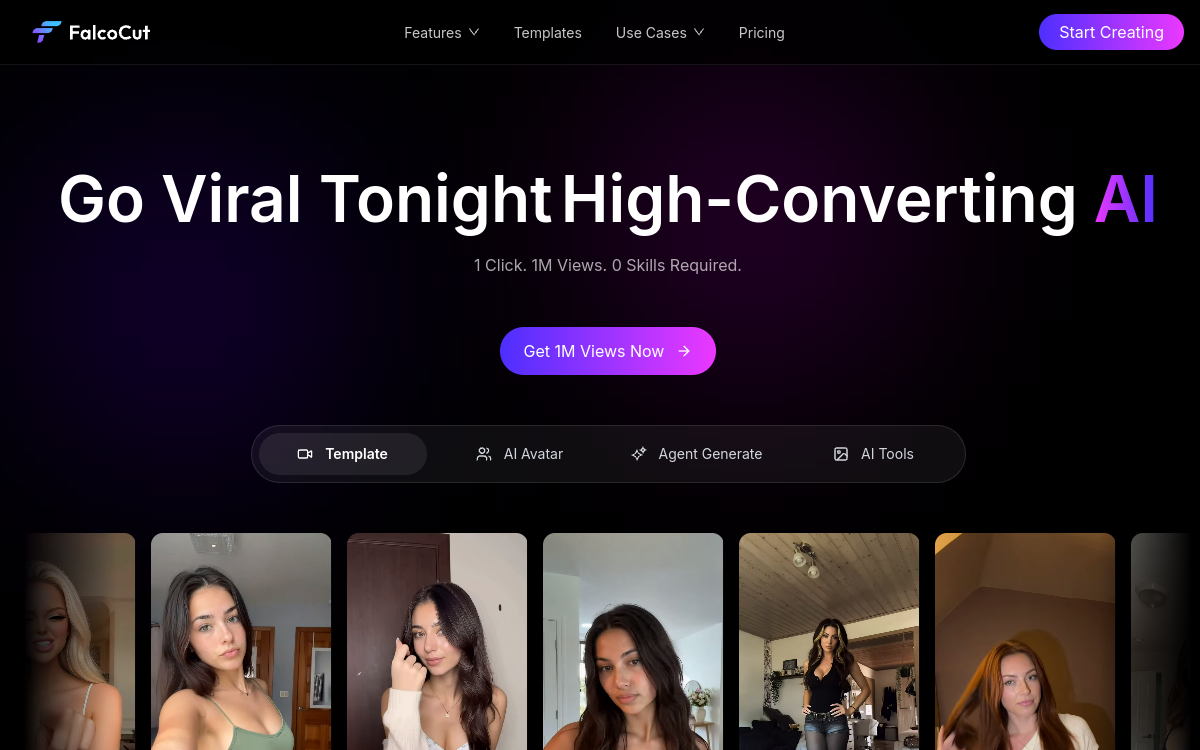
FalcoCut positions itself as an AI video agent for producing marketing clips from a brief. It combines text-to-video, guided editing, video avatars, captions and localization to speed up creation of social media content. Useful for transforming product assets into UGC, demos or ads videos, with a credits logic and a free version (watermark) to test.
What is FalcoCut?
The essentials
FalcoCut is an AI-assisted video creation platform aimed at marketing. It aims to quickly produce short videos (product demos, UGC, promos, announcements) from a brief and existing resources. Rather than starting with an empty timeline, the tool offers a guided flow: you define intent, format and style, then the AI generates a base video you can adjust.FalcoCut highlights functions related to current brand needs: virtual presenters, captioning, multi-format variations and localization to reach new markets. The approach is designed to iterate: produce a first version, modify it, then create multiple creative variations to optimize performance.The economic model is based on credits. A free plan allows testing, while paid plans increase quotas and unlock exports more suitable for professional use.
Key features
Marketing video generation: from a brief, the tool helps structure a video (messages, pace, scenes) and produce an initial usable render for social networks.Guided editing: rather than manipulating a complex timeline, FalcoCut offers more accessible adjustments (structure, sequences, pace) to speed up production.Avatars and presenters: ability to use an avatar to deliver a message, present a product or create a UGC format without filming.Captions and transcription: addition of captions to improve retention, make content accessible and optimize mobile performance.Multilingual localization: creation of language variants to distribute the same video across multiple markets, with a logic of production at scale.Variations and repeatability: creation of variations (hook, structure, call-to-action) to quickly test multiple creative angles.Web access and mobility: use from browser, with a flow adapted to fast and recurring production.
Use cases
E-commerce and advertising: transform product visuals, arguments and benefits into ad videos for TikTok Ads, Meta Ads or YouTube Shorts.UGC without filming: produce “testimonial” or “review” style videos to feed product pages and performance campaigns.Creative variations: create multiple versions of the same ad (hook, promise, CTA) to do creative A/B testing.International localization: adapt a video to different language markets to extend reach without redoing all production.Recurring social content: regularly feed social networks with short formats, reducing dependence on an editor.Agencies and studios: speed up the pre-production phase and deliver quick drafts that the team finalizes according to client requirements.
Advantages
Production speed: move from brief to a usable video in minutes, which reduces creation cycles.Less technical friction: the guided flow avoids starting with a complex timeline and simplifies iteration.Better test capability: multiply creative variations to find faster the messages and formats that convert.Captions and accessibility: improve retention on mobile and make content clearer without sound.International expansion: produce language versions to reach new audiences.Cost optimization: reduce filming and editing resource needs for short and repetitive formats.
Pricing
FalcoCut operates with a credits system. A free plan lets you start and test the platform with a monthly quota, but exports generally include a watermark. For professional use (more credits, suitable exports, large-scale production), paid subscriptions are offered.The right choice depends mainly on your publication frequency and need for variations. If you publish occasionally, the free plan may be enough to validate the workflow. If you’re launching advertising campaigns or managing multiple accounts, a paid plan quickly becomes necessary to absorb the production of variations.Before committing, test a complete e-commerce or UGC scenario: brief, generation, captions, 2-3 variations, then estimate your credit consumption over a typical week.
Conclusion
FalcoCut is primarily aimed at marketing teams and creators who want to produce short, testable and performance-oriented videos without heavy production. Between guided generation, avatars, captions and localization, the promise is clear: accelerate and industrialize the creation of social content.As always with AI video, quality depends on your inputs: brief, assets, expected style. The tool is particularly interesting for iterating and multiplying variations, while traditional editing software remains preferable for very fine control.If your challenge is to publish more often, test more and reduce production time, FalcoCut deserves a try, notably via its free access to validate the workflow before moving to a more suitable formula.