


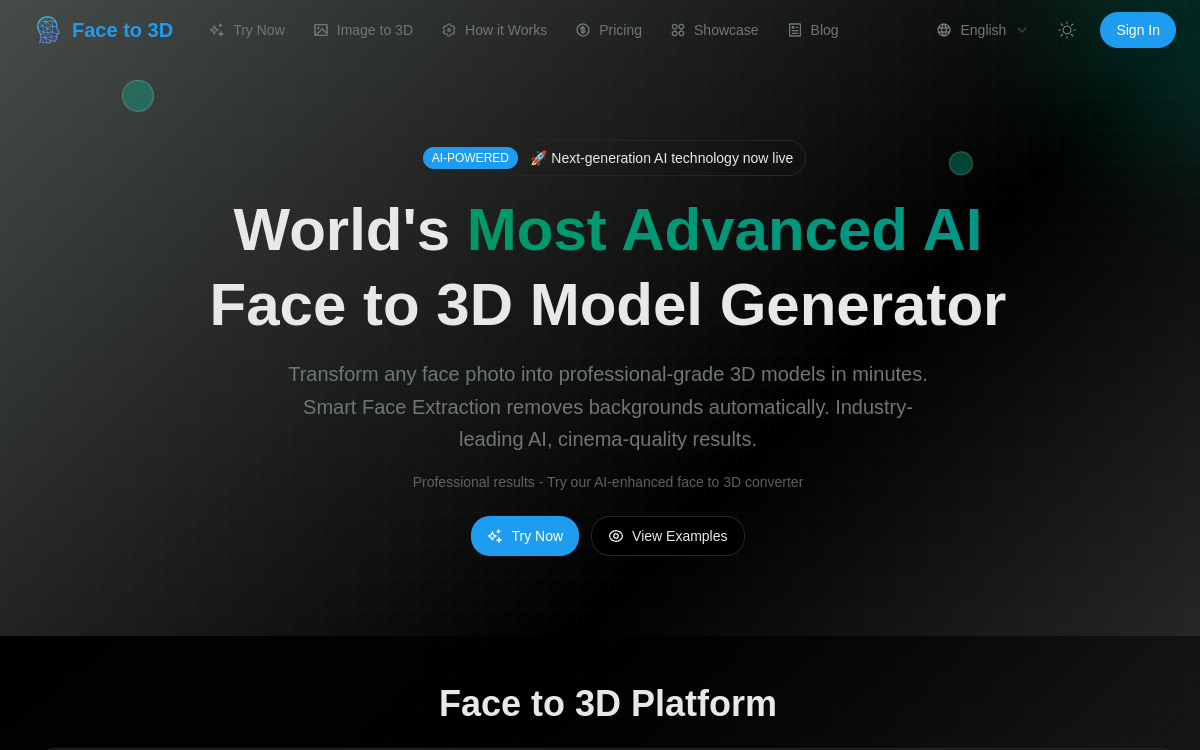
Face to 3D transforms a photo into an exploitable 3D model (GLB/OBJ/STL) thanks to reconstruction AI. The tool automates face extraction, applies realistic textures and provides an interactive 3D preview. Ideal for creating avatars, character bases and 3D prototypes without going through manual modeling, with a simple flow: upload, generation, export.
What is Face to 3D?
The essentials
Face to 3D is a “photo to 3D” conversion platform specialized in faces. The user imports a photo (common formats like JPEG/PNG/WebP) and the tool generates a corresponding 3D model with textures, leveraging neural networks trained on large facial datasets. The objective is to provide a quickly usable 3D base rather than a millimeter-perfect scan.The service includes an export system in standard formats (GLB, OBJ, STL) to facilitate integration into Blender, Unity, Unreal Engine, or CAD and printing software. Face to 3D is designed for creative and productive uses: VR/AR avatars, character prototypes, preview and rapid iterations, with a focus on ease of use.
Key features
Face to 3D emphasizes a direct workflow and production-oriented functions.1) Intelligent face extraction: the tool automatically removes the background and preserves the useful area (head/neck) to maximize reconstruction quality.2) AI 3D model generation: the engine reconstructs geometry from facial features, then applies coherent texture.3) Interactive 3D preview: a viewer lets you control the result (rotation, inspection, rendering) before download.4) Multi-format exports: GLB for real-time pipelines, OBJ for classic 3D workflows, STL for printing.5) Volume-oriented options: plans include monthly credits, unlimited daily downloads and, depending on level, queue priority and enhanced support.6) Multi-view mode: the platform highlights generation from multiple views to improve model stability when the user has multiple images.
Use cases
Face to 3D is particularly suited to use cases where iteration speed matters as much as precision.– VR/AR avatars: quickly create a face base, then refine as needed (stylization, rigging, blendshapes).– Video games and animation: produce a quality “placeholder” head, test scale, style and engine integration, then iterate.– 3D printing: generate a bust from a photo, export to STL and prepare the model for printing (thicknesses, supports).– Content and communication: produce 3D heads for marketing visuals, mockups, or product presentations.– Creative prototyping: quickly explore multiple character variants, save time on first versions and focus effort on artistic direction.
Advantages
The main benefit of Face to 3D is time savings. Rather than manually modeling a face, the tool provides a base in minutes with textures and export formats adapted. This accelerates prototyping, reduces load on 3D profiles and facilitates rapid iterations.Second advantage: accessibility. The “upload → generation → export” workflow allows non-specialist teams (PM, designers, makers) to produce usable assets without mastering the entire modeling chain.Finally, the tool is designed for integration: standard exports and 3D preview reduce friction between creation and use. However, it remains important to anticipate possible post-processing if your pipeline requires clean topology, advanced rigging or perfect consistency between multiple faces.
Pricing
Face to 3D operates with subscriptions and a monthly credits system. The PRO plan starts around $33/month (annual billing with discount), with a monthly credits quota, unlimited daily downloads, multi-view mode and commercial usage rights. The MAX plan increases credit volume and adds notably priority support. The ULTRA plan targets intensive usage (studios, large volumes) with more credits and faster processing.Keep in mind: each generation consumes credits. The right plan therefore depends on your pace (occasional prototyping vs. regular production).
Conclusion
Face to 3D is an effective tool for quickly converting a face photo to an exploitable 3D model. It shines on prototyping needs, avatars and asset creation at high volume, thanks to a simple workflow, 3D preview and standard exports. As always with generation, quality depends on the source photo and demanding pipelines will plan retouches (topology, details, rigging). If your goal is to save time on the first version and accelerate iteration, Face to 3D deserves a place in your toolkit.